
RoChess Guide: Getting started with bots

About
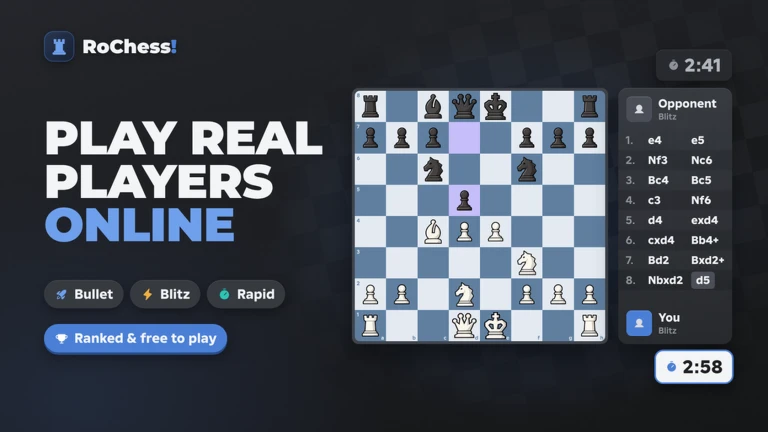
OverviewRoChess! is a full chess game on Roblox where you play rated matches against real players across nine time controls. This guide walks you through getting started with bots, choosing the right time control, working through puzzles, and reviewing your games so you can keep improving.
What is on this page
Contents
Player notes and tips
Found a useful trick? Share it with everyone! Notes with screenshots are welcome!
Write a guide note
RoChess!
Getting started with bots
Step
If you are new to chess, go straight to the bot selection screen instead of queuing for a rated match. There are 19 bots ranging from Beginner to Master, so you can find one that matches exactly where you are right now.
- Pick a bot
choose one of the easier Beginner-level bots and play a full game to get a feel for how the pieces move.
- Watch the opening name
the game recognises openings as you play, so note what it displays and remember it for next time.
- Queue for rated play
once you are ready, try a rated game against a real player.
MetaNew Player Survey

The next survey is being prepared.
Choosing a time control
Table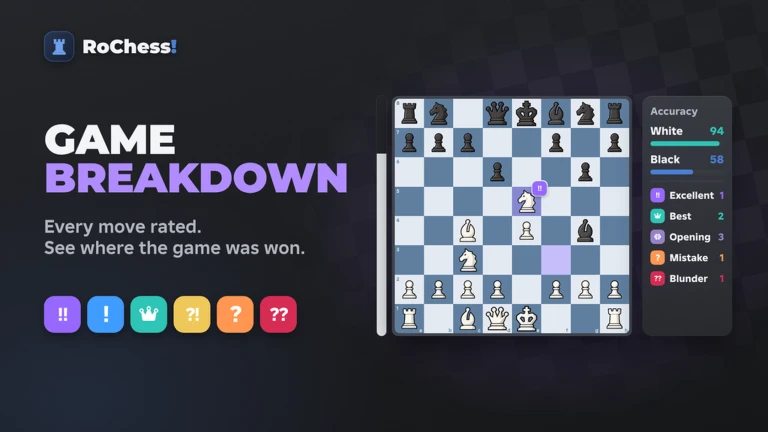
RoChess! offers nine time controls split across Bullet, Blitz, and Rapid categories. Each category has its own leaderboard, so your rank in one does not carry over to another.
| Bullet | very short clock, rewards instant decisions over careful thought. |
| Blitz | moderately fast, still requires quick judgment but gives a little more breathing room. |
| Rapid | the longest clock, lets you think through each move carefully. |
| Puzzles | a separate leaderboard tracks your puzzle rating independently of your game rating. |
Puzzle mode as a training tool
Tips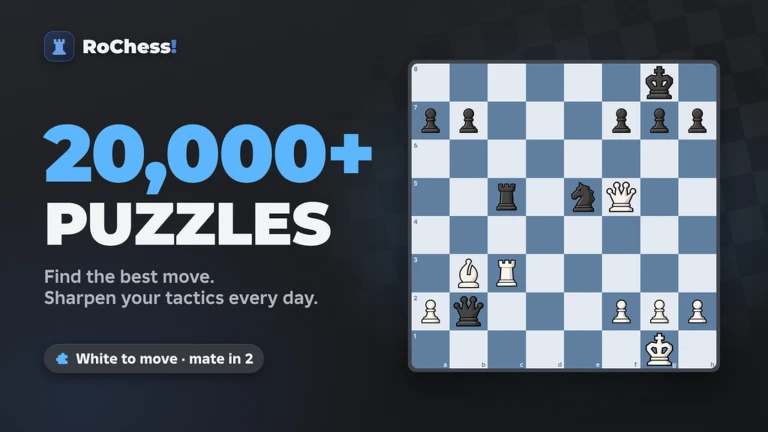
The puzzle library holds more than 20,000 rated puzzles. Every puzzle you solve or fail adjusts your puzzle rating, keeping the difficulty matched to your current level. Badges reward you as you hit puzzle milestones, starting from your very first solve.
- Solve at least one puzzle to earn the Puzzle Solver badge and get your first rating data point.
- Track your progress toward the 10, 50, 100, 500, and 1,000 puzzle badges as motivation to keep going.
Reviewing your games after each match
Step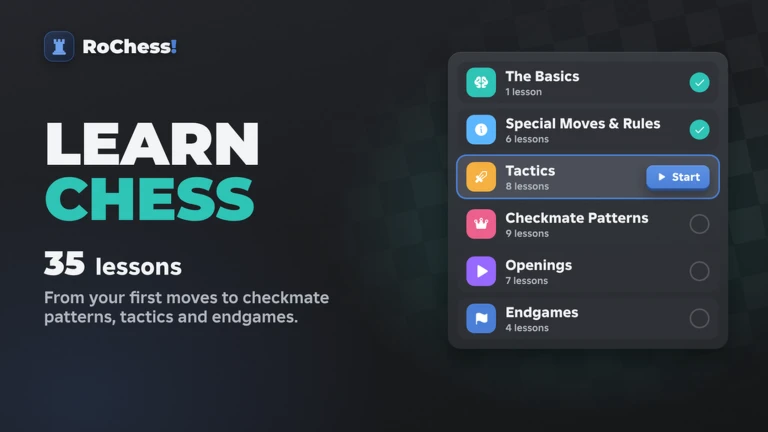
After every rated game, the Game Review screen shows your accuracy score alongside your excellent moves and your blunders. The Analysis Board pairs that review with a live engine so you can explore any position further.
- Check the accuracy score
open Game Review right after the match ends and read your overall accuracy number.
- Find the blunders
scroll through the move list and identify exactly where the review flags a mistake.
- Replay critical positions
take any position you are unsure about into the Analysis Board and let the live engine show you the strongest continuation.
Badge progression at a glance
TableEvery badge in RoChess! falls into one of three tracks. Use this table to see what milestone comes next in each track.
| Track | Milestone | Badge name |
|---|---|---|
| Rated wins | 1 win | First Win |
| Rated wins | 5 wins | 5 Wins |
| Rated wins | 10 wins | 10 Wins |
| Rated wins | 25 wins | 25 Wins |
| Rated wins | 50 wins | 50 Wins |
| Rated wins | 100 wins | 100 Wins |
| Rated wins | 250 wins | 250 Wins |
| Rated wins | 500 wins | 500 Wins |
| Rated wins | 1,000 wins | 1,000 Wins |
| Rated wins | 2,500 wins | 2,500 Wins |
| Rated wins | 5,000 wins | 5,000 Wins |
| Rated wins | 10,000 wins | 10,000 Wins |
| Puzzles solved | 1 puzzle | Puzzle Solver |
| Puzzles solved | 10 puzzles | 10 Puzzles Solved |
| Puzzles solved | 50 puzzles | 50 Puzzles Solved |
| Puzzles solved | 100 puzzles | 100 Puzzles Solved |
| Puzzles solved | 500 puzzles | 500 Puzzles Solved |
| Puzzles solved | 1,000 puzzles | 1,000 Puzzles Solved |
| Puzzles solved | 5,000 puzzles | 5,000 Puzzles Solved |
| Puzzles solved | 10,000 puzzles | 10,000 Puzzles Solved |
| Time played | 1 hour | 1 Hour Played |
| Time played | 3 hours | 3 Hours Played |
| Time played | 6 hours | 6 Hours Played |
| Time played | 12 hours | 12 Hours Played |
Glossary
Glossary- Rating
- A number that reflects your strength in a given mode — it goes up when you win and down when you lose.
- Time control
- The clock setting that decides how much time each player gets for the whole game, ranging from very fast Bullet to slower Rapid.
- Opening
- A named sequence of early moves; RoChess! automatically identifies which opening is being played as you make your moves.
- Accuracy score
- A number shown in Game Review that tells you how close your moves were to the strongest possible moves in that game.
- Analysis Board
- A tool you can open after a game to place pieces and check any position using a live chess engine.
- Blunder
- A move flagged in Game Review as a serious mistake that significantly hurt your position.
Common questions
FAQCan I play if I have never learned chess?
Yes. Start by picking one of the Beginner bots and play a few games to learn how the pieces move. Once the basics feel natural, you can try rated matches against real players.
Which leaderboards are there?
There are four separate leaderboards: one each for Bullet, Blitz, Rapid, and Puzzles.
How many players can be in one room?
Up to 50 players can be in a single room at the same time.
Game updates can change what is on this page. If you spot something, get in touch and let us know.
