MORE GEARS!!
Added 4 new permanent gears and a button to load your friends!

Make a Friend Request is a joke game where you create a fake friend request screen to prank your friends — it has no connection to the real Roblox friend system and cannot actually add anyone as a friend. This guide covers how the game works, how to unlock every badge, and how to get the confetti gun.
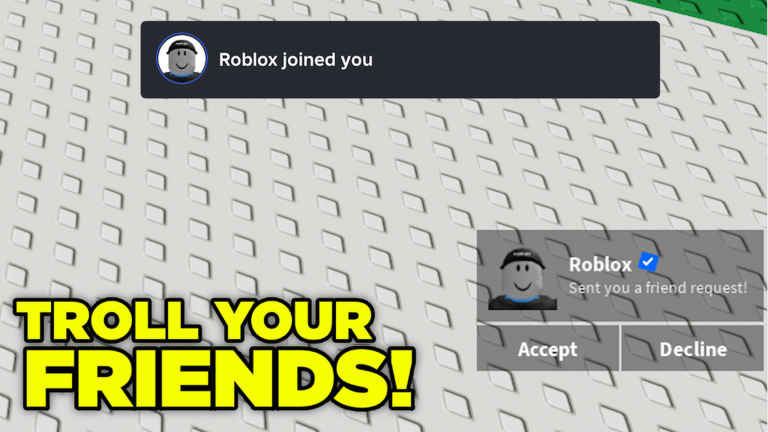
The game generates a fake friend request screen that looks convincing enough to fool someone at a glance. Up to ten players can be in one room at a time.
The confetti gun is a free reward tied to a single action. You do not need to spend anything or reach a time milestone — just favorite the game from inside the game itself.
いま開催中・開催予定のイベントです。期間が決まっているので先に確認しておきましょう。
Added 4 new permanent gears and a button to load your friends!
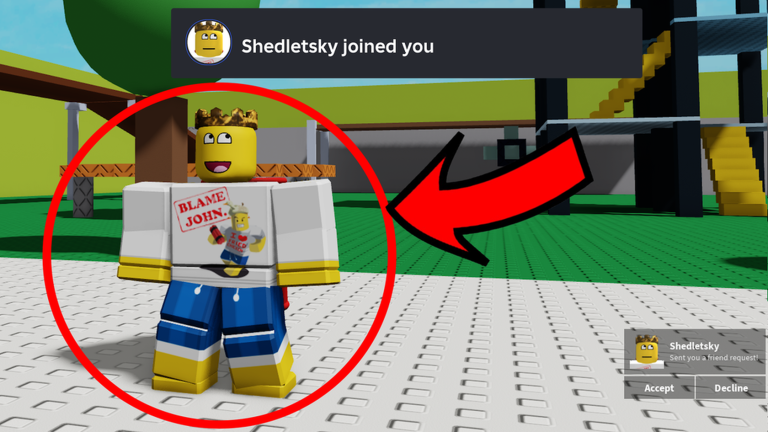
The time badges stack up automatically as long as you stay in the session. The three action badges each need you to do something deliberate.
| Badge | How to earn it |
|---|---|
| You joined | Enter the game for the first time |
| Sent a friend request | Send a fake friend request to yourself inside the game |
| Favorited the game | Favorite the game while you are in-session (also gives the confetti gun) |
| Played for 5 minutes | Stay in a session for 5 minutes |
| Played for 10 minutes | Stay in a session for 10 minutes |
| Played for 15 minutes | Stay in a session for 15 minutes |
| Played for 30 minutes | Stay in a session for 30 minutes |
| Played for 1 hour | Stay in a session for 1 hour |
| Played for 2 hours | Stay in a session for 2 hours |
| Played for 4 hours | Stay in a session for 4 hours |
| Played for 6 hours | Stay in a session for 6 hours |
| Played for 8 hours | Stay in a session for 8 hours |
| Played for 10 hours | Stay in a session for 10 hours |
| Played for 12 hours | Stay in a session for 12 hours |
| Played for 14 hours | Stay in a session for 14 hours |
| Played for 16 hours | Stay in a session for 16 hours |
| Played for 18 hours | Stay in a session for 18 hours |
No. The game is completely separate from the real Roblox friend system. Everything it produces is a visual for entertainment only, and your actual friends list is never changed.
No. Every badge and the confetti gun are free. Favoriting the game, which unlocks the confetti gun, costs nothing.
