
Animal Sim: Underwater — Controls you need to know
About
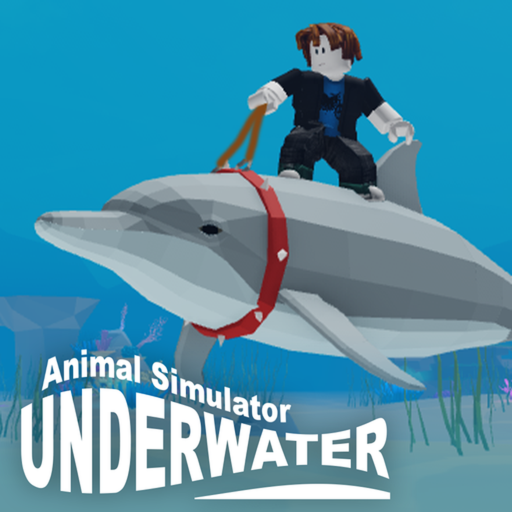
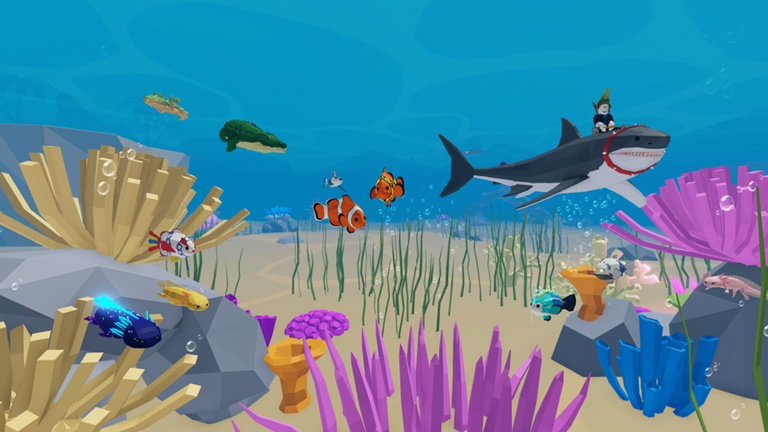
OverviewAnimal Sim: Underwater is a relaxed ocean simulation game where you pick a sea creature and swim freely through an underwater world. There are no goals, no story, and no way to lose — just you, the ocean, and other players doing the same thing. This guide covers the controls, how to get started, what to actually do, and how to make the most of playing alongside others.
What is on this page
Contents
Controls you need to know
Table
The entire control scheme fits on four keys. Q triggers your attack animation, Shift switches between running and walking, R makes your animal sit, and T puts it into a rest pose.
| Q | Attack |
| Shift | Run or walk |
| R | Sit |
| T | Rest |
Picking your first animal
StepWhen you first load in, you choose which sea creature you want to play as. Smaller animals move quickly and feel nimble, while larger ones swim at a slower, more relaxed pace. The game does not display any stat numbers, so the best way to understand the difference is to actually play each one. You can always go back to the selection screen and start over with a different creature.
- Jump in and swim get a feel for how fast and how big your animal is.
- Try the four keys use Q, Shift, R, and T to see what each does for your chosen creature.
- Switch if it does not feel right return to the selection screen and pick a different animal to compare.
Things to do once you are in the ocean
Check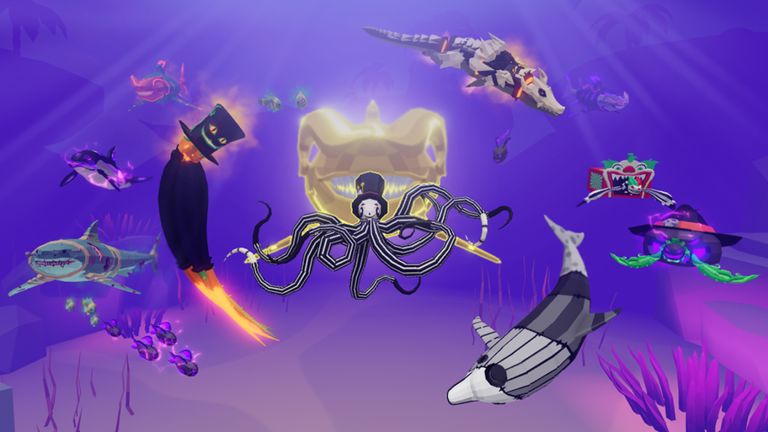
Animal Sim: Underwater has no missions, no levels, and no finish line. That means there is nothing to complete, but there is plenty to experience.
- Use R to sit and T to rest somewhere you enjoy.
- Try Shift to feel the difference between walking and running speed.
- Look for other players and swim near them.
- Switch to a different animal once you feel comfortable with your first one.
Playing alongside other people
TipsBecause the game has no competitive mechanics, everything that happens between players is social.
- Sitting or resting beside someone is a natural way to hang out without needing to chat.
- Avoid spamming Q at other players — the attack animation is annoying to be on the receiving end of.
- If someone moves away from you, let them go and find somewhere else to explore.
When the game starts to feel stale
Warn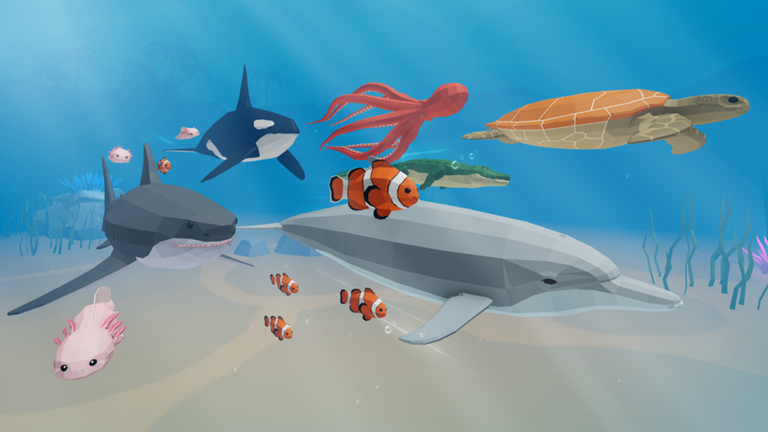
Because there are no objectives, the game does not pace itself for you.
Cost and access
SummaryAnimal Sim: Underwater is completely free to play. Every animal is available from the start, and there is no spending system that gives paying players different animals or better abilities. There are also no stamina timers or advertisements cutting into your session.
- Cost to play free
- Animals available at start all of them
- Paid advantages none
- Timers or ads none
Glossary
Glossary- Rest
- An animation triggered by pressing T that puts your animal into a lying-down or resting pose.
- Sit
- An animation triggered by pressing R that makes your animal settle into a seated position.
- Run / Walk toggle
- Pressing Shift switches your animal between its faster running speed and its slower walking speed.
- Animal selection screen
- The menu where you choose which sea creature to play as before entering or re-entering the ocean world.
- Server
- The shared online session you and other players inhabit at the same time.
Common questions
FAQIs this the same as the main Animal Simulator?
No — this is a separate game.
How do you change to a different animal?
Go back to the animal selection screen and choose a new creature, then re-enter the ocean.
Is there anything to complete or unlock?
No. The game has no progression system, no unlocks, and no ending. The point is to swim around, try the different animals, and enjoy the underwater environment at your own pace.
Game updates can change what is on this page. If you spot something, get in touch and let us know.
