
Rocket Rush — Controls and settings setup
About
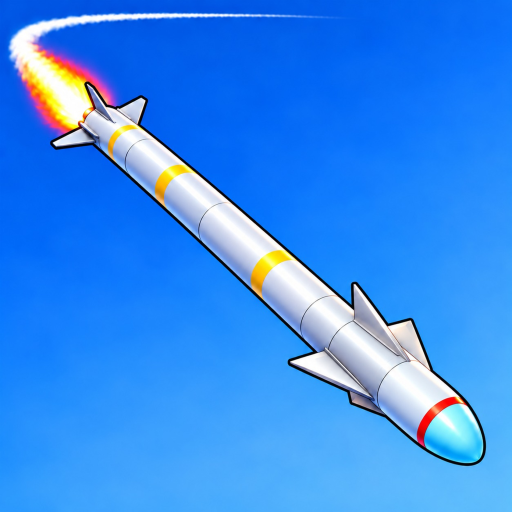
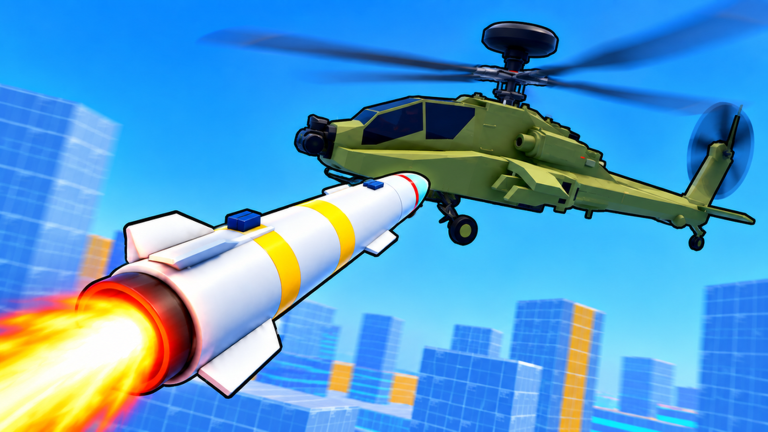
OverviewRocket Rush is a beta Roblox game where you play as a rocket, blasting through enemy tanks, helicopters, and planes while managing a limited fuel supply. The developers warn upfront that the controls take time to learn, so this guide walks you through the basics, fuel strategy, advanced techniques, and the badges you can earn along the way.
What is on this page
Contents
Controls and settings setup
Step
Before you touch the course, open the settings tab in the top-left toolbar. From there you can remap every keybind and, if you are on mobile, rearrange the HUD to suit your hands. The W and S keys can also be inverted here, which some players find much more natural for nose-up and nose-down inputs.
- Open settings tap the settings tab in the top-left toolbar before your first run.
- Invert if needed if W and S feel backwards, flip them in that same menu.
- Fire the rocket press Space or click to launch.
- Steer move your mouse to aim toward the crosshair.
- Adjust pitch W pushes the nose down; S pulls it up.
- Burn harder hold Space to activate the afterburner and squeeze out extra speed.
Core goals and what the badges reveal
Summary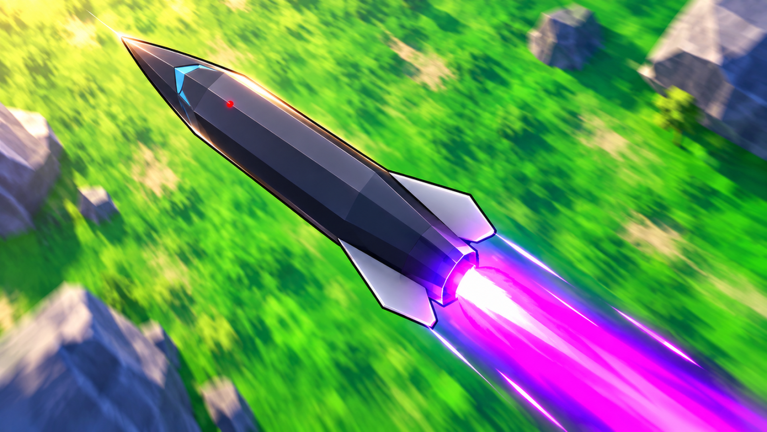
The badge list is the clearest picture of what the game actually rewards.
- Course completion finish a full run without being destroyed.
- Target score hit 100 targets in total across multiple runs.
- Fuel discipline finish a course with under five percent fuel remaining.
- Afterburner stamina keep the afterburner burning for a cumulative 60 seconds in one run.
- Anti-air survival pass through an entire flak zone without taking a single hit.
- Missile evolution evolve your missile at least once, with further evolutions unlocking additional tiers.
Advanced techniques: grappling and anti-air zones
Tips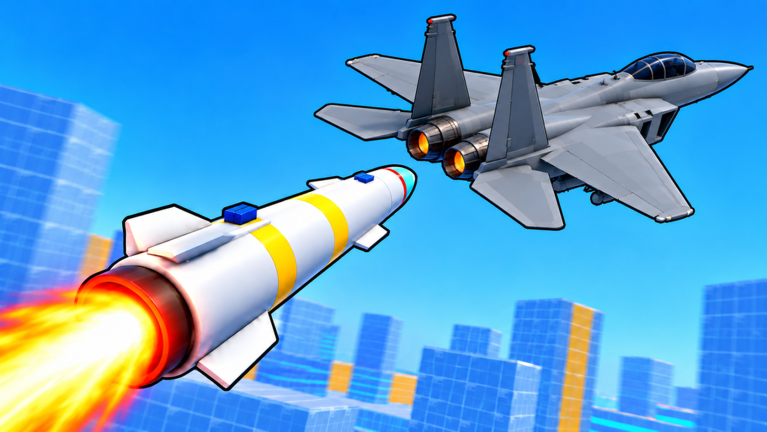
Once the basic controls feel comfortable, these two mechanics separate average runs from great ones.
- To chain five grapples in one run without touching the ground or a wall, stay high and plan each pull before you commit to it.
- Surviving a full flak zone without a hit is its own badge.
- Grapple chains break the moment you graze a surface, so height and spacing matter more than raw speed through those sections.
Racing and the revive mechanic
Check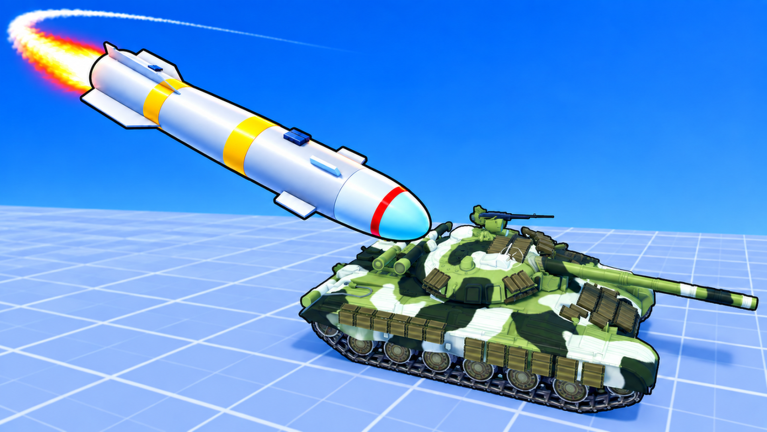
Up to six players share a room, and finishing first earns the Podium Finish badge. The Second Chance badge has a different condition: use a revive mid-run and still complete the course.
- If you use a revive, treat the rest of the run as a fresh attempt you still need to reach the end to earn the badge.
- Open at least one case at some point; Casecracker is one of the badges you can tick off.
Playing in beta
Summary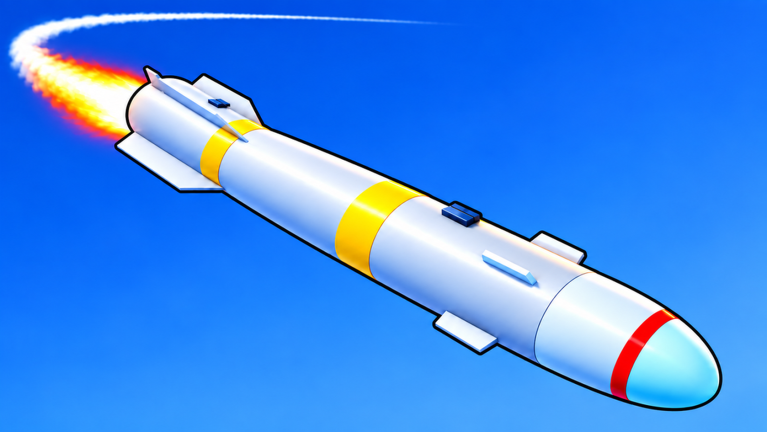
Rocket Rush is explicitly a beta release, and the developers push updates frequently. The feedback button in the game is the direct line to the team if you run into bugs or want to suggest something.
- Beta status the game is still in active development, so changes arrive regularly.
- Feedback use the in-game feedback button to report issues or suggestions to the developers.
- Platform support mobile, console, and PC are all supported, with HUD customization available in settings for mobile players.
Glossary
Glossary- Afterburner
- Holding Space ignites a secondary burn that pushes the rocket faster, but it eats through your fuel supply.
- Evolve
- A progression mechanic that advances your missile to a stronger tier; multiple tiers exist beyond the first evolution.
- Grapple
- A mid-air pull maneuver that lets you change direction without touching the ground or walls; chaining five in a row is a badge challenge.
- Revive
- A one-time recovery that brings your rocket back after being destroyed, letting you continue the current run.
- Flak zone
- A section of the course where enemy anti-air fire fills the air; passing through without taking a hit earns the Flak Dodger badge.
- Case
- An openable item in the game; cracking your first one counts toward the Casecracker badge.
Common questions
FAQWhy is it so hard to steer the rocket?
The game's own description warns that the controls take real time to get used to. Start by checking the settings tab and trying the inverted W/S option if the default pitch direction feels wrong.
How do I stop running out of fuel before the course ends?
Afterburner use is the main drain. There is a badge for finishing with under five percent fuel left, which is a reminder that tight fuel management is a core part of the game rather than an afterthought.
Can I earn the Second Chance badge even after using a revive?
Yes — the badge specifically requires you to use a revive and then finish the course in that same run, so being revived is a necessary step, not a disqualifier.
Does it matter which platform I play on?
The game supports mobile, console, and PC. Mobile players should head to the settings tab first and adjust the HUD layout to something comfortable before attempting a full course.
Game updates can change what is on this page. If you spot something, get in touch and let us know.
