
WINGBLADE ARENA Guide: Controls to learn first
About
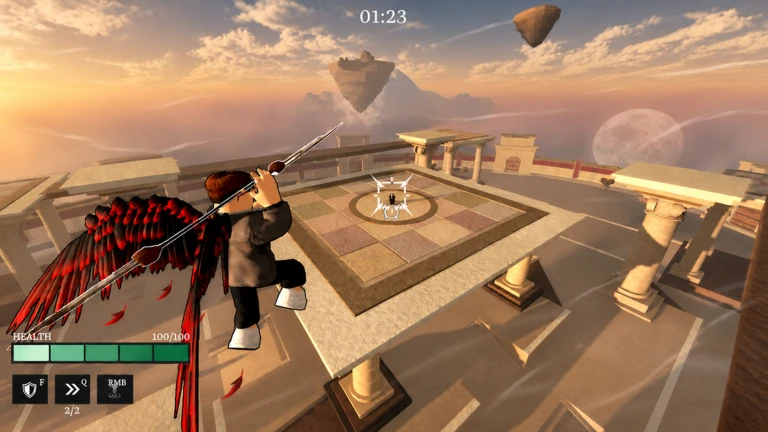
OverviewWingblade Arena is a fast-paced free-for-all aerial combat game where up to 16 players fight mid-air using flight, spear attacks, and special abilities. This guide covers the controls, how to stay airborne and alive, and how to adapt your playstyle to whatever spear you pick up.
What is on this page
Contents
Player notes and tips
Found a useful trick? Share it with everyone! Notes with screenshots are welcome!
Write a guide note
WINGBLADE ARENA
Controls to learn first
Table
All controls are also shown in the in-game Settings screen. Controllers are supported on both PC and mobile.
| Key / Input | What it does |
|---|---|
| WASD | Move in any direction |
| Space | Jump / gain altitude |
| Shift | Sprint for extra speed |
| Left Mouse | Attack with your spear |
| F | Block an incoming attack |
| Q | Dash sideways quickly |
| Right Mouse | Super Jump — burst upward fast |
| E | Activate your spear's unique ability |
MetaNew Player Survey

The next survey is being prepared.
Staying in the air
Tips
The ground is a dangerous place. Sprint and Dash together let you shift position quickly.
- Tap Space repeatedly to hold your height.
- After landing a hit, move away immediately.
- When an enemy closes in, Dash with Q to open distance fast.
- Use Super Jump to burst upward with Right Mouse.
Adapting to each spear
Step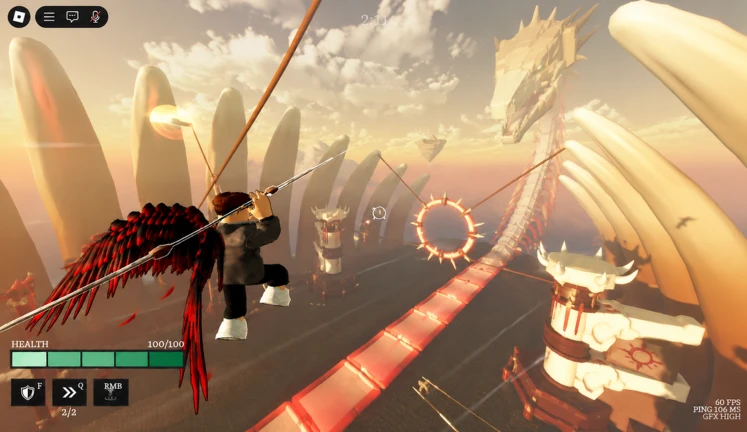
Spears appear on the map during combat and can be picked up. Because each one comes with a different E ability, your fighting range and rhythm need to change with every new spear you hold.
- Press E as soon as you pick up a spear to see what its ability does.
- Figure out whether the ability works best up close or at a distance.
- Watch your opponent's spear and position yourself accordingly.
- Keep repositioning with Dash and Sprint to hold the gap that suits your current spear.
Halloween update — collecting Souls
Check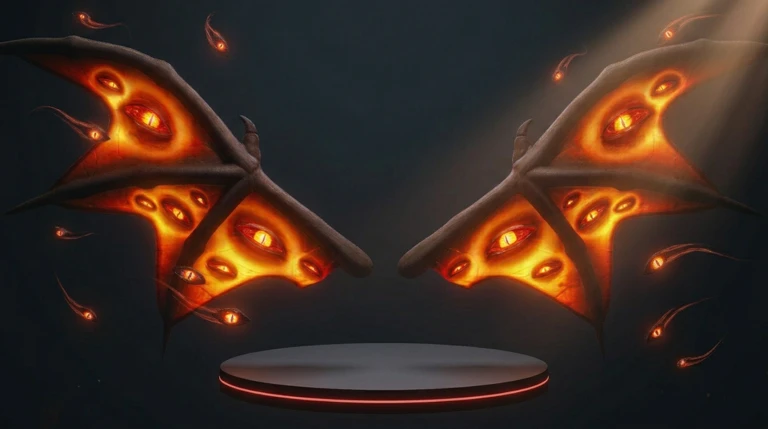
The Halloween update adds a progression layer on top of normal matches.
- Play matches and collect Souls during combat.
- Open the in-game screen to track how far along your unlocks are.
- Equip any limited item as soon as it becomes available.
Mobile and controller play
Summary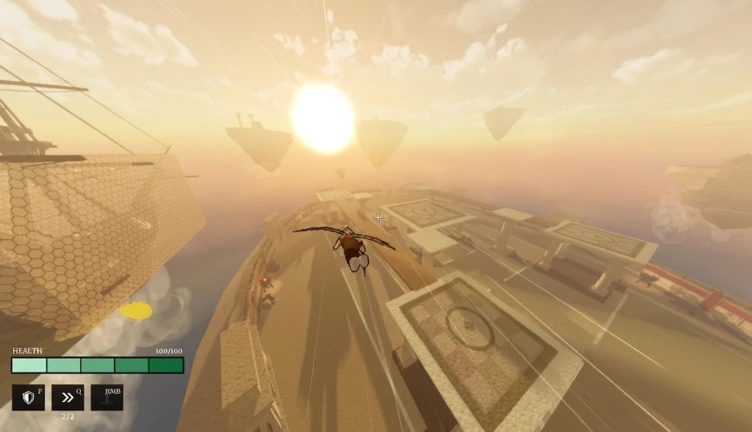
Wingblade Arena has full mobile support. Connecting a controller gives you the same layout as PC.
- Touch support full on-screen controls available on mobile devices.
- Controller support works on both PC and mobile.
- Control layout check Settings in-game to see button positions.
Glossary
Glossary- FFA
- Free-for-all — every player is an enemy; there are no teams.
- Super Jump
- A fast upward burst triggered by Right Mouse.
- Block
- A defensive action on the F key that stops an incoming attack.
- Spear Ability
- A unique special move tied to whichever spear you are currently holding, activated with E.
- Dash
- A quick sideways movement on the Q key used to reposition in the air.
Common questions
FAQIs it ever safe to land?
You can land, but the ground leaves you far more exposed to attacks than staying in the air does. The whole game is built around aerial movement.
Where do spears come from?
Spears appear on the map during a match and can be picked up. As soon as you grab a new one, press E to find out what its ability does.
How many players can be in one match?
A single room holds up to 16 players.
Can I use a controller?
Yes, controllers are supported on both PC and mobile. The full control layout is shown in the in-game Settings screen.
Game updates can change what is on this page. If you spot something, get in touch and let us know.
