
Gone Hunting Guide: Getting started
About
OverviewGone Hunting is a relaxing RPG adventure on Roblox where you hunt animals, fish, and set traps to earn money and upgrade your gear. The world has dynamic weather that changes which animals appear and where, and up to 16 players can explore the same map at once.
What is on this page
Contents
Player notes and tips
Found a useful trick? Share it with everyone! Notes with screenshots are welcome!
Write a guide note
[🏹] Gone Hunting
Getting started
Step
When you first load in, head to your gear inventory and pick something to equip. From there, explore the map until you find an animal or a fishing spot, and a minigame will begin. Selling your catches gives you money to strengthen your equipment.
- Open inventory
equip a rifle, fishing rod, or trap before you do anything else.
- Explore the map
walk around until you spot an animal or a fishing location.
-
Complete the minigame to secure your catch.
- Sell your catch
turn everything you captured into money.
- Upgrade your gear
spend that money to improve your equipment.
MetaNew Player Survey

The next survey is being prepared.
How each piece of gear plays
Table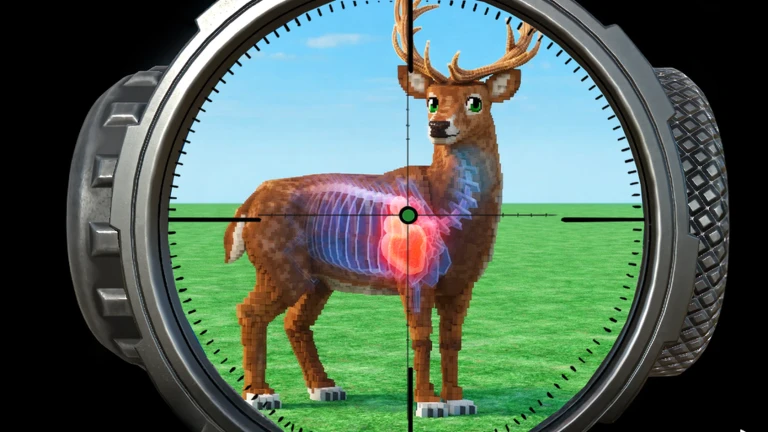
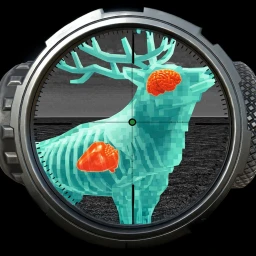
There are three gear types. The rifle asks for accuracy, the rod asks for quick reactions, and traps work passively while you are logged off.
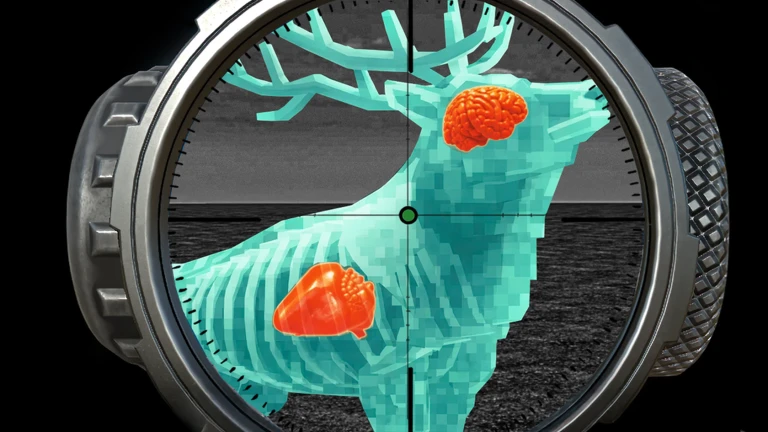
| Rifle | an accuracy-based minigame where you need to aim for the centre of the animal. |
| Fishing rod | a reaction-speed minigame where you tap fast to reel in your catch. |
| Passive trap | set it and come back to collect the animals it caught while you were away. |
Weather and what it means for hunting
Tips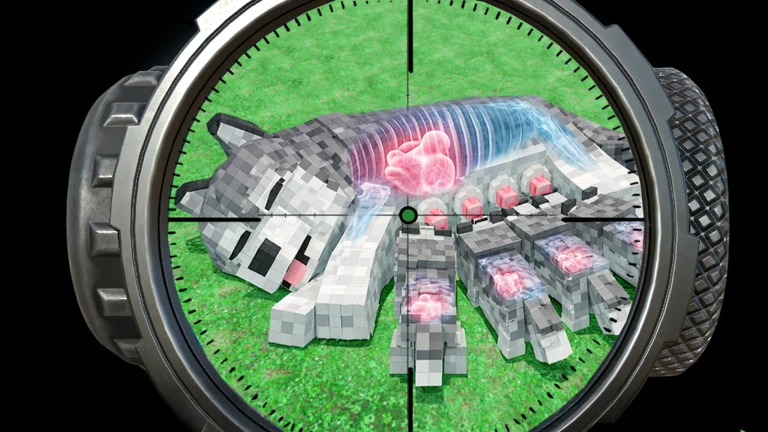
The game cycles through eight dynamic weather types automatically, and the weather directly controls which animals spawn and where on the map they appear. Stacking multiple weather traits together is what pushes the rarest animals to show up.
- There are eight different weather types, and each one changes the spawn locations and the animals available.
- Stacking multiple weather traits increases your chances of finding the most valuable animals.
Earning while offline with passive traps
Check
Passive traps keep working after you close the game, capturing animals automatically and building up your funds.
- Equip a trap from your gear inventory before logging off.
- Log in periodically to collect your trapped catches and sell them.
Tips for the minigames
Tips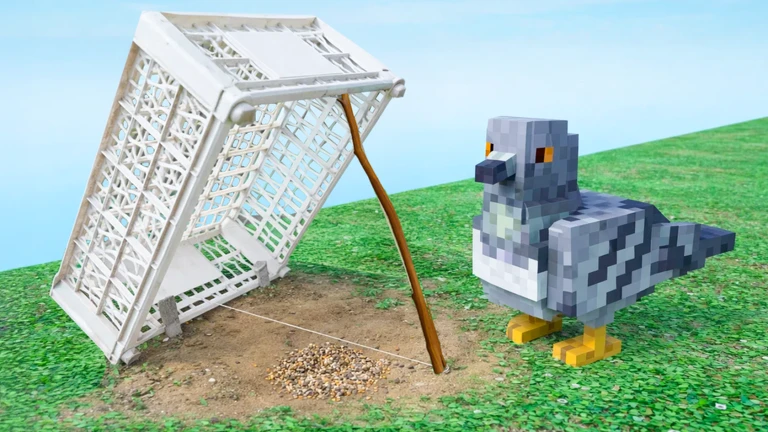
The rifle minigame and the fishing minigame each have one clear key to success. For the rifle, that is aim placement. For the rod, that is tap timing.
- With the rifle, aim for the centre of the animal.
- With the fishing rod, tap fast to reel in your catch.
The Rainveil Forest area
SummaryUpdate 4 added the Rainveil Forest, a new area that comes with its own animals, a new grappler, and additional gear.
- Rainveil Forest
a new explorable area added in Update 4.
- New animals
the forest introduces new creatures.
- Grappler
a new gear item added alongside the forest.
- Additional gear
further equipment options became available with this update.
Glossary
Glossary- Gear
- The tools you equip from your inventory — rifle, fishing rod, or trap — each used to capture animals in a different way.
- Catch
- The animal you secure by completing a minigame successfully, which you can then sell for money.
- Passive trap
- A piece of gear you place on the map that captures animals automatically, even when you are logged out.
- Weather trait
- A weather condition active in the game world; stacking multiple traits at once influences which rare animals appear.
- Upgrade
- Spending the money you earn to improve your gear.
Common questions
FAQHow many players can be in the same world?
Up to 16 players can explore the same map at the same time.
Can I earn money without actively playing?
Yes. Equip a passive trap before you log off and it will keep catching animals while you are away. When you come back, collect what it gathered and sell everything.
How do I find the rarest animals?
Stack multiple weather traits together to get the most valuable animals.
Game updates can change what is on this page. If you spot something, get in touch and let us know.
