
Greatest Easy Obby Guide: Basic controls
About
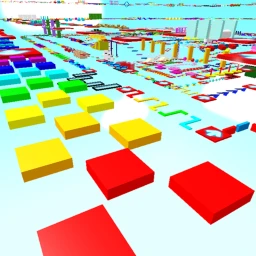
OverviewGreatest Easy Obby is a Roblox obstacle course with over 500 stages, starting simple and getting harder as you go. Every stage is free to play — no purchases required. This guide covers the controls, how to push through tough spots, and how to recover your progress if you ever lose your save.
What is on this page
Contents
Basic controls
Check
The controls stay the same no matter how far into the game you get, so getting comfortable with them early pays off for the entire run. On a computer you use the keyboard; on mobile the touch buttons work the same way.
- Move with WASD on a keyboard, or the on-screen joystick on mobile.
- Jump with the spacebar on a keyboard, or the jump button on mobile.
- Look around by moving the mouse or swiping the screen to find where the path goes next.
MetaNew Player Survey
The next survey is being prepared.
Getting started: stages 1 to 20
StepThe game places you at stage 1 and the difficulty climbs steadily from there. Your first badge milestone arrives at stage 20.
- Start at stage 1 use these opening stages to get comfortable with jumping and turning.
- Aim for stage 20 reaching it earns your first badge and proves the recovery system has a record of your progress.
What to do when you are stuck
Tips
Experiment with each variable one at a time instead of changing everything at once.
- Try jumping a fraction of a second earlier or later — timing is the most common fix.
- Check that your character is facing the right direction before you leave the ground.
- Take a longer or shorter run-up to change how far the jump carries you.
- Watch another player attempt the same stage to see a different approach.
- If frustration is building, reset the stage and approach it with fresh eyes.
Recovering lost progress
StepBadges record your progress every 20 stages. If your save is ever lost, the recovery button reads those badges and sends you back to the closest stage that is a multiple of 20.
- Clear stage 1 you must pass through the first stage before the recovery option appears.
- Look behind stage 1 there is a button placed just past it.
- Press the recovery button the game checks your badges and moves you to the furthest multiple-of-20 stage they confirm.
- Continue from there you pick up right where your badges say you left off.
Pushing through all 500 stages
Tips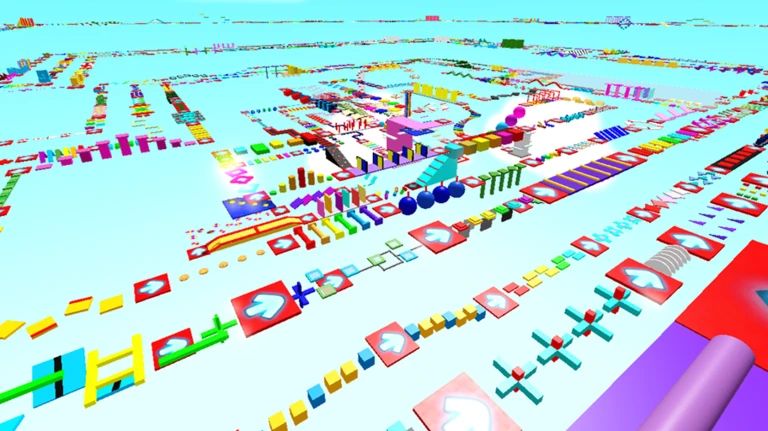
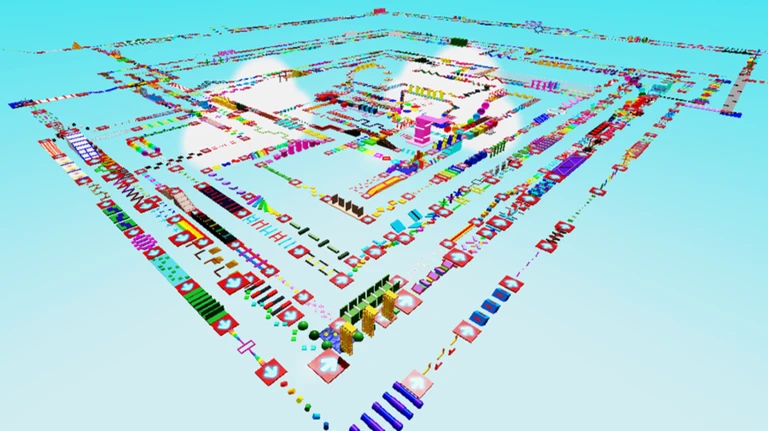
The same type of obstacle can appear in very different arrangements across 500 stages, so reading each layout individually is more useful than relying on muscle memory alone.
- Expect each new arrangement of a familiar obstacle to need its own solution.
- Accept that failing repeatedly on one stage teaches you exactly what that stage requires.
- Badges every 20 stages give you clear short-term targets to work toward inside the larger 500-stage goal.
Cost and access
SummaryThere are no paid stages, locked areas, or premium tiers. The playing field is identical for every player.
- All stages every one of the 500-plus stages is free to attempt.
- No paywalls no stage requires any purchase to unlock.
Glossary
Glossary- Obby
- Short for obstacle course — a Roblox game genre where you jump and climb through a series of challenges.
- Stage
- One individual section of the course; Greatest Easy Obby has over 500 of them.
- Badge
- An achievement the game awards when you reach a milestone stage; badges are also what the recovery system reads to restore your progress.
- Stage recovery system
- A feature that lets you reclaim your progress by pressing a button behind stage 1, restoring you to the closest multiple-of-20 stage your badges confirm.
Common questions
FAQI lost my save data — do I have to start over?
No. Clear stage 1, then look behind it for the recovery button. Press it and the game uses your badges to send you back to the furthest multiple-of-20 stage you had reached.
I keep falling on the same jump — what should I try?
Adjust one thing at a time: the moment you jump, the direction you are facing, or the length of your run-up. If none of that works, watch another player attempt the stage and look for what they do differently.
Does the game cost anything to play fully?
Nothing at all. All 500-plus stages are free, and there are no purchases needed at any point in the game.
Can I play on a phone?
Yes. On mobile, on-screen touch buttons handle movement and jumping the same way a keyboard does on a computer.
Game updates can change what is on this page. If you spot something, get in touch and let us know.
