
Train Robot to Fight Guide: Redeeming your first code
About
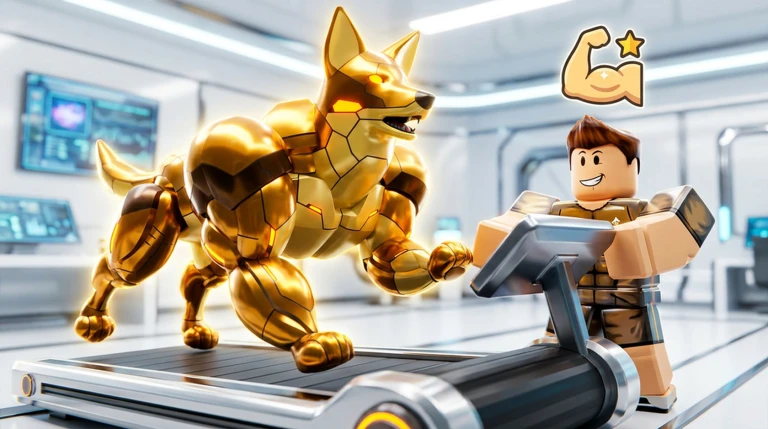
OverviewTrain Robot to Fight is a Roblox game where you collect robots, including robot dogs and bear-shaped mechs, then train and upgrade them into a fighting squad. You battle through PvE arenas and PvP multiplayer modes, customize your robots with equipment, and climb a global leaderboard.
What is on this page
Contents
Redeeming your first code
StepThe game has a working redeem code you can claim as soon as you start. Open the Shop from the button on the left side of the screen, then find the Codes option on the right side of that menu. Type the code exactly as it appears, press Redeem Code, and the reward lands in your account immediately.
- Open the game launch Train Robot to Fight from Roblox on any device.
- Open the Shop click the Shop button on the left side of the screen.
- Select Codes find the Codes option on the right side of the Shop menu.
- Enter your code type it exactly into the Enter Code Here box.
- Collect your reward press Redeem Code and the items are added straight away.
 ROBO
free gift
ROBO
free gift
What codes give you
Tips
Three types of reward come from codes. Each one feeds into a different part of the upgrade loop, so none of them go to waste at the start of a run.
- Medals are the main currency for early robot upgrades.
- Bolts let you buy new mechs and push upgrades further.
- Potions boost your training efficiency for a period of time.
- Codes can expire or run out of uses, so redeem any you have as soon as possible.
Building and training your squad
Check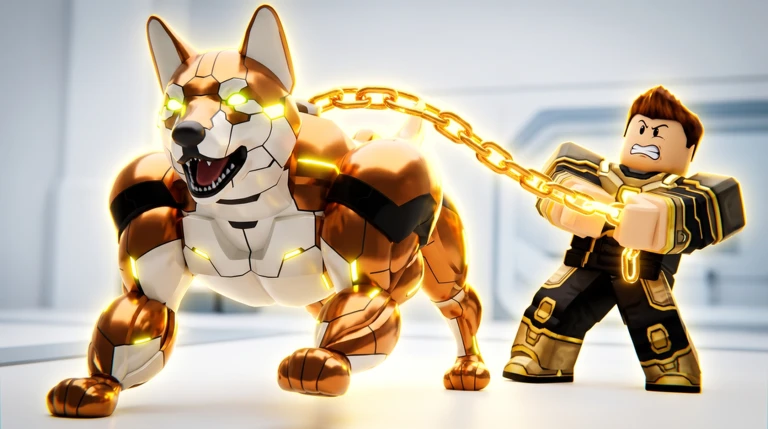
The core loop is collect, train, and upgrade. Different robot types, such as robot dogs and bear mechs, each bring different strengths, so mixing them lets you handle a wider range of fights. Rewards from defeated enemies add to your resources as you go.
- Add robots of different types to your squad so you are not caught out by one style of enemy.
- Equip your robots with the gear available to sharpen their combat style.
PvE and PvP — how they fit together
Table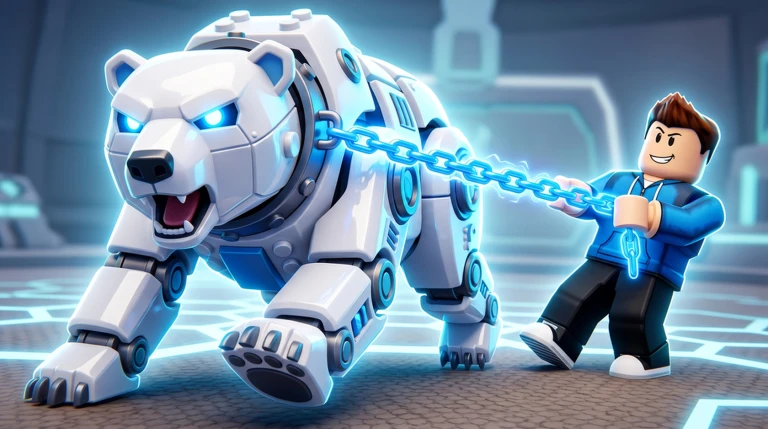
The game runs two distinct battle modes.
| PvE arenas | fight computer-controlled enemies to earn items and grow your robots. |
| PvP multiplayer | take your trained squad against other players and compete for a position on the global leaderboard. |
Equipment and map updates
Tips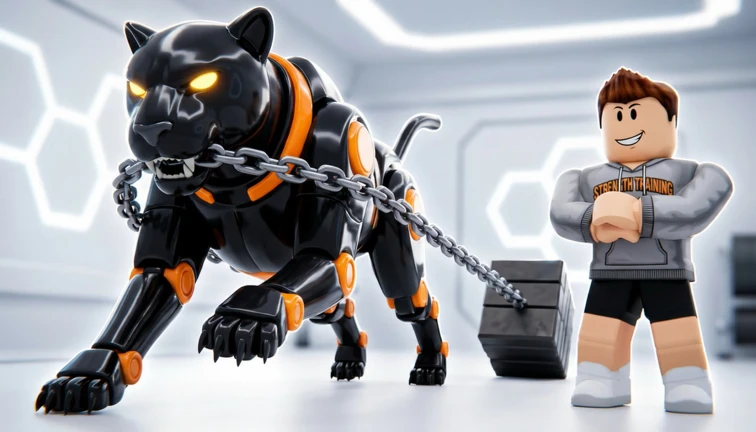
The most recent update expanded the map, added new Guardian enemies, introduced new robots and equipment, brought in a new Season Pass, and included balance changes.
- New Guardian enemies were added in the latest update.
- New equipment pieces were added in the latest update.
- The Season Pass offers an additional progression track alongside the main game.
Glossary
Glossary- Medals
- An in-game currency used for early robot upgrades, earned through codes and combat rewards.
- Bolts
- A second in-game currency for buying new robots and pushing upgrades.
- Potions
- Items that raise your training efficiency for a limited time.
- PvE
- Player versus Environment — you fight computer-controlled enemies in arenas and battle zones.
- PvP
- Player versus Player — you take your squad into direct matches against other players' robots.
- Global Leaderboard
- A worldwide ranking that tracks the strongest players.
- Guardian
- A tougher enemy type added to the game in a recent update.
Common questions
FAQWhere exactly do I enter a code?
Open the Shop from the button on the left side of the screen, then select the Codes option on the right side of that menu. Type your code into the Enter Code Here box and press Redeem Code.
Does this game work on phones and tablets?
The game supports desktop, console, mobile, and tablet.
Game updates can change what is on this page. If you spot something, get in touch and let us know.
