
Ultimate Block Build Guide: First steps when you join
About
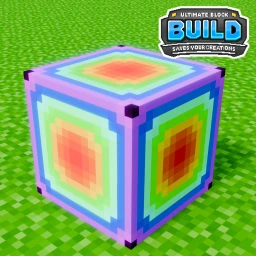
OverviewUltimate Block Build is a sandbox game where you place and arrange more than 150 types of blocks to create whatever you can imagine. You earn coins over time, spend them in the shop on new blocks, and save your work manually when you are ready. This guide covers how to get started, earn coins, use the shop, and unlock badges.
What is on this page
Contents
First steps when you join
Step
When you first enter the game you automatically receive the Welcome badge. From there, the two most important habits to build are learning the precision tools and saving your work before you leave.
- Join the game the Welcome badge is awarded the moment you enter.
- Place your first block use the precision tools to practice moving and rotating it.
- Open the save menu save your build manually, since there is no autosave.
- Earn your first badge saving for the first time gives you the You First Save! badge.
- Explore secret quests hidden tasks around the world reward you with free blocks.
Ways to earn coins and free blocks
Tips
Coins come in from several sources, and some free blocks are available without spending a single coin. Keeping a streak of daily logins pays off by day seven.
- You earn one coin automatically every ten minutes you spend in the game.
- Logging in on day one of your daily streak gives you three coins; reaching day seven gives you fifteen.
- Liking the game and then playing for twenty minutes rewards you with a free block.
- Following Rogerbor on Roblox unlocks another free block.
- The Rainbow Block is free with no coins required.
- The Veteran badge also drops 100 coins for free.
Block shop and what you can buy
Table
Every block in the shop costs between one and five coins.
| Block or item | Cost in coins |
|---|---|
| Rainbow Block | Free |
| Verity Block | 1–5 coins |
| CraftTable | 1–5 coins |
| WoodenChest | 1–5 coins |
| MedalLadder | 1–5 coins |
| Vines | 1–5 coins |
Saving and sharing your builds
Warn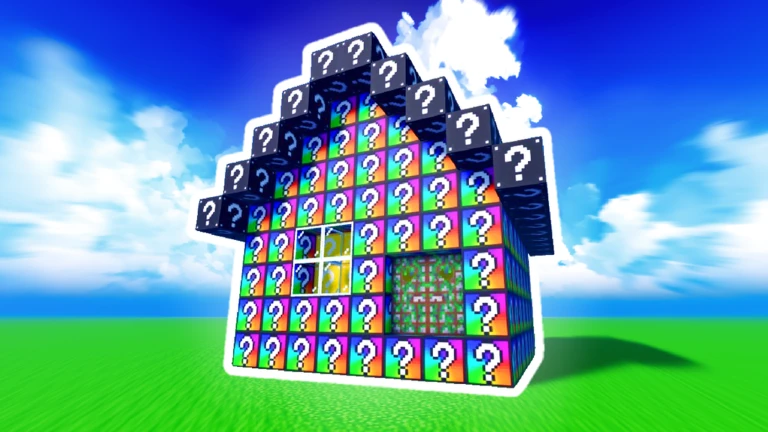
The save menu lets you store your current build and reload it later, even on a public server. VIP servers are free to create.
Badges and how to unlock them
Check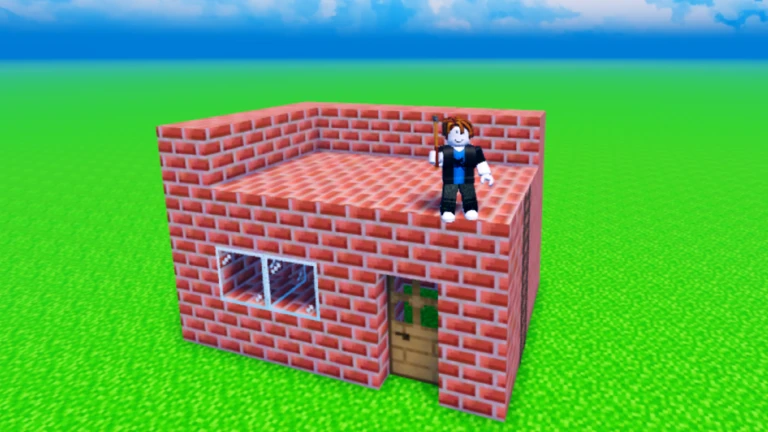
There are 17 badges in total. Some are tied to milestones you will hit just by playing, while the LogoBlock series is determined by when your Roblox account was created.
- Welcome join the game once.
- You First Save! save your build from the save menu for the first time.
- First Daily Reward log in and collect your day-one reward (3 coins).
- Last Daily Reward maintain your streak through day seven (15 coins).
- Veteran collect 100 coins.
- LogoBlock badges one is awarded automatically based on your Roblox account creation year (2006–2009, 2010–2015, 2015–2017, 2017–2022, or 2022 onward).
Glossary
Glossary- Precision Tools
- In-game tools that let you move and rotate blocks with fine control.
- Daily Reward
- Coins awarded for logging in each day, starting at 3 coins on day one and reaching 15 coins on day seven.
- VIP Server
- A private server you create to build alone or with chosen friends — free to set up in this game.
- Verity Block
- A block category added in a recent update and available for purchase in the shop.
- Secret Quests
- Hidden tasks found by exploring the game world that reward you with free blocks when completed.
Common questions
FAQHow do I earn coins quickly?
Stay in the game to collect one coin every ten minutes, and log in daily to build up your streak reward — day seven pays out fifteen coins at once. Liking the game and playing for twenty minutes also earns you a free block, as does following Rogerbor on Roblox.
What happens if I leave without saving?
The game has no autosave, so anything you built since your last manual save will be lost. Open the save menu and save before you leave.
How do I get the LogoBlock badges?
Each LogoBlock badge is tied to the year your Roblox account was created. You receive the badge that matches your creation window automatically — there is nothing extra you need to do.
Can I build with friends?
Yes. The game has free VIP servers where you can invite specific friends to build together. You can also join a public server, load a saved build there, and let anyone see what you have made.
Game updates can change what is on this page. If you spot something, get in touch and let us know.
