
VECTOR | DRONES Guide: Basic drone controls
About
OverviewVECTOR | DRONES puts you in control of a UAV inside a large sandbox world where you can fly anywhere, destroy objects, and test aerial mechanics. This guide covers the basics of flying, reading the map, working with destruction, and dealing with air defences.
What is on this page
Contents
Player notes and tips
Found a useful trick? Share it with everyone! Notes with screenshots are welcome!
Write a guide note
VECTOR | DRONES
Basic drone controls
Step
As soon as you enter the game your drone is ready to fly. You steer it with the mouse to look around and WASD or the arrow keys to move. Adjusting your altitude lets you reach high spots and distant areas that you simply cannot get to on the ground.
- Move the mouse look in any direction to aim your drone's path.
- Press WASD or the arrow keys push the drone forward, back, left, or right.
- Adjust height climb or descend to explore the world in three dimensions.
MetaNew Player Survey

The next survey is being prepared.
Reading the open world map
TipsThe game includes a map that shows the layout of the entire sandbox. Use it whenever you feel turned around or want to plan a route to a specific area.
- Open the map to see the full terrain and how different areas connect.
- Pick your destination on the map before you take off so you fly in the right direction from the start.
- If you get lost mid-flight, pull up the map to reorient rather than guessing.
Destruction and explosions
Warn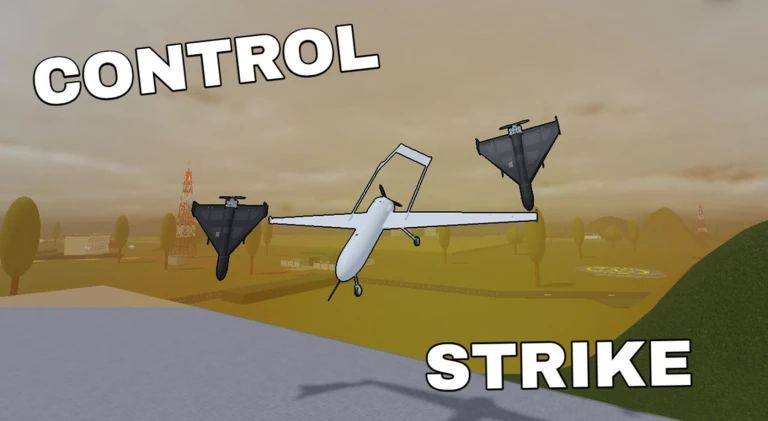
Parts of the sandbox world can be destroyed, and certain elements let you set off explosions.
Air defences
TipsAir defences are a core mechanic that affects how freely you can move through certain parts of the sky.
- Some areas of the sky are defended, restricting straightforward flight paths.
- Routing around a defended zone is a valid tactic.
- Your drone's manoeuvrability can be used to push through a defended area.
- Watching a defence pattern before committing to a path is an option.
Glossary
Glossary- UAV
- Unmanned aerial vehicle — the drone you pilot throughout the game using mouse and keyboard.
- Sandbox world
- The large open environment in VECTOR | DRONES where you can fly, destroy objects, and experiment freely.
- Air defence
- A mechanic that guards specific parts of the sky and affects your flight path or tactics.
- Destructible object
- An element in the world that your drone can break or blow up, sometimes opening new routes or changing the environment.
Common questions
FAQHow many players can be in one room?
A single room holds up to 15 players at the same time.
What should I do if I run into a bug?
Send feedback to the developers. Player feedback helps improve VECTOR | DRONES, and bugs and unfinished features are expected at this stage.
Game updates can change what is on this page. If you spot something, get in touch and let us know.
