
 Live now
–
Game guide
Steel Crossfire Guide: Controls for every form
Is this game fun?1 votes
Fun 100%1Average 0%0Not fun 0%0
About
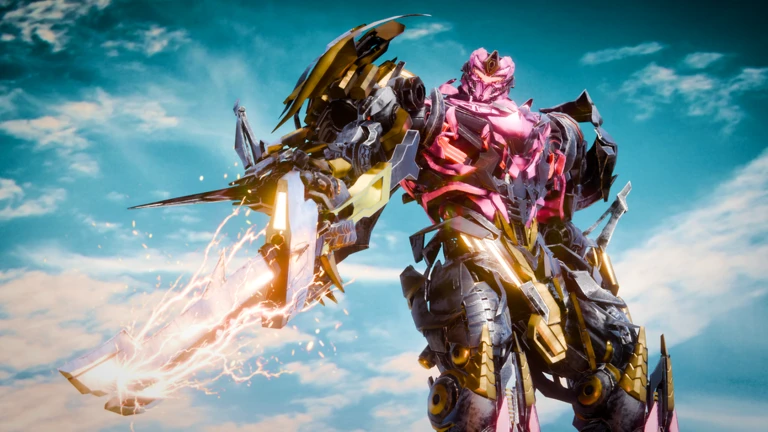
OverviewSteel: Crossfire is a team shooter on Roblox where you pick a side — the Valorians or the Reavers — and fight in matches using robots that can switch between three forms. This guide covers the controls for every form, how to survive your first matches, how to work as a team, and how to earn Shards without spending Robux.
What is on this page
Contents
01
Controls for every form
Table
02
What to do in your first ten minutes
Step
03
Live and upcoming events
Events
04
When to use each form
Tips
05
Surviving firefights
Check
06
Staying with your team
Warn
07
Working codes
Codes
08
Earning Shards without paying
Tips
09
Diagnosing why you keep dying
Check
10
Staying safe online
Warn
11
Glossary
Words
12
Common questions
FAQ
01
Controls for every form
Table
In short
Each form has its own control set, so learning all three is the real foundation of the game.
Your robot can be in Bot, Vehicle, or Jet form at any time, and the keys shift depending on which one you are using. Press T to transform between them. You can also enter Striker Mode inside Vehicle or Jet form by holding Right Mouse Button, which lets you fire while staying transformed. All controls can be remapped in the settings before a match.
| Bot | Move: WASD, Run: Shift, Jump: Space, Dash: Ctrl, Transform: T, Fire: Left Click, Aim: Right Click, Reload: R, Switch Weapons: F, Melee: E, Parry: Q |
| Vehicle | Drive: WASD, Boost: Shift, Drift: Hold Space, Striker Mode: Hold Right Click, Fire: Hold Left Click |
| Jet | Move: WASD, Boost: Shift, Ascend: Space, Descend: Ctrl, Striker Mode: Hold Right Click, Fire: Hold Left Click |
MetaNew Player Survey
The next survey is being prepared.
02
What to do in your first ten minutes
StepIn short
Spending your first session on settings, basic inputs, and daily rewards puts you ahead of players who skip straight to fighting.
Before your first real match, open the settings and check your key layout. If any binding feels awkward, change it now rather than mid-match. Once you are in a safe spot near spawn, run through the five core actions once each so nothing surprises you in a fight.
- Check settings open the settings screen and confirm your key layout and graphics quality before joining a match.
- Try every basic input fire, aim, reload, dash, and transform at least once near the spawn point before pushing toward enemies.
- Collect daily rewards open the login reward screen and check your daily quests so you know what to complete during normal play.
- Hold your Shards play a few matches with your starting robot before deciding which role you want to unlock next.
03 Live and upcoming events
Events
Events running now or coming soon. They have fixed dates, so check them first.
Live now
–
04
When to use each form
Tips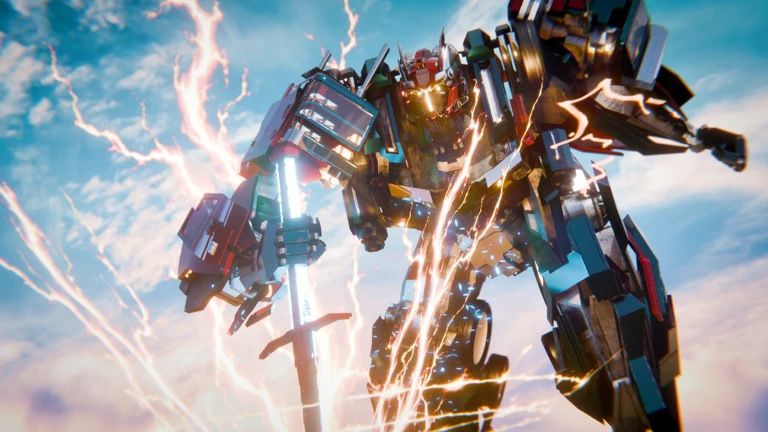
In short
Switching forms at the right moment matters as much as aiming well.
Bot form handles most of the actual fighting, but Vehicle and Jet form each cover situations where staying in Bot would put you at a disadvantage. Transform away from enemies — duck behind a building or a teammate before you switch, then commit to where you are going.
Tips worth knowing
- Stay in Bot form when an enemy is close, since that is where your aiming, melee, and parry options all live.
- Switch to Vehicle form to cross open ground quickly, rejoin teammates, or retreat after taking heavy fire.
- Use Jet form to reach high ground, cross a wide map, or loop around above an enemy group.
- Enter Striker Mode inside Vehicle or Jet form when you want to fire without switching back to Bot.
05
Surviving firefights
Check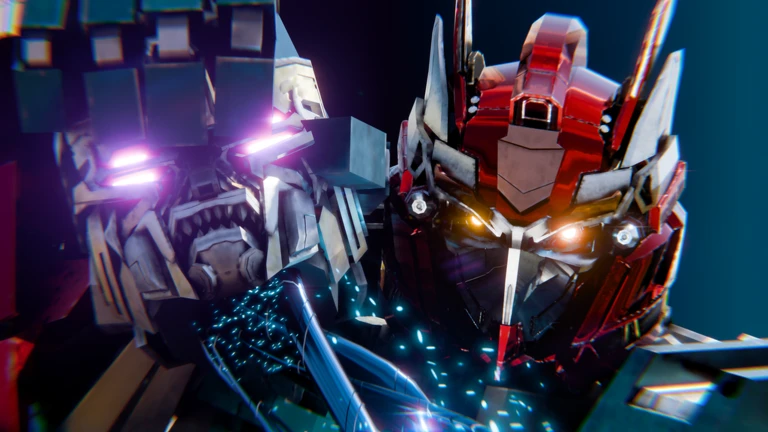
In short
Cover management and saving your Dash for emergencies will keep you alive far longer than better aim alone.
Standing still in the open is the fastest way to die. Pick a wall, rock, or building corner to fight from, duck back to reload, and only dash when you need to dodge a big attack or reach the last piece of cover. Melee is a last resort — use it only when you are out of ammo with no room to reload, or when you are certain one swing will finish the enemy.
- Peek out from cover to fire a few shots, then retreat before reloading.
- If there is no cover available when you need to reload, move as unpredictably as possible until you find some.
- Save Dash for dodging a clear incoming attack or sprinting to safety, not for ordinary movement.
- Lead your shots against moving targets aim where they are heading, not where they are standing.
- Faster characters with lower health almost always beat slower, tougher ones at close range, so close the gap or stay back depending on who you are playing.
06
Staying with your team
WarnIn short
Chasing one enemy into open ground away from teammates is the single most common way to get eliminated quickly.
Multiple enemies shooting at you at once will drop you in seconds regardless of your skill level. The safest position is slightly behind two or three teammates who are already in a fight, which gives you room to aim and a clear path to retreat.
Worth watching out for
Stop chasing an enemy the moment your teammates are no longer visible
turn around immediately.
If you get isolated, transform and head back toward your teammates rather than continuing to fight.
07 Working codes
Codes
 PRECISION
8h shard booster and 500 shards
8h shard booster and 500 shards
TROOPERS
an 8hr XP booster and 500 shards
an 8hr XP booster and 500 shards
ABILITIES
an 8hr XP booster and 750 shards
an 8hr XP booster and 750 shards
20KLIKES1
08
Earning Shards without paying
Tips
In short
Login rewards, daily quests, and assists are the three free Shard sources worth building your session around.
Shards are the main currency for unlocking new robots. You do not need to pay to earn them, but you do need to be consistent. Hold onto what you collect until you have decided which role you actually want to unlock next.
Tips worth knowing
- Claim your login reward every day; it costs nothing and takes ten seconds.
- Read your daily quests at the start of a session and work toward them during normal matches rather than treating them as separate tasks.
- When your aim is still developing, focus on hitting the same target your teammates are attacking to earn assists instead of kills.
- Do not spend Shards until you know exactly which robot role you want — saving is faster than regretting.
09
Diagnosing why you keep dying
Check
In short
Identifying one specific reason you died and fixing only that in the next match gets you better faster than changing everything at once.
Before you swap to a new robot, figure out which situation is actually killing you. Fix one per match, not all of them at once. If the game itself feels slow or stuttery, lower your Roblox graphics quality and close other apps before rejoining.
- Getting sniped from far away reduce the time you spend outside cover.
- Dying while reloading watch your ammo count and get behind a wall before it hits empty.
- Losing every close-range fight keep Dash ready and only parry attacks you can clearly read.
- Getting swarmed stop chasing, transform, and return to your team.
- Game running poorly drop graphics quality, close background apps, and if error code 267 appears, rejoin the session.
10
Staying safe online
WarnIn short
Never share personal details in chat, and ignore any site or player offering free Shards or robots in exchange for information.
Steel: Crossfire puts you in matches with strangers. The risks worth knowing about are the ones that exist in any online game: people asking for personal details, and outside sites pretending to offer free rewards.
Worth watching out for
Keep your real name, school, address, and passwords out of the chat entirely.
Any external site promising free Shards or robots is a scam
do not enter any information.
Use the mute, block, and report tools if another player makes you uncomfortable.
Any purchase involving Robux should be checked with a parent or guardian before you confirm it.
Community strategy ideas
CommunityThese ideas and tips come from people playing the game. Share your discoveries too!
No strategy ideas yet. Share a tip you discovered.
Share a strategy idea
[🌟PERKS] Steel Crossfire
Glossary
Glossary- Valorians
- One of the two factions in the game, fighting against the Reavers.
- Reavers
- The opposing faction to the Valorians.
- Bot Mode
- The default robot form used for shooting, melee, and parrying.
- Vehicle Mode
- A ground form built for fast travel, with boost and drift options.
- Jet Mode
- An airborne form for reaching high ground and crossing wide maps quickly.
- Striker Mode
- A firing state available inside Vehicle or Jet form, activated by holding Right Mouse Button.
- Dash
- A short burst of movement in Bot form used to dodge attacks, triggered with Ctrl.
- Parry
- A timed block performed with Q that counters an incoming melee attack.
- Assist
- Credit earned when you damage an enemy that a teammate then finishes off.
- Shards
- The main in-game currency used to unlock new robots and other content.
- Error 267
- A connection error that the game tells you to fix by rejoining the session.
- Flank
- An attack on the enemy's side while they are focused on your teammates, especially effective with faster characters.
Common questions
FAQCan I change the controls to something more comfortable?
Yes — every platform has a settings screen where you can remap the controls. Open it before your first match so you are not fighting the layout mid-game. Always check what your current in-game settings actually show, since those take priority over any default list.
What do I do when error code 267 appears?
Leave the session and rejoin. If it keeps happening, wait a few minutes before trying again.
Can I progress without spending Robux?
Yes. Claiming login rewards every day, completing daily quests during normal matches, and going for assists when your aim is still developing will all add Shards at a steady pace. Paid bonuses exist but are not required to advance.
Why does my parry fail even when I press Q?
Timing, connection lag, and the type of attack all affect whether the parry lands. Practise on obvious, slow melee swings first — for gunfire and wide attacks, cover and Dash are more reliable defences.
Where do I put a redeem code?
Codes go into the dedicated input screen inside the game. They expire and can only be used once, so enter any code you have as soon as possible.
Updated Sep 12, 2026
Game updates can change what is on this page. If you spot something, get in touch and let us know.
Game updates can change what is on this page. If you spot something, get in touch and let us know.
