
Pack an Order Guide: PC controls to learn first
About
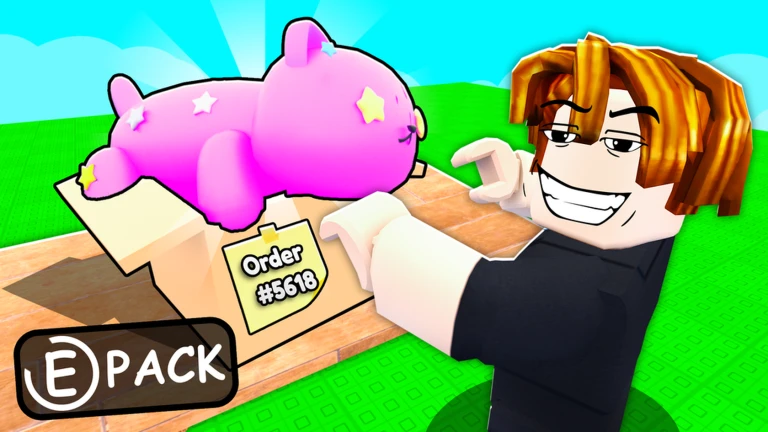
OverviewPack an Order! puts you in a toy warehouse where customers keep sending in orders. You find the right toys on the shelves, pack them into boxes, and load the delivery truck — then repeat as fast as you can to earn coins and climb the leaderboard.
What is on this page
Contents
PC controls to learn first
Check
Every action in the warehouse has a dedicated key or mouse button.
- E or left-click pick up a toy from a shelf or pack it into a box
- Q drop whatever you are currently holding
- R cycle through your active orders
- Scroll wheel switch between items you are carrying
- Right-click or Y inspect an item for more detail
MetaNew Player Survey
The next survey is being prepared.
The order loop, step by step
Step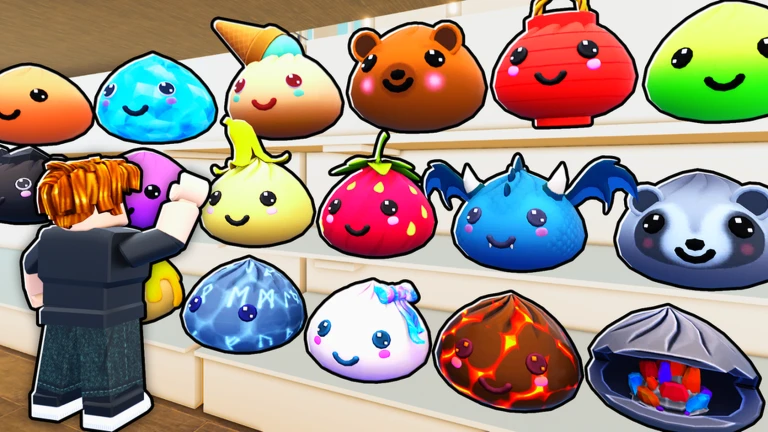
Each round gives you one or more customer orders to complete. You finish a round by getting every packed box onto the delivery truck. Completing multiple orders quickly earns you more coins.
- Check the order read what toys the current customer wants
- Search the shelves find each toy on the list
- Pick it up press E or left-click to grab the toy
- Pack the box press E or left-click again at the box to put the toy inside
- Load the truck carry the finished box to the delivery truck to complete the order
Upgrades
Tips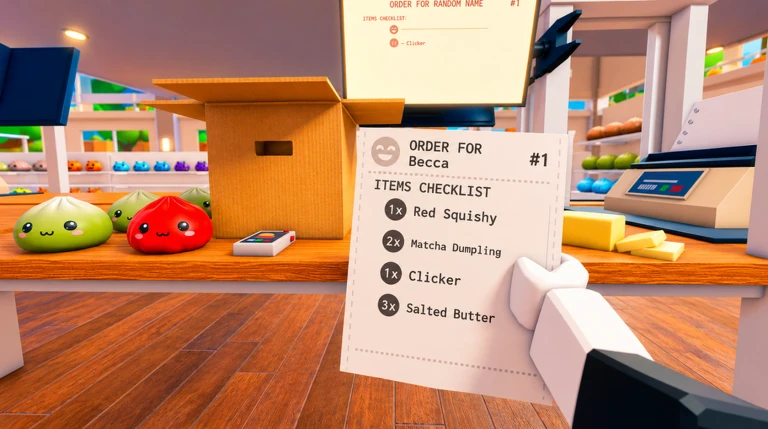
Coins you earn from completed orders go into upgrades. The three core upgrades are Speed, Reach, and Carry Capacity. Abilities can speed up packing even further.
- Speed upgrades increase your movement speed.
- Reach upgrades extend how far you can grab a toy.
- Carry Capacity upgrades let you hold more toys at once.
- Abilities unlock with coins and can speed up the packing step itself.
Splitting roles in co-op
Tips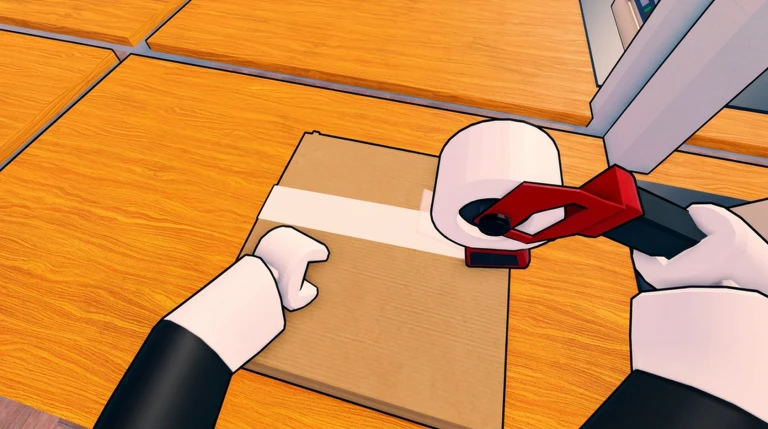
When you play with friends, multiple people can search shelves and pack boxes at the same time.
- Multiple players can search shelves and pack boxes simultaneously.
- Competing to beat a shared leaderboard time gives the group a goal to rally around.
Leaderboard and long-term progress
Summary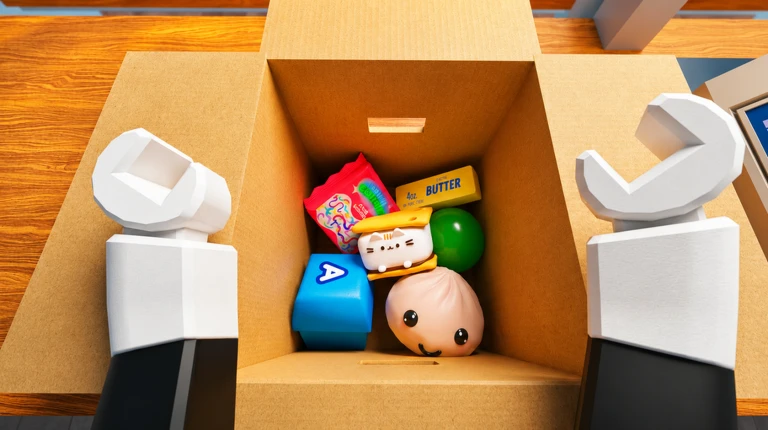
The leaderboard tracks completion speed. Coins are earned each time you finish a round and are used to purchase upgrades and abilities.
- Leaderboard position determined by how fast you complete orders
- Coin source earned each time you finish a round
- Upgrades Speed, Reach, and Carry Capacity, purchased with coins
- Ability unlock paid for with coins like any other upgrade
Glossary
Glossary- Order
- The list of toys a customer wants in a single round — completing it is what finishes the round.
- Pack
- The action of placing a toy you are carrying into a box, done with E or left-click.
- Delivery truck
- The vehicle at the end of the workflow where you load finished boxes to close out an order.
- Reach
- An upgradeable stat that controls how far away you can grab a toy from a shelf.
- Carry Capacity
- The number of toys you can hold at one time.
- Ability
- A special unlock bought with coins that speeds up part of the packing process.
Common questions
FAQCan I play this alone?
Yes, solo play is fully supported.
How do I get a faster leaderboard time?
Complete orders as fast as possible. Upgrade your Speed, Reach, and Carry Capacity, and unlock abilities to speed up packing.
Game updates can change what is on this page. If you spot something, get in touch and let us know.
