
Obby But You Glitch Guide: Two controls worth learning before you start

About
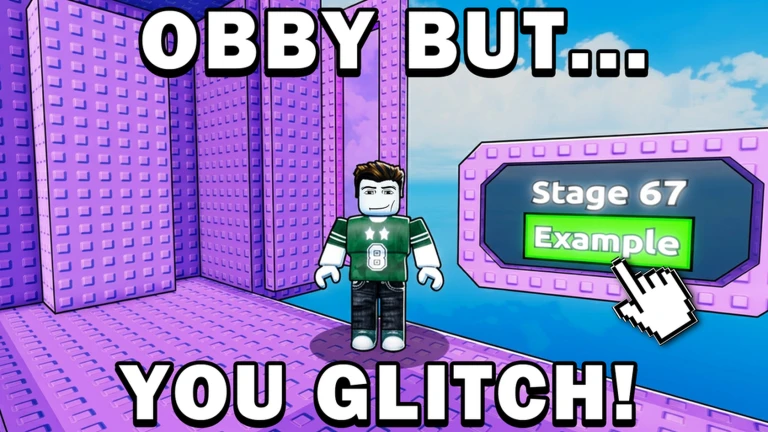
OverviewObby But You Glitch is a 160-stage parkour challenge on Roblox where using glitches is not just allowed — it is the whole point. This guide covers the controls, how to move through stages, the glitch techniques you need to know, and what to do when you are completely stuck.
What is on this page
Contents
Two controls worth learning before you start
Table
The game has two controls that matter on both computer and console. Reset Character puts you back at the start of the current stage whenever you fall or get stuck in a bad spot. Shift Lock fixes the camera behind your character, which makes precise jumps much easier to line up.
| Reset Character | R on keyboard, Y on console |
| Shift Lock | Shift on keyboard, LT on console |
MetaNew Player Survey
The next survey is being prepared.
How to move through the 160 stages
Step
The game starts you on stage one. Clearing a stage unlocks the next, and difficulty climbs steadily the further you get.
- Reach the end of the stage arriving at the goal unlocks the next one.
- Use Reset Character if you get stuck it sends you back to the beginning of the current stage at any time.
Glitch techniques and why they are fair
Tips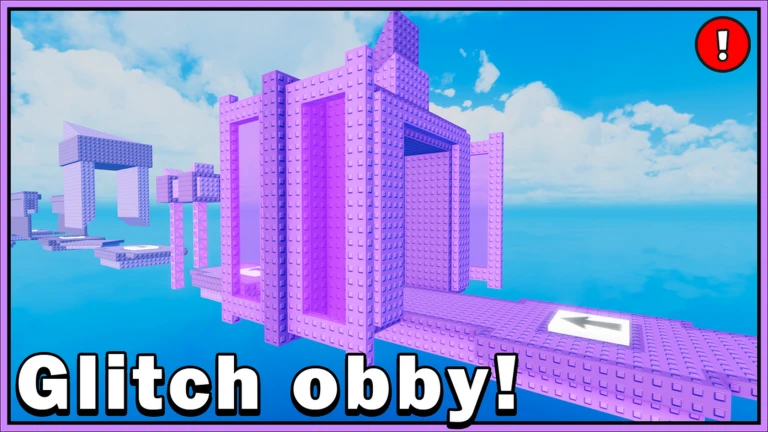
The title tells you everything: glitching is the core mechanic, not a cheat. Techniques like wall jumps and wall hops are built into the stage design, and you need them to get through. Each stage demands a different trick, so your toolkit grows as you progress. New techniques take practice to land reliably, so expect to attempt the same move many times before it clicks.
- Glitches are intentional — the levels are built around them, so do not feel bad for using them.
- Wall jumps and wall hops appear throughout — learn to trigger them consistently.
- Different stages call for different tricks.
- Practice is the only way through — even experienced players repeat tough moves many times before succeeding.
Using the replay system when you are stuck
Check
Every stage has a replay system that shows you a recording of another player completing it. This is especially useful when a stage feels impossible and you cannot work out what the required glitch even is. Watch the recording as many times as you need.
- Pull up the replay for the stage you are stuck on.
- Watch how the player completes the stage.
- Replay the recording again if your first few attempts do not match what you saw.
Glossary
Glossary- Obby
- A Roblox game type where you clear a series of obstacle-course stages one by one.
- Glitch
- In this game, a movement trick built deliberately into the level design that you must use to progress.
- Wall hop
- A glitch technique built into the stage design.
- Shift Lock
- A control that locks the camera directly behind your character so you can make more accurate jumps.
- Replay system
- An in-game feature that plays back a recording of another player completing the stage you are on.
Common questions
FAQHow many stages are in the game?
There are currently 160 stages, with updates and more stages to be added soon.
Am I cheating if I use glitches?
No. The glitches are built into the level design on purpose, and the game is built around mastering them. Using them is exactly what the game asks you to do.
What do I do if I cannot figure out how to pass a stage?
Use the replay system to see how another player beat the stage.
Can I redo a stage I already cleared?
Use Reset Character at any time to return to the start of your current stage.
Game updates can change what is on this page. If you spot something, get in touch and let us know.
