
Tram Simulator Abenstedt — Picking a line and getting moving
About
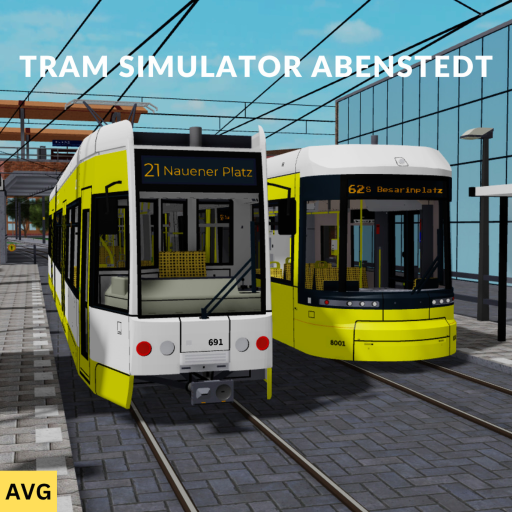
OverviewTram Simulator Abenstedt puts you in the driver's seat of real and fictional German tram models as you run routes through a detailed fictional city. The game includes 40 stations and 4 tram lines crossing neighbourhoods, malls, rivers, and parks. This guide covers how to get started, how to drive well, and how to get more out of the game once you know the basics.
What is on this page
Contents
Picking a line and getting moving
Step
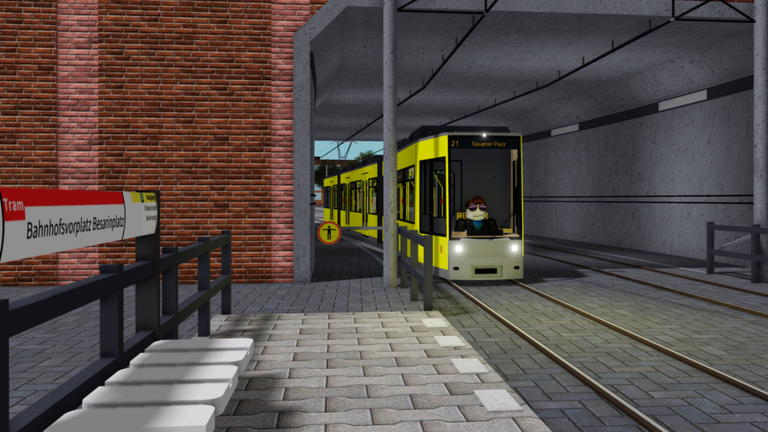
When the game starts, four tram lines are available and you pick one before anything else. Each line covers a different route and set of stations, so your first ride will already show you a distinct slice of the city. Board the tram at your starting station and spend the first few trips just getting a feel for the controls before worrying about precision.
- Pick a line all four are open from the start, so go with whichever looks interesting.
- Find the tram board it at the station where your chosen line begins.
What you are actually doing on each run
Summary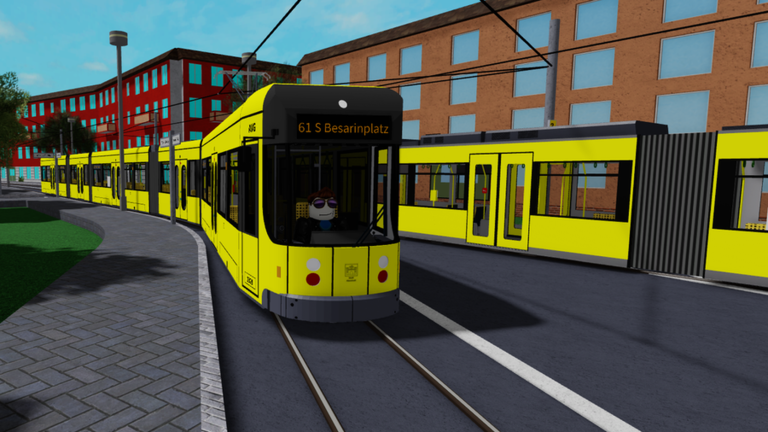
The game is built entirely around the driving experience. You follow the track of your chosen line, stop at each station for passengers to board and exit, and reverse direction once you reach the terminus. The city is divided into different districts — residential areas, shopping malls, parks, and more — so the scenery shifts as you work through the stations.
- Core activity drive your tram along a fixed route, stopping at every station.
- Station stops wait at the platform until boarding and alighting is complete.
- Terminus reach the end of the line, then run back the other way.
- Cityscape each stretch of track passes through a different kind of district.
- Tram variety the game features multiple real and fictional German tram models to operate.
Stopping cleanly at every station
CheckThe biggest challenge for new drivers is matching the tram to the platform precisely enough for passengers to use it. Overshooting or creeping past the marked spot causes problems, so build good habits early. Braking too late is the most common mistake — start reducing speed well before the platform comes into full view.
- Begin slowing down as soon as the platform appears ahead, not when you are already alongside it.
- Check that the tram has stopped within the boarding zone before waiting for passengers.
- Avoid sharp acceleration out of curves or over hills keep throttle inputs gradual.
- Watch the track ahead while moving to confirm you have not left the rails.
Getting more out of the game over time
Tips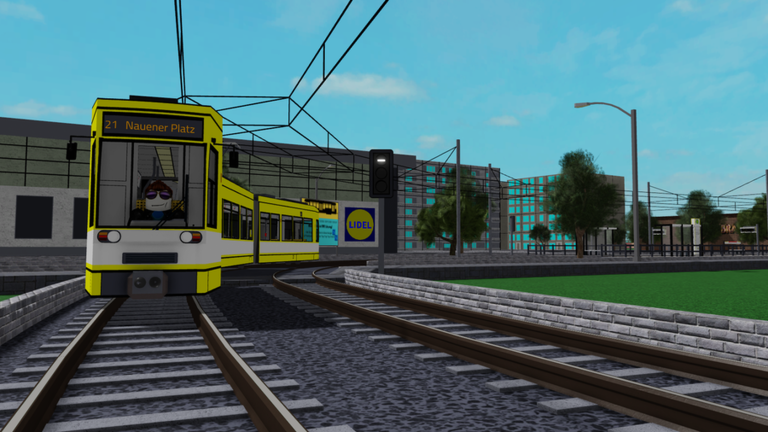
Once one route starts to feel routine, the other three lines offer different paths through the city and different scenery to take in. The range of tram models — some based on real German vehicles, some fictional — gives you another reason to keep switching.
- Run all four lines at least once to see the parts of the city each one covers.
- Compare the different tram models and notice how each one looks and feels.
- Try the newest tram added in the September 24 update, which is free to use.
Glossary
Glossary- Tram line
- One of the four fixed routes in the game, each running through a different set of stations and city districts.
- Station
- One of the 40 stops in the city where you halt the tram so passengers can board and exit.
- Platform
- The boarding area at a station where you must align the tram for passengers to use it.
- Terminus
- The final station at either end of a line, where the tram turns around and heads back the other way.
Common questions
FAQDoes it matter which line I pick first?
No — all four lines are available from the moment you load in. Pick whichever one appeals to you and switch to the others whenever you feel ready.
How do I know where to stop at a station?
Each station has a platform area that marks where the tram needs to be for passengers to board and exit. Start braking early so you can ease the tram to a stop alongside that spot rather than sliding past it.
What changed in the most recent update?
The September 24 update added a new tram model that is free for all players to use.
Game updates can change what is on this page. If you spot something, get in touch and let us know.
