
Saiyan Battlegrounds Guide: Your four controls and what they do

About
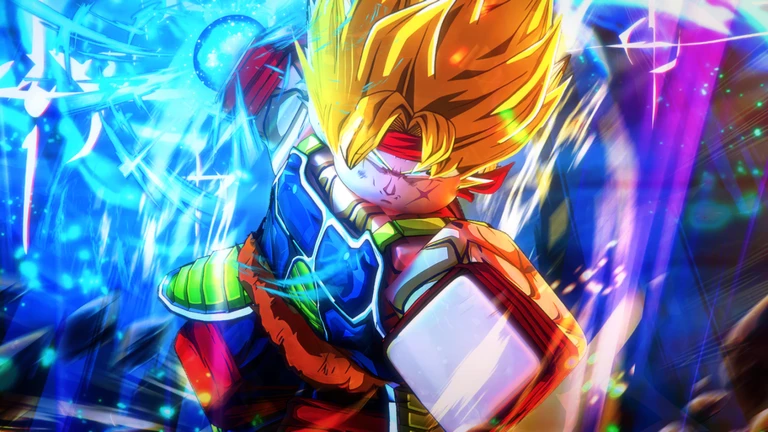
OverviewSaiyan Battlegrounds is a Dragon Ball-inspired PvP fighting game where you battle other players using strikes, dashes, blocks, and ultimate attacks to prove yourself the best Z warrior. It runs on console, PC, and mobile. This guide covers the controls, core combat loop, and the decisions that separate wins from losses.
What is on this page
Contents
Your four controls and what they do
Table
The entire game runs on four inputs. Left-click lands powerful close-range strikes. Q combined with a movement key dashes you in that direction. F blocks incoming attacks. G fires your ultimate when the ability bar is full.
| Left-click | delivers powerful strikes; most effective at close range |
| Q + movement key | dashes you in your chosen direction |
| F | blocks enemy attacks; timing determines how useful it is |
| G | unleashes your ultimate attack when the ability bar is charged |
MetaNew Player Survey
The next survey is being prepared.
Getting into your first match
Step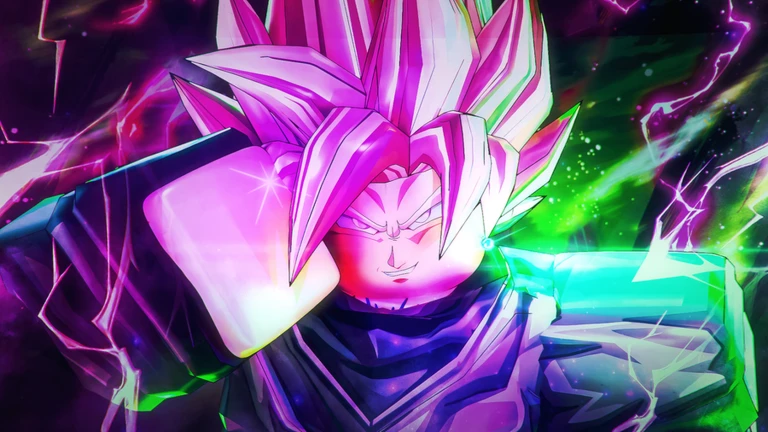
Before you worry about winning, just get a feel for the inputs. The game supports an in-game controls guide, so check it when you load in, especially if you are on mobile. Once you know where the ability bar sits on your screen and how it fills up, you are ready to jump into a real fight.
- Check the in-game controls guide find it when you first load in and confirm the layout for your device
- Try left-click attacks get close to another player and throw a few strikes to feel the range
- Test the dash press Q with a movement key and notice how far it carries you
- Locate the ability bar find where it appears on screen and watch how it charges during combat
- Block an incoming hit press F when an enemy swings and watch for the gap it creates in their offense
Core combat rhythm
TipsFights in Saiyan Battlegrounds follow a clear rhythm: close the gap, bait an attack, block it, then punish the opening. Left-click strikes are your main damage tool and land best when you are right on top of your opponent. Dash keeps that gap manageable in both directions.
- Use dash to close distance before throwing left-click strikes
- Watch for your opponent to commit to an attack, then press F to block it
- After a successful block the enemy has a gap in their defense — hit them immediately with left-click
- Save the ultimate for moments when the enemy is vulnerable or multiple opponents are close together
Dash discipline
Warn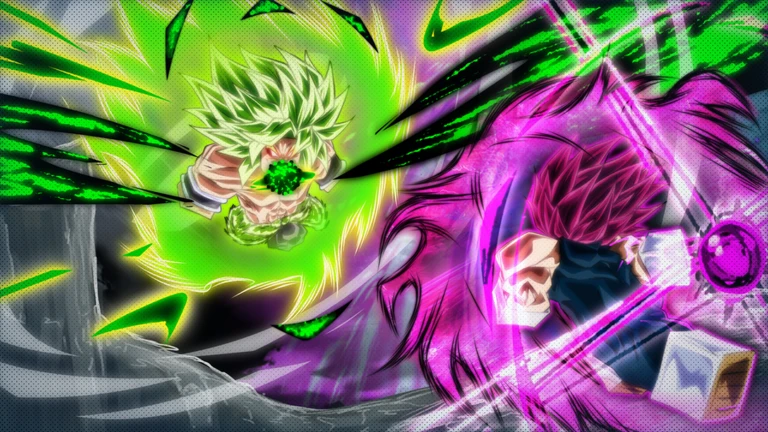
The dash recharges every 15 seconds, so every use is a commitment. Throwing it away on a small reposition can leave you standing still when an enemy ultimate arrives.
Getting the most from your ultimate
CheckThe G key only works when the ability bar is fully charged. Because recharging takes time, you want every activation to count. The strongest spots to use it are when an enemy has just attacked and is briefly open, or when two or more opponents are close enough to catch in the same hit.
- Ability bar is completely full before pressing G
- Enemy has just finished an attack and has not yet recovered
- At least one opponent is close enough for the hit to land
- You are not in the middle of being ragdolled yourself
Surviving the ragdoll state
Summary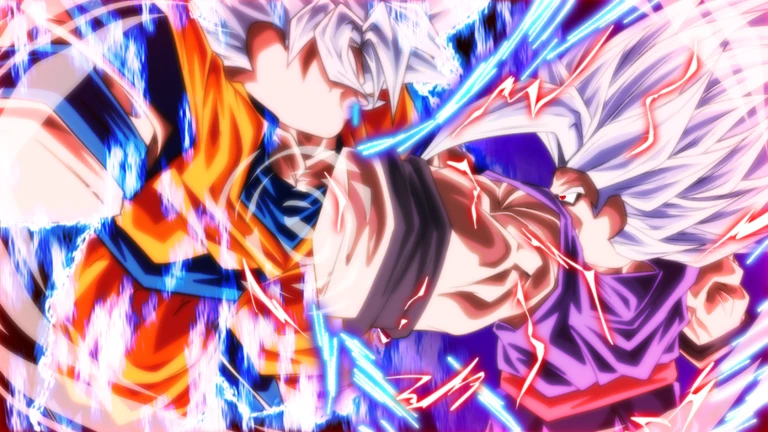
When an enemy hit sends your character flying, you enter a ragdoll state and cannot act freely. The game releases you automatically, so there is nothing to mash. The smarter play is to use that window to watch where your opponent moves and decide whether to block, dash, or counter the moment you are back in control.
- Ragdoll release automatic, happens every 15 seconds
- Best use of the wait observe enemy position and ability bar
- First action on release choose between blocking, dashing away, or counter-attacking based on how close the enemy is
When you keep losing
CheckIf matches are not going your way, work through this list before changing anything else.
- Block timing is off try pressing F slightly earlier than feels natural
- Striking from too far away close distance with dash before throwing left-click attacks
- Dash is being spent too early hold it in reserve for escaping ultimates
- Ultimate is firing too soon wait until the ability bar is completely full and an opening exists
Glossary
Glossary- Ability bar
- The on-screen meter that charges during combat and must be completely full before you can activate the ultimate attack with G.
- Ragdoll state
- A condition triggered by certain hits that temporarily prevents you from moving freely; it clears automatically every 15 seconds.
- Ultimate attack
- The powerful ability activated with G once the ability bar is charged, capable of shifting the momentum of a fight.
- Dash cooldown
- The 15-second wait between uses of the Q-key dash that prevents it from being used continuously.
- Z warrior
- The term for the fighters of the Dragon Ball series, and the rank this game challenges you to claim by defeating other players.
Common questions
FAQWhy can't I use the dash again right away?
The dash has a 15-second cooldown. That limit is the same for every player, so learning to time your dashes well is a skill advantage rather than a restriction.
My ultimate does not seem to deal any damage. What am I doing wrong?
The ultimate lands best when the enemy has just attacked and has a brief gap in their defense, or when multiple opponents are grouped close together.
I keep getting overwhelmed when several players attack me at once.
Try to reposition so that only one enemy can reach you at a time. Use your dash to escape and take on opponents one by one instead of trying to hold off everyone simultaneously.
Does the game play differently on mobile compared to PC?
The controls for all four actions are available on every platform, including console, PC, and mobile. Check the in-game controls guide when you first load in to see the exact layout for your device.
Game updates can change what is on this page. If you spot something, get in touch and let us know.
