
⭐ Magical Fighters Madoka ⭐ Guide: First steps when you load in
About
OverviewMagical Fighters Madoka is a Roblox fighting game developed by MeltemMega where up to 15 players battle each other using different characters. This guide covers the basics of getting started, earning badges, using redeem codes, and staying out of trouble.
What is on this page
Contents
First steps when you load in
Step
Before you jump into a fight, spend a moment on the menu tucked into the bottom-left corner of the screen. It brings together controls, settings, a guide, and announcements in one place.
- Open the icon tap or click the icon at the bottom left of the screen as soon as you load in.
- Read the controls the control layout is listed there, so you know what every button does before your first match.
- Check announcements the announcements tab shows the latest news and any changes the developer has made.
- Revisit the guide tab if you get confused about a mechanic mid-game, the in-game guide is the quickest place to look it up.
Badges worth chasing
Tips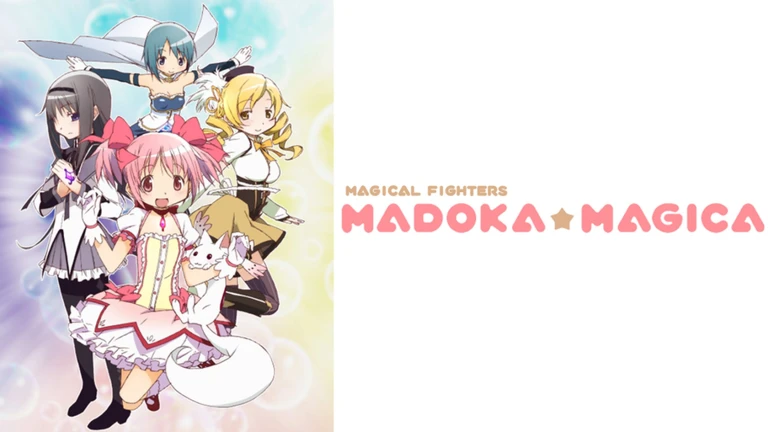
The game has four badges. Two of them are handed out automatically — one just for joining, and one for joining during the April Fool's Update. The other two take real effort and are tied to things you will encounter while playing.
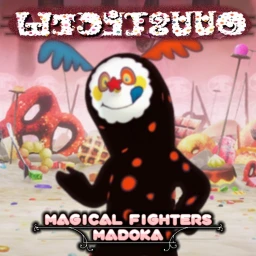
- Defeat Charlotte to earn the 'I just wanted to eat cheese...' badge.
- Donate enough to the Hakurei Shrine to unlock the 'Wonderful Patronage' badge.
- Every player picks up the 'Thanks for playing!' badge the moment they first join the game.
Redeem codes and kill requirements
CheckThere are codes available that give in-game rewards. A handful of them will not work until your kill count reaches a certain number, and at least one is only valid for a limited time.
- Find the code entry field inside the game before you start entering anything.
- Check your current kill count three of the codes require 100, 1 000, or 10 000 kills respectively before they activate.
- Redeem time-limited codes as soon as possible, since they expire and cannot be used after their window closes.
- As of October 21, 2026, this site tracks five working codes for this game check the codes section of this page for the current list.
 CHRISTMAS2026
10000KILLS
1000KILLS
100KILLS
CHRISTMAS2026
10000KILLS
1000KILLS
100KILLS
Rules that can get you banned
Warn
The developer has set out clear rules in the game description. Breaking them can result in a warning or a permanent ban, and at least one category of violation comes with no option to appeal.
Glossary
Glossary- Charlotte
- An in-game opponent that, when defeated, awards a specific badge.
- Hakurei Shrine
- An in-game location where you can donate; donating enough unlocks the Wonderful Patronage badge.
- Nagisa
- A character whose release is highlighted in the game's current description.
- Exploiting
- Using external tools or game bugs to gain an unfair advantage; penalties for this cannot be appealed.
Common questions
FAQWhere do I find the controls?
Open the icon at the bottom left of the screen. It contains the control layout, settings, a guide, and announcements all in one menu.
Can I appeal a ban for exploiting?
No. The developer states clearly that exploiting penalties are nonappealable.
Game updates can change what is on this page. If you spot something, get in touch and let us know.
