
Clean the Squishies — Basic controls before you touch a squishy
About
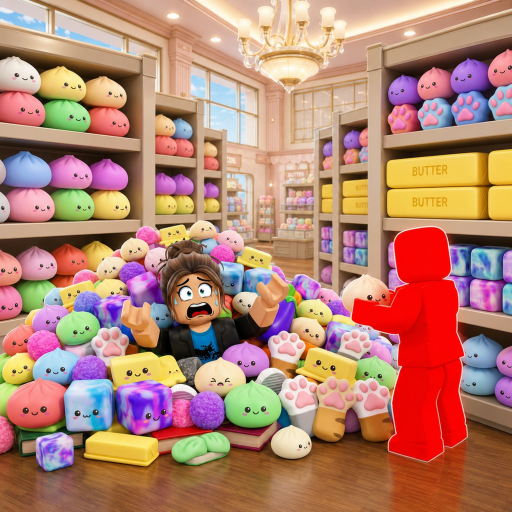
OverviewClean the Squishies puts you inside a squishy toy shop that has been completely turned upside down, and your job is to sort thousands of adorable squishies back into their proper places. You can tackle the mess alone or team up with friends, chase fast times on the leaderboard, and unlock upgrades and abilities along the way. This guide covers the controls, how to clean efficiently, upgrades, multiplayer, and codes.

What is on this page
Contents
Basic controls before you touch a squishy
Check
When you load in, squishies are scattered across the floor and shelves. Picking one up and placing it correctly is the whole game, so knowing which key does what matters right away. PC and controller inputs are different, so check the list that matches your setup.
- E or click picks up a squishy and places it when you reach the right spot on PC
- F drops a squishy you are already holding on PC
- Number keys switch between squishies when you are carrying more than one on PC
- T unlocks your mouse if the camera stops responding on PC
- G activates your magic ability on PC
- RT picks up and places, LT drops, and Y opens upgrades on controller
Upgrades and the magic ability
Table
As you play you unlock upgrades that improve how fast you move and how far you can reach to pick up squishies. The magic ability, triggered with G on PC or the mapped button on controller, gives you a burst of power but has a cooldown before you can use it again.
| Movement speed upgrade | reduces the time spent walking between squishies and placement spots |
| Pickup range upgrade | lets you grab squishies without having to walk right on top of them |
| Magic ability | powerful but limited by a cooldown |
| Free-to-play path | all upgrades are accessible without spending Robux |
| Paid path | spending Robux can speed up how quickly you progress through upgrades |
Solo play versus playing with friends
Table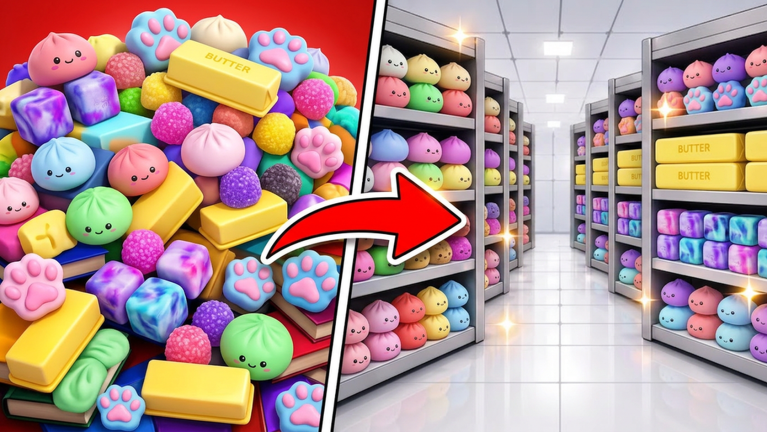
The game works just as well with one player as it does with a group. Solo play lets you set your own pace. With friends, splitting the shop into sections or giving one person the pickup role and another the placement role makes the whole process smoother.
| Solo | work at your own pace |
| Co-op | each player can divide the shop and clear sections independently |
| Co-op, split roles | one player picks up, another places |
| Leaderboard competition | friends can race each other for the fastest clear time |
When something is not working
Warn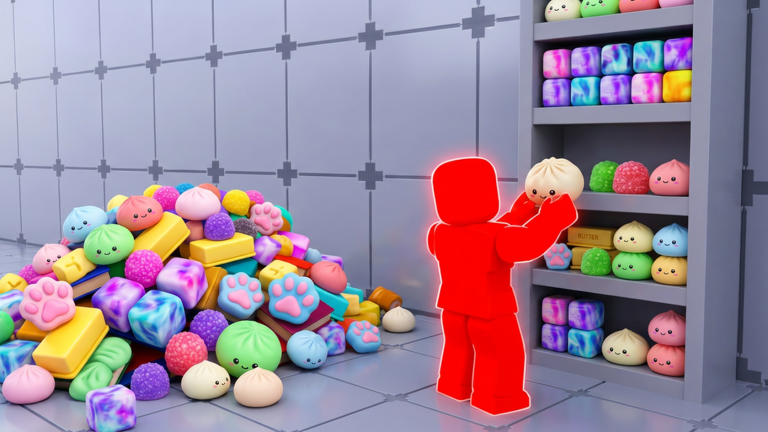
A few issues come up regularly for new players. Run through these checks before giving up on a run.
Redeem codes
Step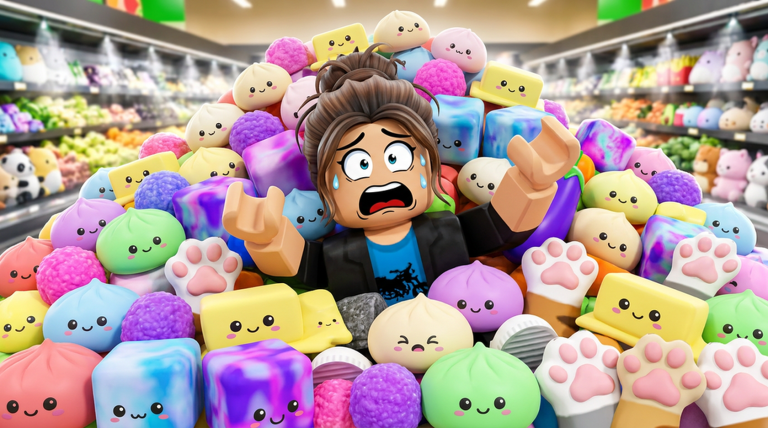
Free codes are released by the developers and can be redeemed inside the game for items or upgrades. A new code was promised when the game reached 50,000 likes. Each code can only be entered once per account.
- Open the code screen find the designated input area in the game
- Type the code exactly one wrong character will make it fail
- Confirm the entry the game tells you whether it worked
- Watch for new codes the developers release them alongside major updates and milestone likes
Glossary
Glossary- Squishy
- The soft toy collectibles scattered around the shop that you pick up and sort into their correct spots.
- Placement spot
- A designated location in the shop where a squishy belongs — the target for every pickup you make.
- Magic ability
- A special power activated with G on PC that helps you work faster, but requires a cooldown period before it can be used again.
- Cooldown
- The waiting period after using the magic ability before you can activate it again.
- Mouse lock
- A state where the camera stops responding to mouse movement, fixed by pressing T on PC.
- Leaderboard
- The in-game ranking board that shows the fastest clear times posted by players.
Common questions
FAQCan I play this without spending Robux?
Yes — all upgrades are available through normal play. Spending Robux can speed up your progress, but it is not required.
How do I get new codes?
The developers release codes through official announcements and as milestone rewards — for example, a code was tied to the game reaching 50,000 likes.
Is there a way to squish the toys just for fun?
Yes — holding the click button on PC lets you squish a squishy. It is not part of the main cleanup goal.
Game updates can change what is on this page. If you spot something, get in touch and let us know.
