
Restaurant Roleplay Guide: Two roles to choose from

About
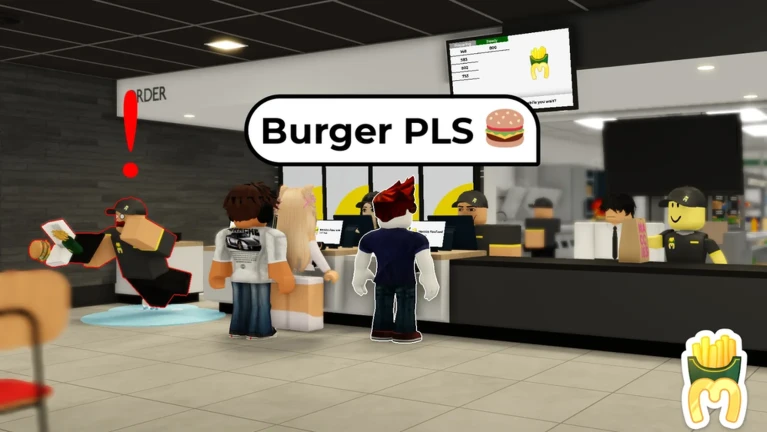
OverviewRestaurant Roleplay puts you inside a fast-food restaurant modeled after a McDonald's, where you can eat as a customer or run the place as staff.
What is on this page
Contents
Player notes and tips
Found a useful trick? Share it with everyone! Notes with screenshots are welcome!
Write a guide note
[🍔🍟] Restaurant Roleplay
Two roles to choose from
Table
When you enter the game, you choose between being a customer or a staff member. Customers can start playing right away without any extra steps, while staff need to join the official group before they can take orders or serve food.
| Customer | open to anyone, no group required |
| Staff | requires joining the official Roblox group first |
MetaNew Player Survey

The next survey is being prepared.
Getting started as a customer
Step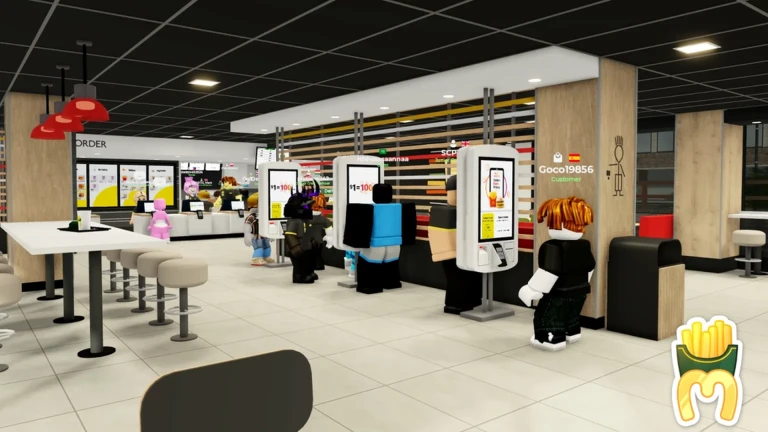
You do not need to join any group to eat here. Check what is on the menu and buy whatever looks good. After that, enjoy your food alongside other players.
- Check the menu look over the snacks the restaurant is selling
- Buy a snack pick the item you want and purchase it
- Eat and hang out sit inside the restaurant and enjoy the atmosphere
Joining the group to unlock staff work
CheckThe staff role is gated behind group membership. Once you are in the group, rejoin the game and select the staff side to start working.
- Join the official group on Roblox
- Relaunch the game after joining
- Select the staff role at the start screen
Working as staff
Step
Once you are in as staff, your job is to keep the restaurant running. Multiple staff members work at the same time.
- Take customer orders listen to what customers want from the menu
- Provide the food hand over the correct items to complete each order
Playing with a full server
TipsA single server holds up to 45 players at once. When that cap is reached, new players are placed into a separate server.
- Up to 45 players can be in the same restaurant at the same time
- If a server is full, you will automatically land in a fresh one
Glossary
Glossary- Staff
- The role that lets you take orders and serve food; requires joining the official group before you can select it.
- Customer
- The role available to any player from the start, focused on browsing the menu and buying snacks.
- Snack
- Any food item sold on the restaurant's in-game menu that customers can purchase and eat.
- Group
- The official Roblox community; membership unlocks the staff role.
Common questions
FAQCan I play without joining the group?
Yes. You can walk in as a customer, buy snacks from the menu, and enjoy the restaurant without ever joining the group. Group membership is only needed if you want to work as staff.
What happens when a server hits 45 players?
Once a server reaches its 45-player cap, any additional players are sent to a different server automatically.
Do I need to rejoin after joining the group?
Yes. Join the group first, then relaunch the game. The staff role will be available to select once you load back in.
Game updates can change what is on this page. If you spot something, get in touch and let us know.
