
Build Playground Guide: Getting started from a blank plot
About
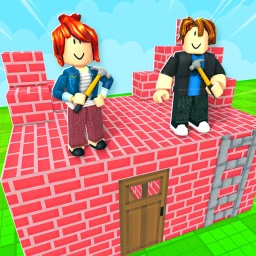
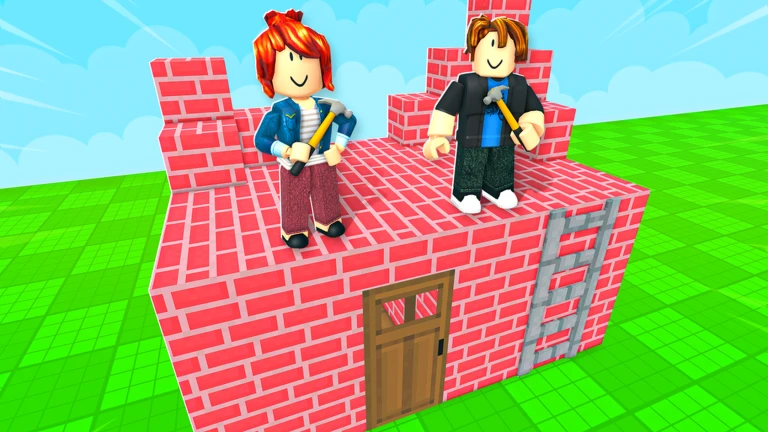
OverviewBuild Playground is a Roblox building game where you place unique blocks however you like, alone or with friends. Your work saves automatically to a free private server, so you can pick up right where you left off whenever you return.
What is on this page
Contents
Getting started from a blank plot
Step
When you load in, you start with an empty space and a menu of blocks on the left or bottom of the screen. Select any block and place it wherever you want. If you change your mind, the delete tool removes it. Starting with a small, simple structure is the easiest way to finish something.
- Open the block menu browse the available types to see what materials are there.
- Place a block where you want it.
- Remove mistakes switch to the delete tool to clear anything you placed by accident.
- Start small aim to finish one small build before scaling up to bigger projects.
Tips for stronger builds
Tips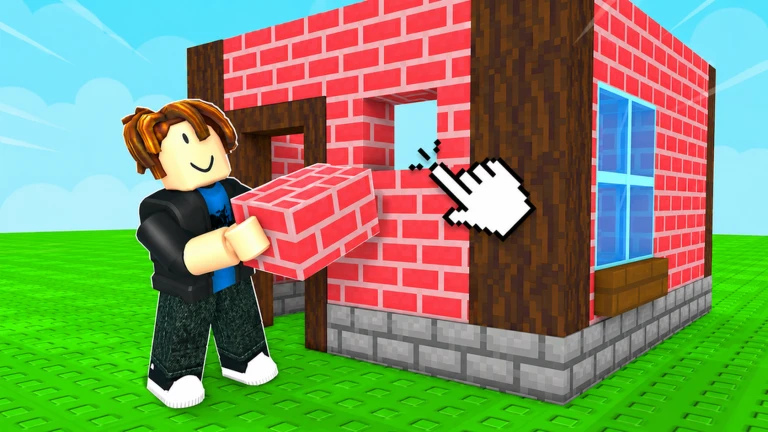
Building symmetrically gives your structure a balanced feel. Mixing colors adds visual complexity, and varying the height stops your builds from looking flat and repetitive. Laying down large blocks as a frame first, then filling in the details, means fewer changes late in the build.
- Mirror one side of your build to the other for a balanced look.
- Combine different colors to make your creation feel more detailed.
- Change the height across your structure so nothing looks too flat.
- Build the big frame with large blocks before adding smaller details.
Free lucky blocks and spending
Check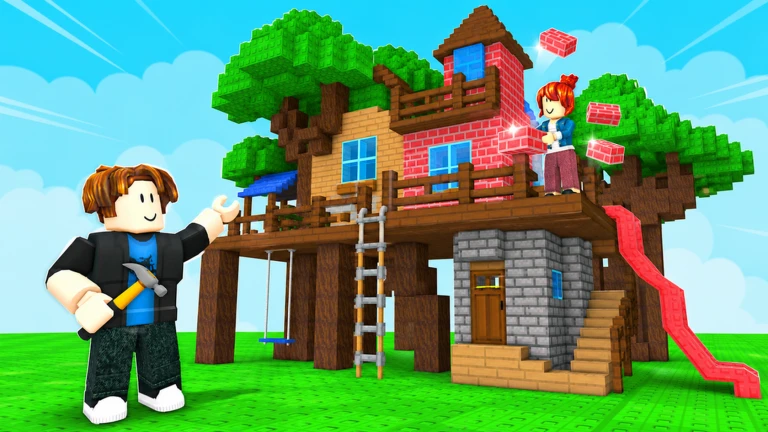
Liking the game and joining the group each reward you with a free lucky block. Spending money does not change how freely you can build — the full range of building is open to everyone regardless.
- Like the game on its Roblox page to claim your free lucky block.
- Join the group linked on the game page for another free lucky block.
- Skipping purchases does not limit what you can build.
Building with friends
Tips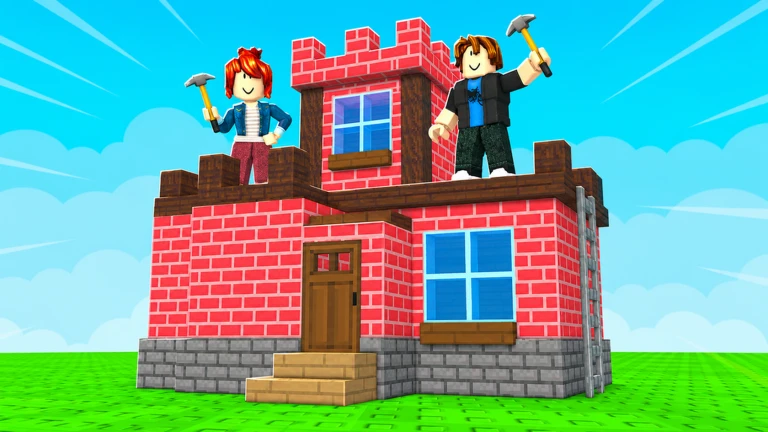
Build Playground lets multiple players build together in the same world at the same time. You can invite friends through the in-game menu. Because everyone works in the same space, it helps to agree briefly on who handles which area before you start.
- Use the in-game menu to invite friends into your session.
- Agree on who builds which section before everyone dives in.
Saving and returning to your work
SummaryEverything you build saves to a free private server tied to your account. Closing the game does not erase your progress — the build is waiting for you exactly as you left it next time you open it. That means big projects can be worked on a little at a time.
- Auto-save your private server stores every build automatically.
- Persistence the state of your build is preserved between sessions.
- Long projects large builds can be finished gradually over many visits.
Glossary
Glossary- Private server
- A dedicated space tied to your account where your builds are saved and kept between sessions.
- Lucky block
- A free bonus item you receive for liking the game or joining the group.
- Delete tool
- The in-game tool that removes a placed block from your build.
Common questions
FAQWill my build disappear when I leave the game?
No — everything saves to your free private server automatically. When you come back, your build is exactly where you left it.
Do I need to spend Robux to build freely?
You can build freely without spending anything. Spending does not affect the range of building available to you.
Can my friends and I work on separate parts of the same world?
Yes. When friends join your session, everyone is in the same shared space, so you can each take a different area of the plot and build simultaneously.
Game updates can change what is on this page. If you spot something, get in touch and let us know.
