
people the game Guide: Core controls
About
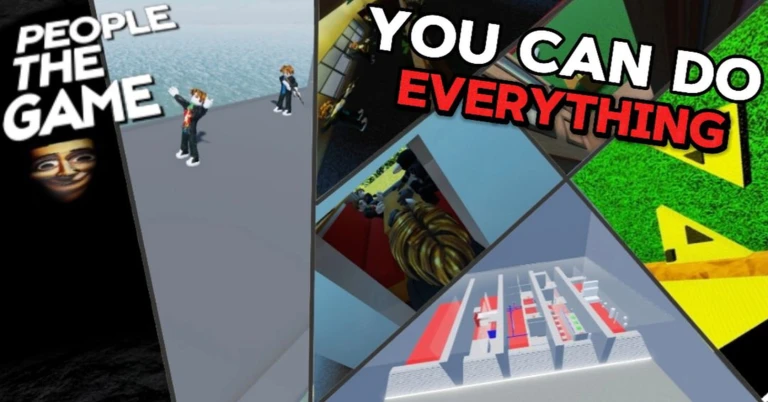
OverviewPeople the Game is a physics-based sandbox on Roblox where you control a ragdoll character with fully movable arms. You can grab objects, craft and reload weapons, and mess around with up to 30 players in the same room.
What is on this page
Contents
Player notes and tips
Found a useful trick? Share it with everyone! Notes with screenshots are welcome!
Write a guide note
people the game
Core controls
Check
Before you can do anything useful, you need your arms switched on. Once they are active, your mouse buttons let you interact with whatever is in front of you. Your inventory keeps track of everything you have picked up.
- Activate your arms press Q and E.
- Grab objects use the left and right mouse buttons to grab things or interact with whatever you are holding.
- Aim press the middle mouse button.
- Open your inventory press H.
- Check your ping press P.
MetaNew Player Survey

The next survey is being prepared.
Moving around
Check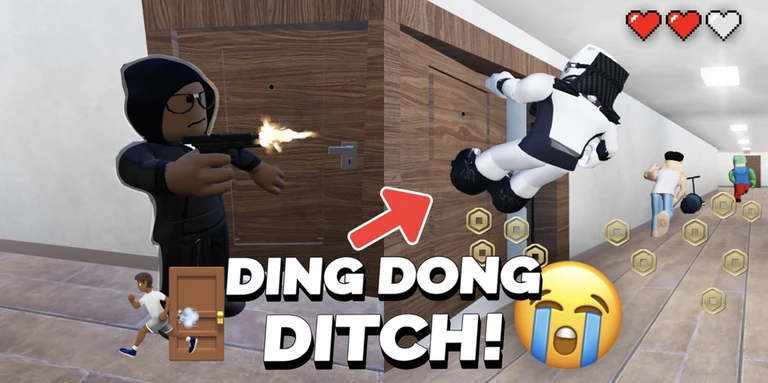
The default camera gives you a good view most of the time, but switching to third-person makes it easier to see what is happening around you.
- Hold Left Shift to run.
- Hold C to crouch.
- Press V to toggle third-person camera or turn the camera view off entirely.
- Press Space while climbing to push yourself upward.
- Use the scroll wheel to adjust how far your arms reach.
Free Arms mode and distance control
Tips
Free Arms mode opens up more precise movement. You can set a different reach distance for each arm mode separately.
- Hold Left Control to enter Free Arms mode.
- Press F to cycle through the three different Free Arms modes.
- Roll the scroll wheel up or down to change how far your arms extend in the current mode.
- Press G to set a separate distance for each arm mode.
Crafting and menus
Step
When a weapon runs out, open the craft menu and reload it from there. The sandbox menu and main menu sit behind separate keys.
- Open the craft menu press J to reload your weapon.
- Ragdoll yourself press R to go completely limp.
- Open the sandbox menu press the comma key ( , ) to adjust the game environment.
- Open the main menu press M.
Playing with others
SummaryEveryone in the room shares the same physical space. If you started the session, you have extra tools to manage who stays.
- Room size up to 30 players can join a single room.
- Host kick command .kick removes a specific player or all others.
- Host ban command .ban blocks a player from rejoining.
- Host unban command .unban lifts a ban on a player or clears all bans.
Glossary
Glossary- Ragdoll
- A state where your character goes completely limp and is moved entirely by the game's physics, rather than your normal movement controls.
- Free Arms mode
- A special arm mode you activate with Left Control that allows more precise and flexible arm movements than the default mode.
- Sandbox
- A style of game with few fixed rules, designed to let you experiment and play however you like.
Common questions
FAQHow do I reload a weapon?
Press J to open the craft menu, then use it to reload.
What can the server host do that other players cannot?
The player who started the session can use text commands to kick, ban, or unban others. Regular players do not have access to these commands.
How do I see the game in third person?
Press V to switch into third-person view.
Game updates can change what is on this page. If you spot something, get in touch and let us know.
