
Sorcerer Battlegrounds — Controls for every platform
About
OverviewSorcerer Battlegrounds is a PvP action game on Roblox where you fight other players using punches, blocks, dashes, and awakenings. This guide walks you through the controls, core combat loop, and habits that separate winners from beginners.
What is on this page
Contents
Controls for every platform
CheckThe game supports PC, console, and mobile with a unified control scheme. On mobile, taps and swipes replace the keyboard inputs, but the actions they trigger are identical.
- G awakening
- F block
- Q dash, and also cancels the ragdoll state
- Left click (or tap) punch
- Double-tap W run
- B emote wheel
Getting started in your first matches
Step
Your first few losses do not matter. Use them to build muscle memory rather than chasing wins. Once punching and blocking feel automatic, everything else clicks faster.
- Memorise the keybinds run through the list above before your first match so you are not hunting for buttons mid-fight.
- Watch your opponent read the timing of their swings before you commit to anything.
- Block incoming hits press F the moment an attack starts coming at you to cut the damage.
- Counter-punch the window right after a successful block is when the opponent is most open, so land a left-click then.
- Use Q to close or create distance dash in when you want to press an advantage, dash away when you need breathing room.
- Press G to use your awakening activate it when you need an extra edge in the fight.
Habits that win fights
Tips
Once you have the basics down, small adjustments to your timing and decision-making make a noticeable difference.
- Blocking repeatedly against multi-hit combos limits the damage you take to almost nothing.
- Attacking immediately after a block surprises opponents who expect you to stay defensive.
- A dash followed quickly by a punch is harder for opponents to read than a straight-in punch.
- If you are taking hits repeatedly, check whether you are pressing F a fraction too late — earlier input makes a clear difference.
- Save the emote wheel (B) for after a match rather than opening it mid-fight.
Diagnosing a losing streak
Check
If you keep losing in the same way, run through this list before changing your whole approach. Most problems trace back to one or two small habits rather than anything fundamental.
- Are your inputs registering? Test each key or tap in a low-pressure moment to confirm nothing is being dropped.
- Is your block landing on time? F needs to go down as the attack begins, not after it lands.
- Are you counter-attacking too slowly? The window after a block is short hesitating past it means the opponent recovers.
- Are you dashing early enough? Get Q pressed before the opponent is already inside your guard, not after.
- Is your connection stable? Lag pushes all inputs slightly late, which ruins block timing in particular.
Kill milestones and what they signal
SummaryThe game tracks your total kills through a series of badges. Each one is a sign that your fundamentals are sticking and you are putting real time into the game.
- First Blood your very first kill
- Beginning the Hunt 10 kills
- Certified Killer 100 kills
- Skull Crusher 1,000 kills
- Malevolent Tendencies 10,000 kills
- Hellsent Rampage 100,000 kills
 0KFAVSTE2
MYFAULTT
BUGOOOOO!713
/e !codeclaim MYFAULTT
0KFAVSTE2
MYFAULTT
BUGOOOOO!713
/e !codeclaim MYFAULTT
Other badges worth knowing
Tips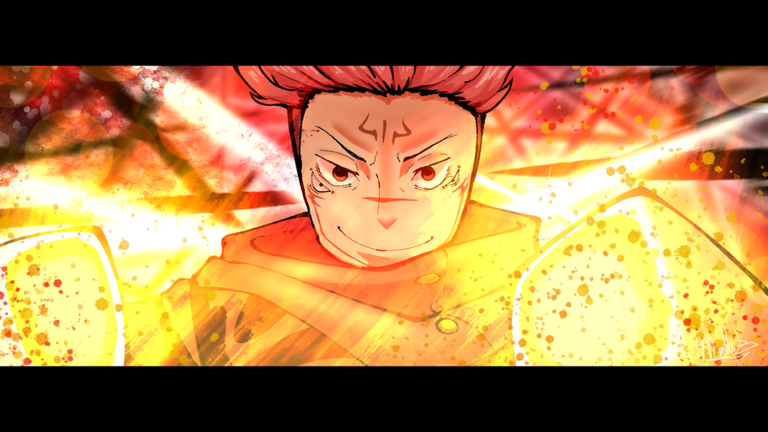
Outside the kill ladder, the game hands out badges for additional accomplishments. These are worth keeping in mind as you rack up experience.
- First Victory is awarded for winning your first match.
- Experienced Fighter and the two Sorcerer rank badges (Lesser Grade and High Grade) track broader progression as your reputation grows.
- FISH??? is an unusual badge with a cryptic description — finding out how to earn it is part of the fun.
Glossary
Glossary- Block
- Pressing F to absorb or reduce an incoming hit; it can be repeated to stop multi-hit combos.
- Dash
- Pressing Q to move quickly in any direction, useful for closing distance or escaping pressure.
- Ragdoll cancel
- Using Q while in the ragdoll state to regain control of your character immediately.
- Awakening
- A special action triggered with G.
- Emote wheel
- A menu opened with B, most suited to use after a match ends.
- Run
- Faster movement triggered by double-tapping W, separate from the quick burst of a dash.
Common questions
FAQAre there working redeem codes for this game?
Yes, this site currently tracks six working codes as of October 6, 2026. Look for the codes section on this page — the site inserts live codes automatically so you always see the latest ones.
Does the control scheme change between PC and mobile?
The actions are identical on every platform. On mobile, taps and swipes replace keyboard keys, but the game is designed so the same tactics work regardless of which device you are on.
Game updates can change what is on this page. If you spot something, get in touch and let us know.
