
Troll button tower Guide: Basic controls and getting started
About
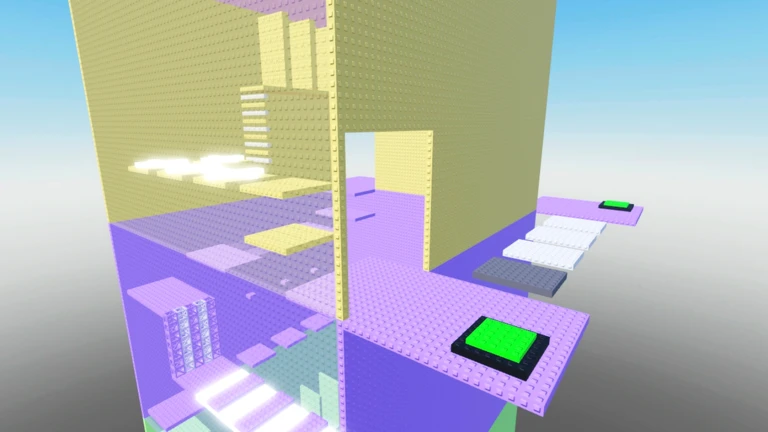
OverviewTroll Button Tower is a Roblox obby where you climb a tower and press buttons scattered along the way — each one triggering a random, unpredictable troll event.
What is on this page
Contents
Player notes and tips
Found a useful trick? Share it with everyone! Notes with screenshots are welcome!
Write a guide note
Troll button tower
Basic controls and getting started
Step
When you load in, spend a moment getting used to how your character moves before you try anything else. The core loop is simple: climb, find a button, press it, and deal with whatever happens next.
- Move around
use WASD on keyboard or the joystick on mobile to walk in any direction.
- Jump
press Space on keyboard to jump, which you will need constantly while climbing.
- Look for buttons
as you go up the tower, buttons appear in various spots; scan the walls and platforms around you.
- Press a button
walk into it, click it, or jump onto it to set off its effect.
MetaNew Player Survey

The next survey is being prepared.
Types of button effects
TablePressing a button can change the tower itself, mess with your controls, or distort what you see on screen. None of these effects are telegraphed in advance.
| Tower changes | the path you were using shifts or disappears, so look for a new route up. |
| Loss of control | your character stops responding; wait it out until the effect lifts on its own. |
| Screen effects | the display goes wrong in some way; use your sense of direction and any sounds to keep moving. |
Playing with friends
Tips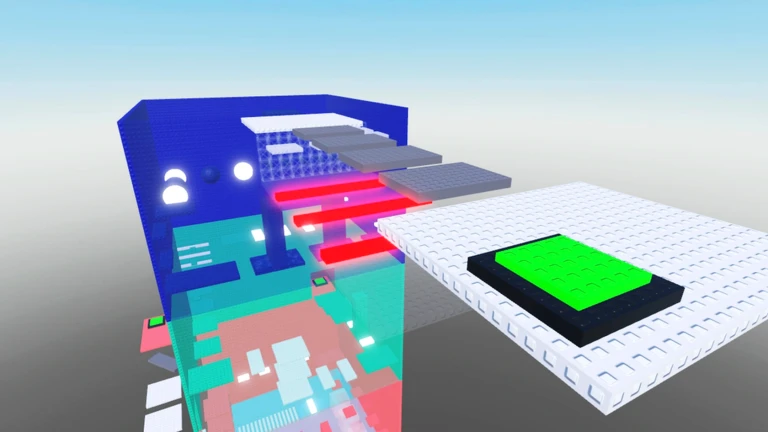
The game supports multiple players in the same tower at the same time, which opens up a whole extra layer of chaos.
- Let a friend find and press a button first so you can watch the effect hit them.
- Keep button locations secret from each other to preserve the surprise.
- Try having two people press different buttons close together in time to see what stacks.
Cost and replay value
SummaryThere are no purchases to make and no content locked behind payment. You can replay as many times as you like without any additional cost, alone or with others.
- All content
free, with no purchases required
- Multiplayer
no extra charge to bring friends in
Glossary
Glossary- Troll event
- An unexpected effect triggered by pressing a button, designed to surprise or inconvenience the player in a humorous way.
- Obby
- Short for obstacle course — a Roblox game genre built around jumping, climbing, and navigating platforming challenges.
- Button effect
- The specific change that happens in the game world when a player presses one of the tower's buttons.
Common questions
FAQWhat actually happens when I press a button?
It depends on the button — effects range from reshaping part of the tower to freezing your controls to distorting your screen. There is no way to know in advance, which is the whole point.
What do I do if my character stops moving?
A button you or another player pressed has temporarily disabled your controls. Wait and the effect will clear on its own.
Can I play solo?
Yes, the game works perfectly well with just one player.
Game updates can change what is on this page. If you spot something, get in touch and let us know.
