
Create Slime Mart Guide: Your first run from box to finished slime food
About
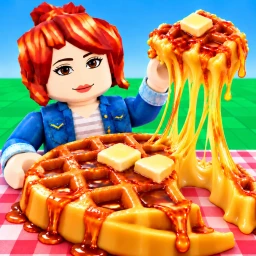
OverviewCreate Slime Mart! is a creative Roblox game where you pick boxes, open them to get slime food, and customize and animate your creations.
What is on this page
Contents
Player notes and tips
Found a useful trick? Share it with everyone! Notes with screenshots are welcome!
Write a guide note
Create Slime Mart ! [Testing]
Your first run from box to finished slime food
Step
When you first load in, head to the shop to pick a box. Take it to your table to open it, and your slime food appears ready to decorate.
- Visit the shop browse the available boxes and choose one to buy.
- Bring it to your table open the box there to reveal your slime food.
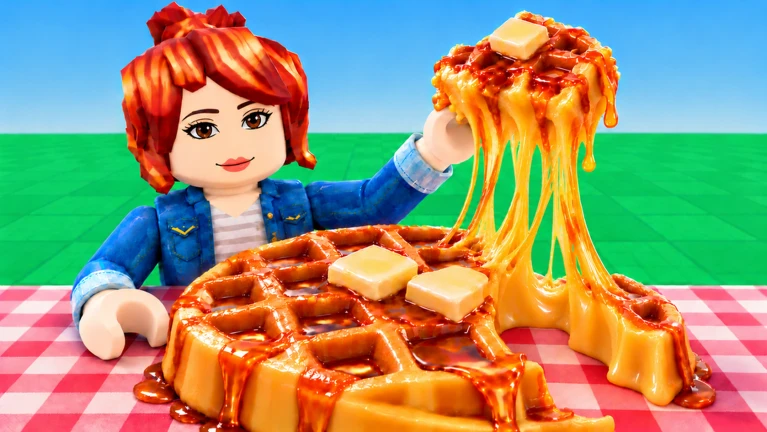
- Customize it use colorful Extras to decorate waffles, donuts, pizza, and other food types.
- Animate your creation stretch, squish, and film it.
MetaNew Player Survey

The next survey is being prepared.
Customizing your slime food
Tips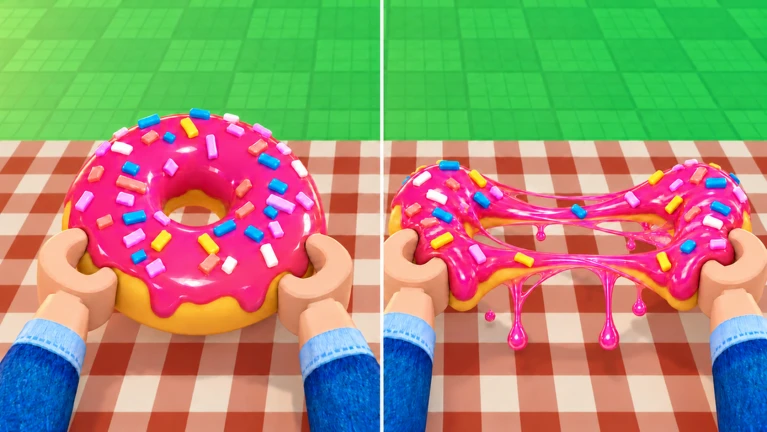
Several slime food types are available, including waffles, donuts, and pizza. You can place colorful Extras on any of them and change both the color and position freely.
- Waffles, donuts, and pizza are among the food types you can work with.
- Extras can be repositioned and recolored.
Earning Coins and Subs through animation
Check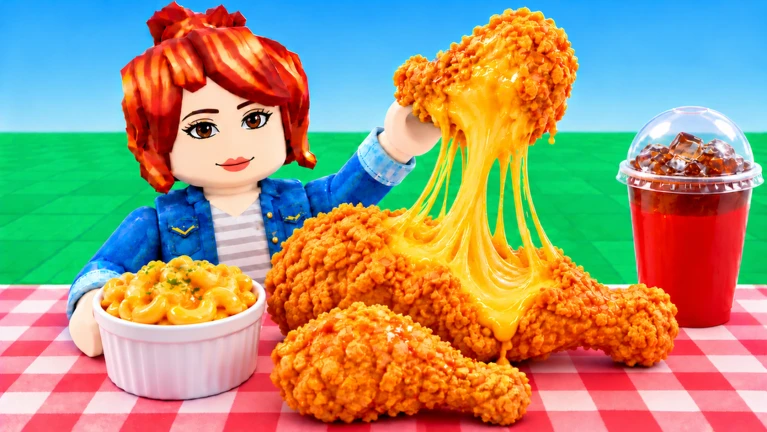
Once your slime food is ready, stretching, squishing, and filming each count toward your Coins and Subs.
- Stretch your slime food.
- Squish it.
- Film your creation.
- The type and number of actions affect your Coins and Subs.
Playing with friends
Summary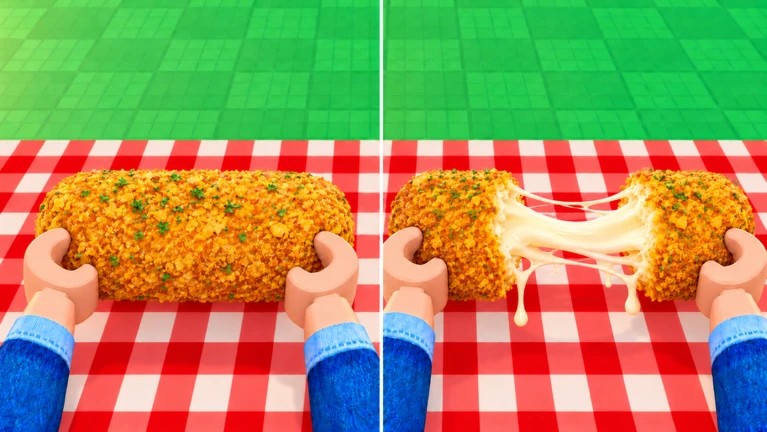
You can visit a friend's Slime Mart directly. The collab feature lets everyone work on slime food together in the same space.
- Room limit up to ten players can be in the same room at once.
- Friend visits you can drop into a friend's Slime Mart.
- Collab mode multiple players can build slime food together in one session.
Glossary
Glossary- Slime food
- A food-shaped creation made from slime material — the main thing you build, decorate, and animate in the game.
- Extras
- Colorful add-on items you place on your slime food to decorate it.
- Subs
- A type of reward you earn by performing animation actions on your slime food.
- Restock
- A periodic refresh of the shop's inventory that adds new boxes you can buy.
- Collab
- A multiplayer session where you and your friends build slime food together in the same room.
Common questions
FAQHow many players can be in one room at the same time?
Up to ten players can share the same room.
How do I save a creation I am proud of?
Use the film action on your slime food to record it.
Does the shop always carry the same boxes?
No — the shop's inventory changes when it restocks, and each restock can bring boxes you have not seen before.
Game updates can change what is on this page. If you spot something, get in touch and let us know.
