
Compshop Guide: Getting your shop off the ground
About
OverviewCompshop lets you build and run your own computer shop cafe on Roblox, customizing the layout, upgrading PC parts, and competing to become the best shop around. This guide covers getting started, growing your shop, playing with friends, and redeeming codes.
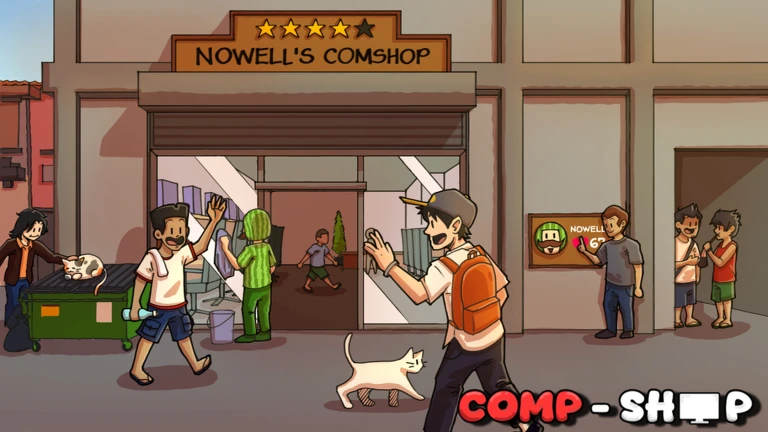
What is on this page
Contents
Getting your shop off the ground
Step
When you load in, your computer shop cafe is ready and waiting. Before anything else, spend a little time in the base customization feature to decide how you want the place to look. After that, check which PC parts are available to you and start upgrading them so your shop can offer better builds.
- Open base customization decide on your shop's layout and appearance.
- Check your PC parts look over what parts are available to sell so you know what you are working with.
- Upgrade your parts strengthen the parts you plan to sell.
MetaNew Player Survey
The next survey is being prepared.
Base customization and PC upgrades
Table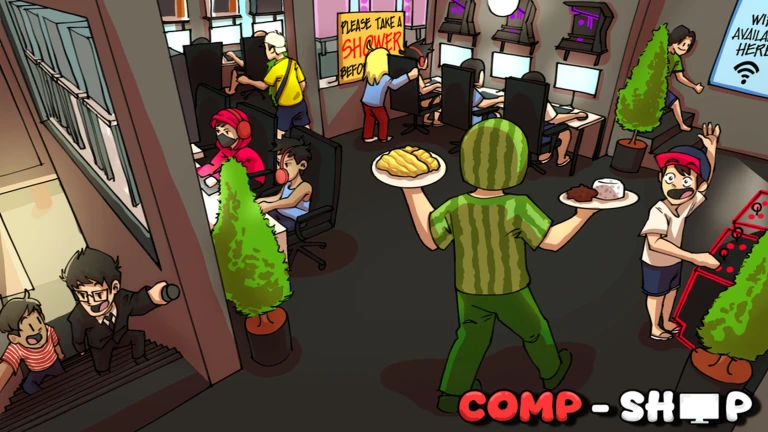
The game gives you two main ways to develop your shop. Base customization is about the physical space — how it looks and how it is arranged. PC part upgrades are about what you are actually selling.
| Base customization | changes the appearance and layout of your shop building. |
| PC part upgrades | improves the hardware your shop sells to customers. |
| Favoriting other bases | lets you support and bookmark shops you like from other players. |
Playing with friends and hired workers
Tips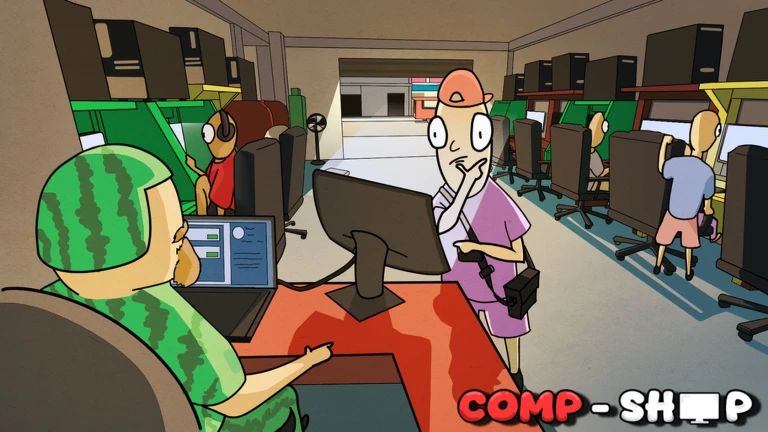
Compshop has multiplayer options. The co-ownership feature means you and a friend can both manage and build the same shop rather than running separate ones. Hired workers also help keep things running inside your shop.
- A single server holds up to six players at once.
- Co-ownership lets multiple players manage and grow the same shop together.
- Hired workers can be brought on to help run your shop.
- You can favorite other players' bases to support them and keep track of shops you like.
Redeem codes
CheckThe game distributes redeem codes that give you in-game rewards when entered correctly. Each code can only be used once, and some expire.
- Type the code exactly as it appears.
- Each code works only once.
- Check the official community server regularly so you do not miss new codes.
 Magnanakaw
6Mvisits
Kuryente
5K Cash
Wifi
5K Cash and 1 Double Luck Potion
Magnanakaw
6Mvisits
Kuryente
5K Cash
Wifi
5K Cash and 1 Double Luck Potion
Beta stage and known issues
WarnCompshop is currently in its beta stage, which the developers have flagged openly. That means you should expect to run into bugs or other issues during play. Head to the official community server and report what you find.
Glossary
Glossary- Base customization
- The in-game feature that lets you change the appearance and arrangement of your shop building.
- Co-ownership
- A feature that allows more than one player to manage and develop the same shop together.
- Hired workers
- Staff you can bring into your shop to help with operations.
- Beta
- An early release stage where the game is still being developed and bugs are expected.
Common questions
FAQHow many players can be in the same server?
Up to six players can be in one server at the same time. The co-ownership feature lets you both manage the exact same store.
Where do I find new redeem codes?
New codes are announced through the game's official community server.
What should I do if I run into a bug?
Join the official community server and describe the problem there. The developers are actively working on the game during its beta period, and bug reports from players help them find and fix issues.
Game updates can change what is on this page. If you spot something, get in touch and let us know.
