
Pantura Road Bus Simulator — Controls to know before you drive
About
OverviewPantura Road Bus Simulator puts you behind the wheel of a detailed bus on Indonesia's Pantura road. This guide walks you through starting the engine, shifting gears, and using the controls that make the simulation feel real.
What is on this page
Contents
Controls to know before you drive
Check
The game uses several keys together to run the bus, so a quick look at the layout before your first session helps. The engine key and gear shift are the two most important ones to find on your keyboard.
- WASD moves the bus forward, backward, and side to side
- F starts or stops the engine
- E and Q shift the gear up or down
- P engages or releases the parking brake
- H sounds the horn
- L turns the lights on or off
Extra controls that improve the drive
Tips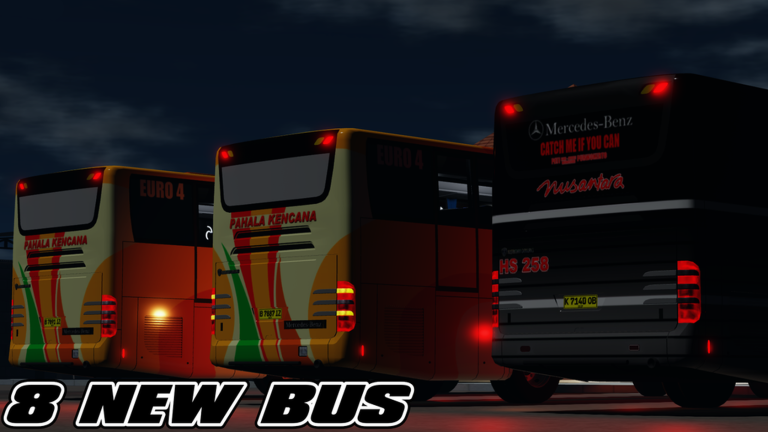
Once the bus is moving, a handful of extra controls add realism and make it easier to see what is around you.
- Z, X, and C trigger the turn indicators
- Shift + P switches to freecam, letting you look around outside the bus freely
- C and V cycle through the available camera angles while you drive
When the bus still won't move
Warn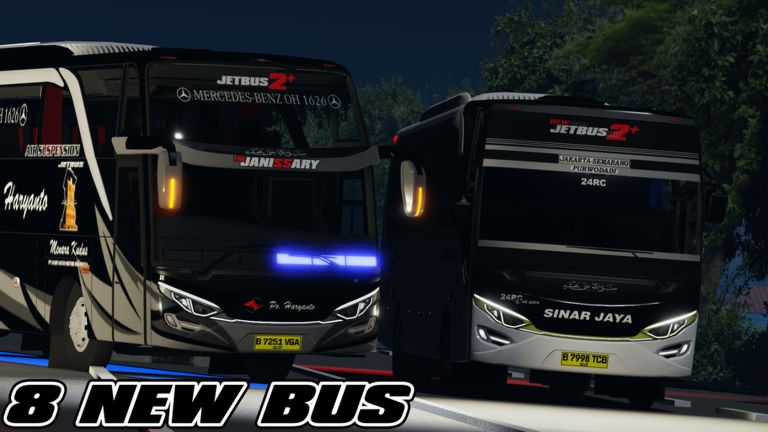
Because the game is in active development, occasional bugs can make the bus unresponsive. Before assuming it is a bug, run through the quick fixes below.
Game state and free options
Summary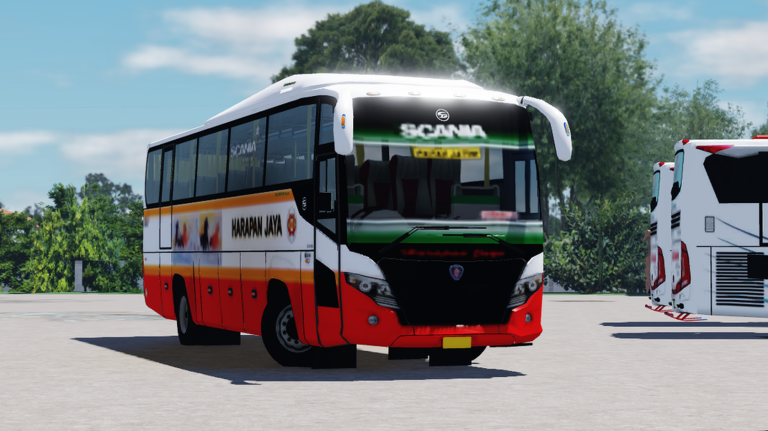
A few things worth knowing about how the game is set up before you invest time in it.
- Cost to play free, with no entry fee
- Private servers free to create
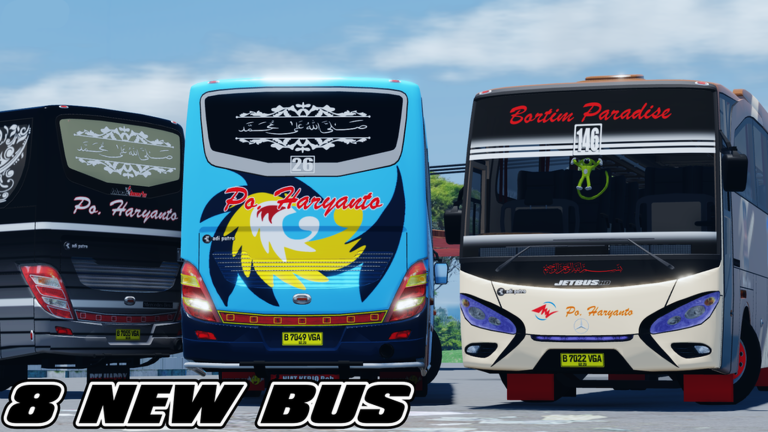
- Bus roster eight new buses were added in the most recent update, with more planned
- Development status bugs and performance dips are expected while the game is being built
- Bug reports the Community server, linked on the game's social links, is where to report issues or follow update news
Glossary
Glossary- Gear Shift
- The system that puts the bus into drive or reverse, controlled with E and Q.
- Parking Brake
- A brake that locks the bus in place; press P to release it before driving.
- Indicators
- The turn signals on the bus, operated with the Z, X, and C keys.
- Freecam
- A camera mode activated with Shift + P that lets you look around the scene freely, separate from the bus.
Common questions
FAQWhy does the bus engine run but the bus won't move?
Press E or Q to shift into a gear, and make sure the parking brake is off with P. If it still does not move, restart the engine by pressing F twice.
Is the game free, and can I play alone?
There is no cost to play, and private servers are also free.
What happens when the server shuts down?
A shutdown means an update is being applied. Wait a short time and rejoin — the session will be back once the update is live.
Game updates can change what is on this page. If you spot something, get in touch and let us know.
