
Special Forces Simulator Guide: First things to do when you load in
About
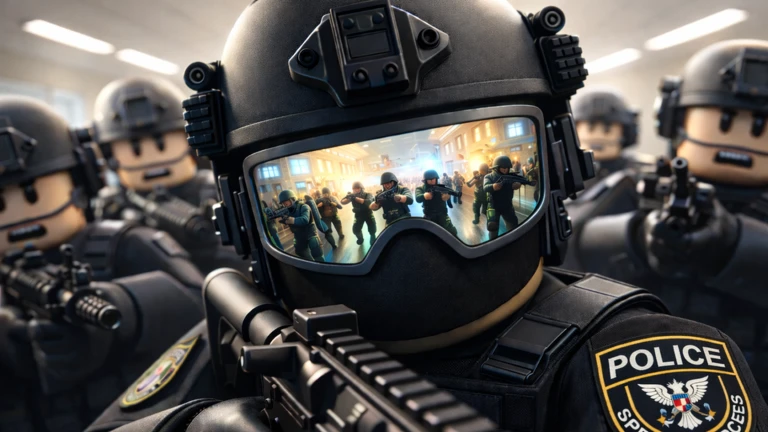
OverviewSpecial Forces Simulator puts you in the boots of a SWAT, FBI, or special forces operator, running breaching and entry tactics against enemies across a series of missions. This guide walks you through your first steps, how to push through missions, and how to get the most out of playing with friends.
What is on this page
Contents
First things to do when you load in
StepBefore you fire a single shot, redeem any available code from the main menu to collect your starting bonus. Then spend a minute getting comfortable with the two controls you will use constantly.
- Open the code box find the code entry field on the main menu and type your code exactly as it appears; each code works only once, so double-check before hitting confirm.
- Practice the flashlight tap G to toggle it on and off; you need it to spot enemies in dark areas before they spot you.
- Practice reloading press R after a firefight so you are never caught with an empty gun at the start of the next one.
- Invite a friend multiplayer is supported from the start, and a second player makes early missions noticeably easier.
 367KLIKES
in-game perks
367KLIKES
in-game perks
How missions reward you and why that matters
Summary
Every mission you finish pays out rank progress and currency. Rank unlocks new equipment, and currency lets you buy it, so the two systems feed each other.
- Rank rises with each mission cleared and gates access to new weapons and gear.
- Currency earned from mission rewards and spent in the gear shop on weapons, armor, and other items.
- Arrest milestones arresting enemies counts toward badges at 1, 10, and 50 arrests, giving you clear short-term targets.
- Kill milestones reaching 10, 50, and 100 enemy kills marks your progress and shows where you stand against other players.
- Prestige sitting in the top one percent of players, prestige is a long-term goal that requires significant rank progress.
Weapons and gear choices
TipsThe shop offers multiple guns and gear items, each with different handling. You do not need to spend real money to compete — mission rewards are enough to progress through all content.
- Your starting weapon can clear early missions, so there is no need to rush toward an upgrade.
- Use the flashlight to locate enemies before you move into the open.
Glossary
Glossary- Rank
- A progress level that rises as you complete missions and unlocks new equipment when it increases.
- Prestige
- An advanced milestone reached after significant rank progress, earned by fewer than one percent of players.
- Flashlight
- A toggleable light source activated with G that lets you see enemies in dark areas before engaging them.
- Reload
- The action of refilling your gun's ammunition, triggered by pressing R.
- Gear
- Equipment other than your main gun — armor and items bought from the shop.
- Breaching
- The tactical style of entering a location by force, which is the core gameplay loop of Special Forces Simulator.
- Arrest
- An in-game action that counts toward arrest milestone badges at 1, 10, and 50 total arrests.
Common questions
FAQCan I finish every mission without spending Robux?
Yes. Mission rewards give you enough currency to buy and upgrade gear at your own pace.
Where do I enter a code?
There is a code entry field on the main menu. Type the code exactly as it appears and confirm it. Each code can only be used once per account, so check your spelling before you submit.
I cannot find any enemies — what should I do?
Press G to turn on your flashlight and sweep the area before moving forward.
The game is acting strangely — is it broken?
The game is still in beta, so occasional bugs can occur. Restarting your session clears most issues. If the problem keeps coming back, report it through the official channels.
Game updates can change what is on this page. If you spot something, get in touch and let us know.
