
TwisterX — First steps when you load in
About
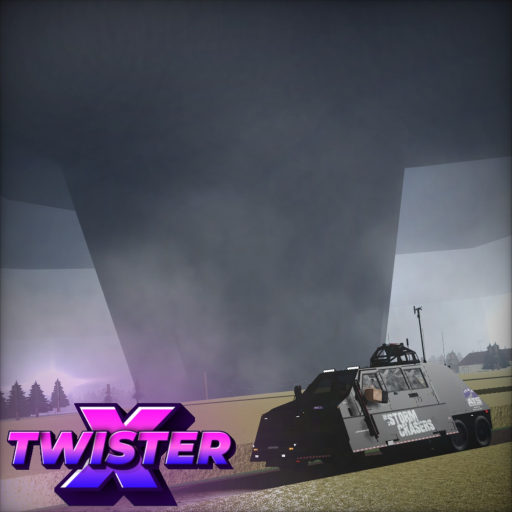
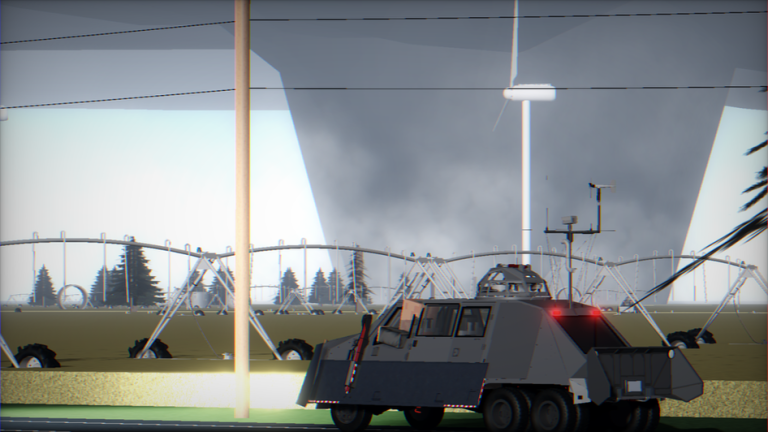
OverviewTwisterX is a semi-sandbox tornado-chasing game where you drive across a map of eight towns, track tornadoes using a weather radar, and unlock vehicles and badges as you go. This guide covers the basics of getting started, picking the right vehicle, chasing tornadoes safely, and collecting every badge.
What is on this page
Contents
First steps when you load in
Step
The moment you join TwisterX for the first time, you automatically earn the Welcome To TwisterX badge — no action needed. After that, your first job is to make sure you can actually see what is going on. The free camera is your best tool for watching tornadoes from any angle.
- Check your badge the Welcome To TwisterX badge appears in your inventory automatically on your first visit.
- Switch to free camera press Shift + C to enter free-camera mode so you can look around the map freely.
- Fix a stuck camera if the camera stops responding, press the Camera button in the top section of the screen GUI to reset it.
- Grab a free vehicle head to the vehicle selection and pick any civilian vehicle, all of which cost nothing.
- Open the mesonet display the mesonet panel sits in the bottom-left corner and updates automatically, showing you wind conditions even before a tornado appears.
Civilian vs. modified vehicles
Table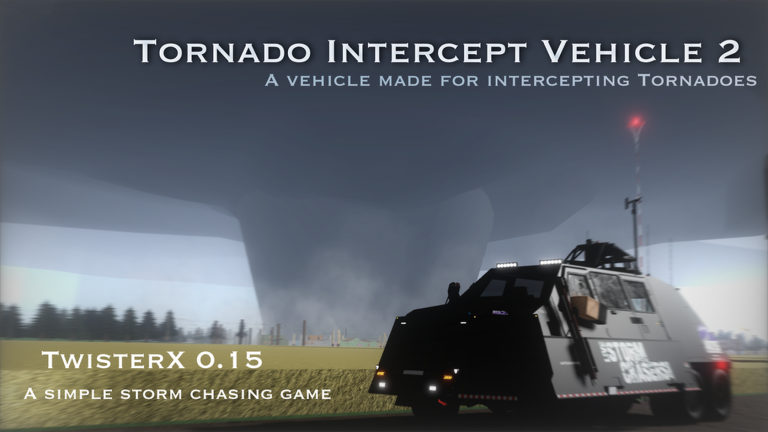
Every vehicle in the game falls into one of two categories. Civilian vehicles are available to everyone at no cost. Modified vehicles, such as radar trucks, interceptors, and probe trucks, come at varying prices — though some are unlocked permanently once you hit a money threshold rather than being deducted from your balance.
| Civilian vehicles | all free, includes pickups, sedans, and SUVs suited for everyday chasing |
| Modified radar trucks and Lancers | one-time unlock at a money threshold; your balance is not spent |
| Tornado Wrangler, Subanator, and HashTV vehicles | must be repurchased if you delete them, though they are relatively cheap |
| Deployment button | only interceptors and radar trucks have it; press Deploy in the bottom-right corner while fully stopped to activate |
| Radar truck mesonet | when you are inside a radar truck the mesonet panel switches to show radar wind speeds instead of standard readings |
Performance on slower devices
Check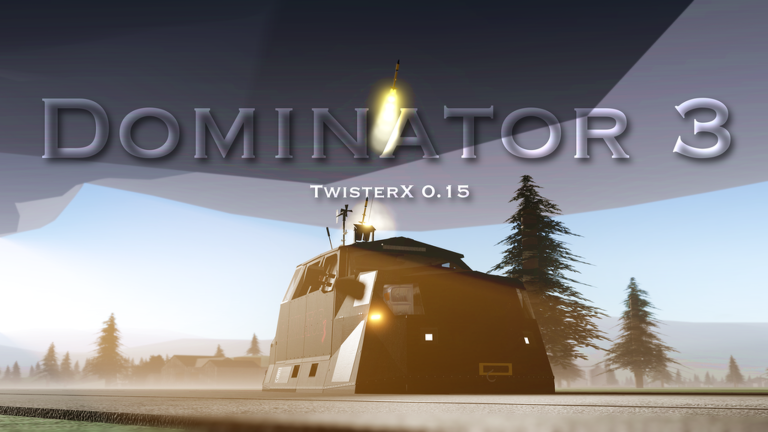
TwisterX is built to run on mid-range and low-end devices, but a full public server can still cause slowdown. The game itself points to three ways to handle this.
- Try the Lite version it improves performance by roughly 20 percent compared to the standard version.
- Join a private server fewer players in the session means less load on your device.
- Pick a smaller public server if you stay on a public server, joining one with fewer people already in it will help.
- Avoid despawning a radar truck while it is still scanning doing so can break the mesonet display for that session.
Badge hunting
Tips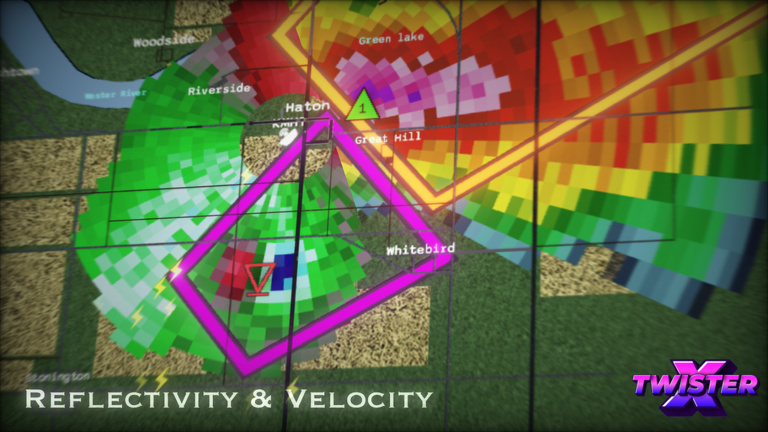
There are nine badges in TwisterX. Some unlock through normal play, others ask you to find hidden spots or reach a specific event in a server. The Supporter badge is the only one that requires a donation.
- Welcome To TwisterX unlocks automatically the first time you join — you cannot miss it.
- The 300MPH Tornado badge triggers when any tornado in your server reaches above 300 mph — you do not need to create the tornado yourself, just be present.
- To earn the satellite tornado badge, get close to a small tornado that is orbiting a larger one; these smaller tornadoes are commonly found around high-end tornadoes.
- The duck badge is hidden somewhere in the town added in version 0.7 — explore that town to track it down.
- The tix badge is tied to the town added in version 0.15.1, so head there and look around.
- The MDS badge unlocks something in the store — to get it, speak to Rise in the game.
- The Supporter badge requires a donation to the game and cannot be earned through gameplay alone.
- Meeting the owner Fluzerify or co-owner Kyoto in a server earns you their respective meet badges.
Weather radar and tornado types
Summary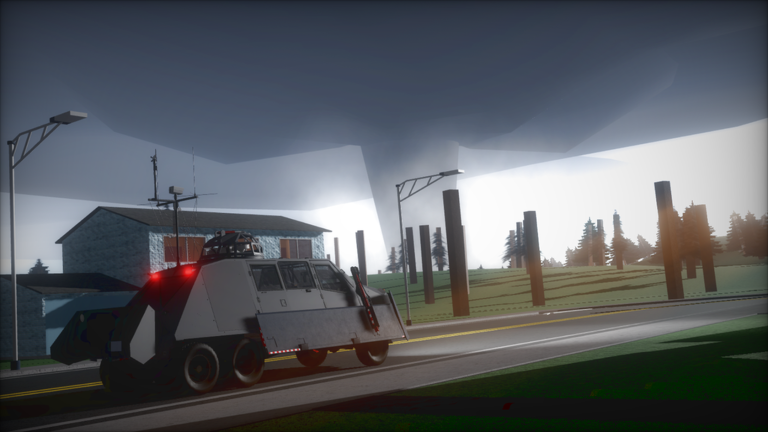
TwisterX includes a functioning weather radar with two display modes.
- Radar mode Reflectivity shows storm position; Velocity shows wind speeds
- Mesonet panel bottom-left corner, updates automatically for all vehicles
- Satellite tornado small tornado orbiting a larger one, commonly found around high-end tornadoes
- Intercepting a satellite tornado required for the satellite tornado badge, so approach the small orbiting tornado directly
- 300 mph threshold a server-wide event; stay in active servers to increase your chances of witnessing it
Glossary
Glossary- Semi-sandbox
- A game style where you can move and act freely within a set environment rather than building or scripting everything yourself.
- Mesonet
- The in-game panel in the bottom-left corner that displays wind conditions around your vehicle automatically.
- Satellite tornado
- A small tornado that orbits a larger tornado, commonly found during high-end tornado events.
- Deployment
- The action of locking an interceptor or radar truck into a stationary operating stance using the Deploy button.
- Lite version
- A lower-graphics version of TwisterX that improves performance by around 20 percent on slower devices.
- Free camera
- A camera mode activated with Shift + C that lets you look around the map from any angle independent of your vehicle.
- Thermodynamics system
- An in-game simulation of atmospheric conditions included in TwisterX.
Common questions
FAQCan I play TwisterX without spending any Robux?
Yes. All civilian vehicles are free, and the weather radar and thermodynamics system are available to everyone. The only badge that requires spending anything is the Supporter badge, which needs a donation.
How do I get the 300MPH Tornado badge?
You need to be in a server where a tornado's wind speed goes above 300 mph. You do not need to do anything special to the tornado — just be present in the server.
Where is the duck for the duck badge?
The duck is somewhere inside the town that was added in version 0.7. The only official hint is the town itself, so explore that area until you spot it.
Why does my mesonet display break after I use a radar truck?
This happens if you despawn the radar truck while it is still scanning.
The game says it is unfinished — is it worth playing now?
Eight towns, a working weather radar, dozens of vehicles, and a full badge system are all in the game right now. Bugs can appear since it is an alpha release, and the developers ask players to report them through the official social links or the Roblox community group.
Game updates can change what is on this page. If you spot something, get in touch and let us know.
