
SCORCHED EARTH — Core controls to learn first
About
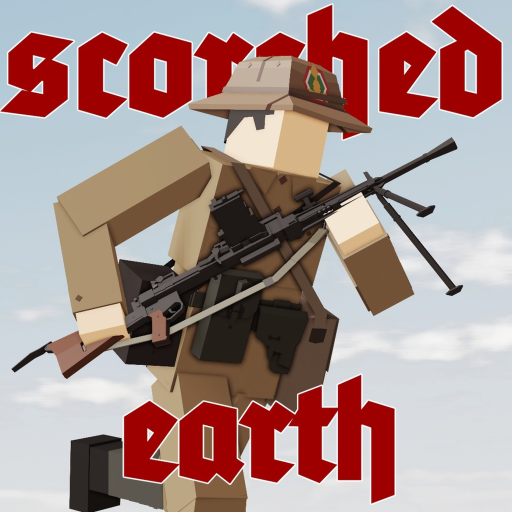
OverviewSCORCHED EARTH is a hardcore sandbox first-person shooter where you can blow up and build the environment while fighting other players. This guide covers the controls, shooting techniques, teamwork tools, and what a private server does differently.
What is on this page
Contents
Core controls to learn first
Check
SCORCHED EARTH has more keys than a typical Roblox shooter. The controls cover movement posture, aiming, firing style, and talking to your squad.
- Left-click fires your weapon; right-click aims down sights
- C lowers your stance, X raises it there are three levels: standing, crouching, and prone
- C combined with the scroll wheel steps through stances one level at a time
- Q and E lean left and right while you are aiming, letting you shoot around cover
- B cycles your weapon's fire mode
- V triggers a melee attack, but only on weapons and bayonets that support it
Aiming techniques that improve accuracy
Step
Three modifier combinations give you tighter control over where your shots actually land.
- Hold AIM then SHIFT enter steady aim, which reduces weapon sway
- Hold AIM then scroll the mouse wheel adjust zeroing on weapons that support it
- Hold AIM then ALT switch to iron sights
- On a laptop where right-click feels unreliable use CTRL or the Tilde (~) key to aim instead
Squad communication tools
Tips
These keys let you coordinate with your team during a match.
- Press M to open the squad menu and check your team's composition
- Press TAB to pull up the scoreboard and see kills and deaths for every player in the match
- Press T to issue squad orders or ping an enemy position so your teammates know where to look
Private servers and Roblox Premium
Summary
Two optional features change what is available to you. Understanding what each one actually does stops you from being surprised later.
- Roblox Premium adds a 15% bonus to your match rewards every game
- Private server access unlocks every weapon and server tool for use inside that server
- Private server stats do not carry over to the main game
Glossary
Glossary- Stance
- Your character's posture — standing, crouching, or prone.
- Lean
- Tilting your character left or right around cover while aiming, letting you fire without exposing your full body.
- Fire mode
- The setting that controls how a weapon shoots, switched with B.
- Zeroing
- Adjusting a weapon's aim to account for target distance, available on some weapons by scrolling while aiming.
- Steady aim
- A modifier active while holding AIM and SHIFT that reduces weapon sway.
- Iron sights
- A secondary aiming view available on compatible weapons by pressing ALT while aiming.
Common questions
FAQI'm on a laptop and can't aim with right-click — what do I do?
Press CTRL or the Tilde (~) key instead. Both work as a direct replacement for right-click aiming on laptop setups.
Does playing on a private server count toward my progress?
No. Private servers unlock all weapons and tools, but any stats or rewards you earn there do not transfer to the main game.
How do I move between stances one step at a time instead of jumping straight to prone?
Hold C and scroll the mouse wheel. This steps through standing, crouching, and prone one level per scroll click.
Game updates can change what is on this page. If you spot something, get in touch and let us know.
