
Only Up Top Guide: Controls for every device
About
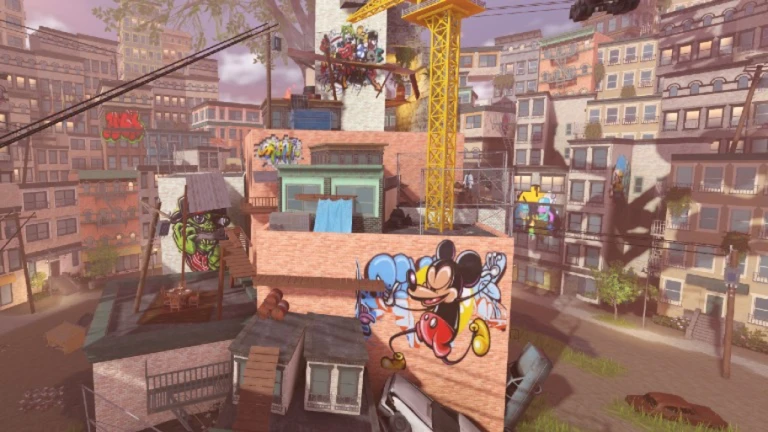
OverviewOnly Up Top! is a Roblox obstacle course where your only job is to jump higher and higher until you reach the top. Developed by Eder_Rblx, the game works on PC, mobile, and Xbox, so almost anyone can pick it up. This guide covers controls, how to push through tough sections, the badges you can earn, and a free reward you can claim right now.
What is on this page
Contents
Controls for every device
Table
The core climbing move never changes: face the object and jump into it.
| PC climbing | jump into the object you want to climb |
| PC sprint | hold Shift, or hold Shift with Shift Lock active to keep your camera and character facing the same direction |
| Mobile climbing | jump into the object you want to climb |
| Mobile sprint | press and hold the Toggle Sprint button on screen |
| Xbox climbing | jump into the object you want to climb |
| Xbox sprint | press and hold the sprint button |
MetaNew Player Survey
The next survey is being prepared.
Four badges and what earns them
Table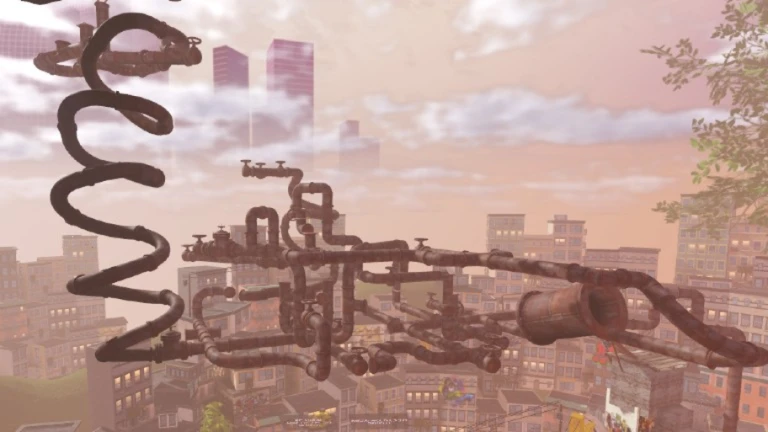
Collecting all four means you have seen everything the game offers — the main climb and both hidden surprises along the way.
| Badge | How to earn it |
|---|---|
| You joined Only Up Top! | Awarded automatically the moment you enter the game |
| Winner! | Reach the very top of the course |
| Secret Badge | Find a hidden object or spot somewhere on the course |
| Secret Badge 2 | Find a second separate hidden object or spot on the course |
Free balloon from the developer group
Step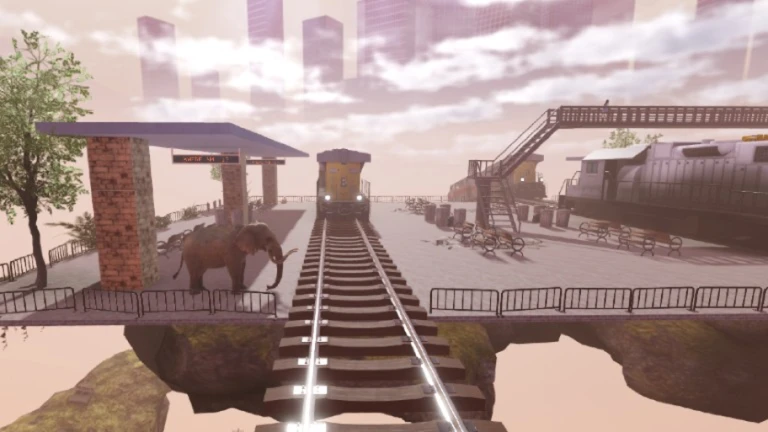
The game rewards players who support it on Roblox. Both steps only need to be done once.
- Join the group search for Eder Studios on Roblox and hit Join.
- Like the game go to the Only Up Top! game page and press the thumbs-up button.
Community strategy ideas
CommunityThese ideas and tips come from people playing the game. Share your discoveries too!
No strategy ideas yet. Share a tip you discovered.
Share a strategy idea
Only Up Top! [UPDATE]
Glossary
Glossary- Obby
- Short for obstacle course — a Roblox game genre where you jump and climb through a series of challenges to reach a finish line.
- Shift Lock
- A PC setting that locks your character to face the same direction as your camera, making precise jumps easier.
- Toggle Sprint
- The on-screen button mobile players press and hold to activate sprinting.
- Sprint
- A faster movement state activated by holding Shift on PC or pressing and holding Toggle Sprint on mobile.
Common questions
FAQWhat happens when I reach the top?
You earn the Winner! badge.
Where are the two secret badges hidden?
The game does not mark the locations for you — finding them is the challenge.
My mobile controls feel off — what should I try first?
A recent update added Mobile Shiftlock, Toggle Sprint, and fixed mobile animations. Close the game fully and reopen it, then make sure you are pressing and holding Toggle Sprint rather than just tapping it.
Do I have to join the group before I start playing to get the balloon?
Join the Eder Studios group and like the game to receive the free balloon.
Game updates can change what is on this page. If you spot something, get in touch and let us know.
