
Clean Up Guide: Controls for PC and controller
About
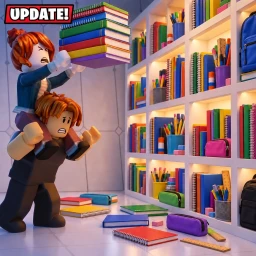
OverviewClean Up! drops you into a messy location where your job is to sort scattered items back onto the right shelves as fast as possible. You can play solo or team up with friends, and every finished map records your time on a leaderboard. This guide covers controls, how each map works, upgrades and abilities, and how the save system lets you pick up where you left off.
What is on this page
Contents
Controls for PC and controller
Table
Zoom in with right-click or RB when you need to read a label clearly.
| Pick up or place an item | E or click / RT on controller |
| Throw an item | Q / B on controller |
| Cycle between held items | scroll wheel / LT on controller |
| Zoom in | right-click / RB on controller |
| Open hints | H / D-Pad on controller |
MetaNew Player Survey
The next survey is being prepared.
How every map is structured
Step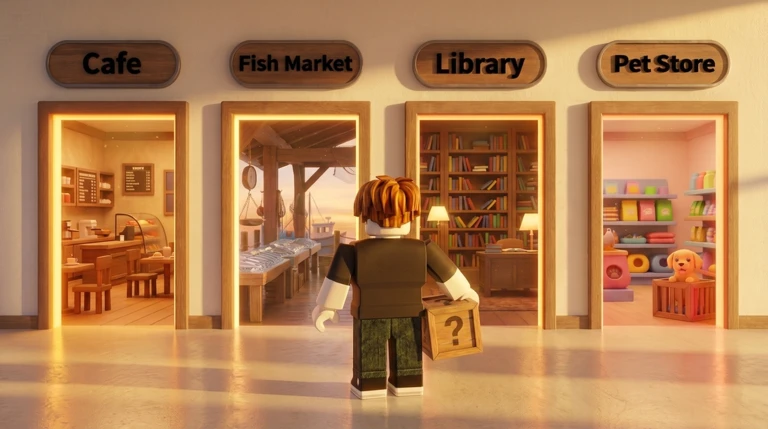
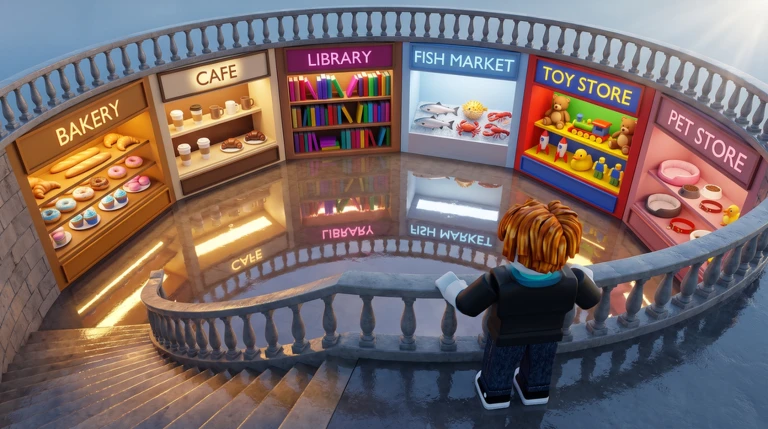
Whether you are in the Pet Store, the Toy Store, the Bakery, or the Cargo Terminal, the goal always builds from one item to one shelf to the whole map.
- Place your first item pick up one misplaced item and put it in the correct spot.
- Complete a full shelf fill every slot on one shelf.
- Clear the whole map once all shelves are full, the map is done and your time goes on the leaderboard.
Upgrades and abilities
Tips
Three upgrades make you physically faster and more capable, while five abilities change how you interact with items and shelves.
- Speed upgrade
- Jump upgrade
- Carry upgrade
- Reveal ability — shows level information about items and shelves
- Magnet ability — pulls nearby items toward you
- Reorder ability — rearranges the order of items
- Auto-Shelf ability — places items on shelves automatically
- Scan ability — pinpoints the exact location of items
The save system
Check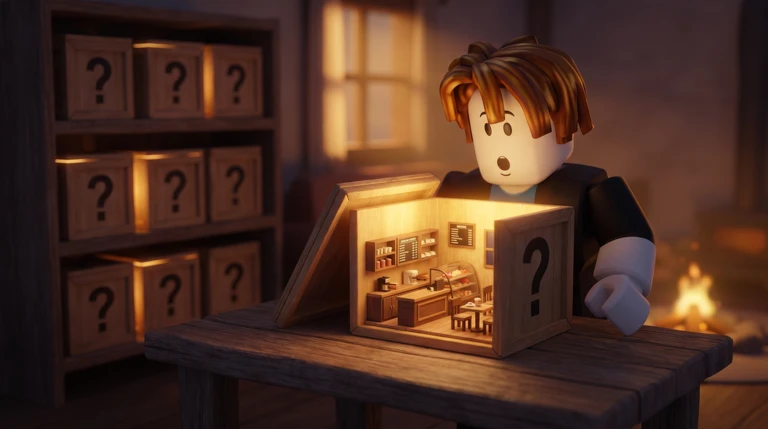
Four things are stored so you can continue where you left off.
- Items scattered on the floor are saved in their current positions.
- Your remaining time carries over to the next session.
- Shelves you have already completed stay full.
- Your overall run progress for the whole map is recorded.
Glossary
Glossary- Run
- One full attempt at a map from start to finish; your clear time is recorded per run.
- Cycle items
- Switching which of your held items is active, done with the scroll wheel on PC or LT on a controller.
- Carry upgrade
- An upgrade that increases the number of items you can hold at the same time.
- Auto-Shelf
- An ability that places items onto a shelf automatically.
- Leaderboard
- The ranking of fastest clear times for each map.
Common questions
FAQDoes the game save my progress if I quit early?
Yes. The positions of floor items, your remaining time, any completed shelves, and your overall run state are all saved.
How do I see hints when I am stuck?
Press H on PC or use the D-Pad on a controller to bring up hints at any time.
Is teaming up actually faster than going solo?
Team up to carry even more. Up to 24 players can share one session.
Game updates can change what is on this page. If you spot something, get in touch and let us know.
