
Ninja: Legacy Guide: Controls you need to know before anything else
About
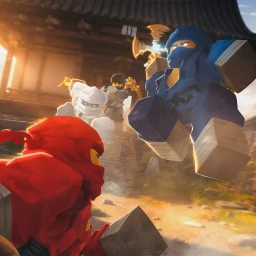
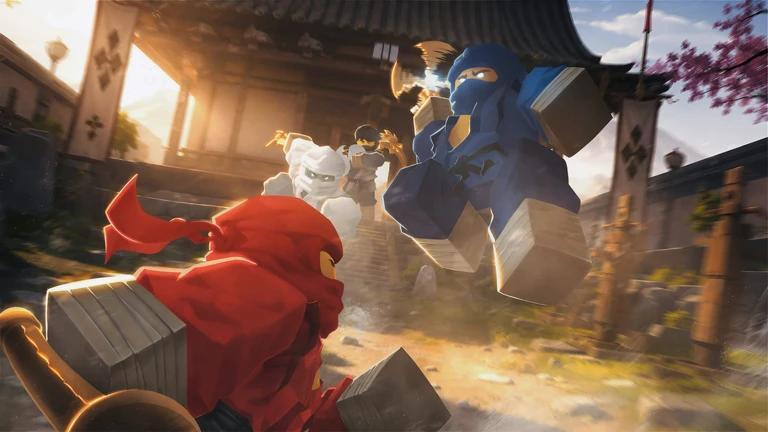
OverviewNinja: Legacy is a Roblox roleplay game where you pick an element, master its abilities, take on quests, and either fight other players or hang out and roleplay as legendary ninja characters. This guide walks you through choosing your element, learning the controls, making progress through quests, holding your own in PvP, and getting the most out of the roleplay side of the game.
What is on this page
Contents
Controls you need to know before anything else
Check
Every action in the game has a dedicated key, and knowing them from the start lets you react instead of hunting for the right button.
- Q Dash to move quickly and buy time when you need to escape or reposition
- Shift Sprint for covering longer distances between areas
- F Block to deflect incoming attacks
- Left Click Fire your elemental ability at a target
- R Throw a shuriken as a ranged attack
- X Lock onto a target so you can track them through a fight
- C Crouch to lower your profile
- H Toggle your mask on or off
- B Play an emote or pose for roleplay moments
MetaNew Player Survey
The next survey is being prepared.
Picking your element
TipsWhen you enter the game for the first time you are taken straight to an element selection screen. Each element comes with its own attack patterns and abilities, meaning two players with different elements will play very differently. Take a moment to look at what each one offers before you confirm your choice.
- Your element controls both how you attack and which abilities you have access to.
- If you want to roleplay as a specific legendary ninja character, look up which element matches that character before you choose.
- Different elements have different attack patterns.
- Up to 20 players share the same world, so you will see other elements in action.
Making progress through quests
Tips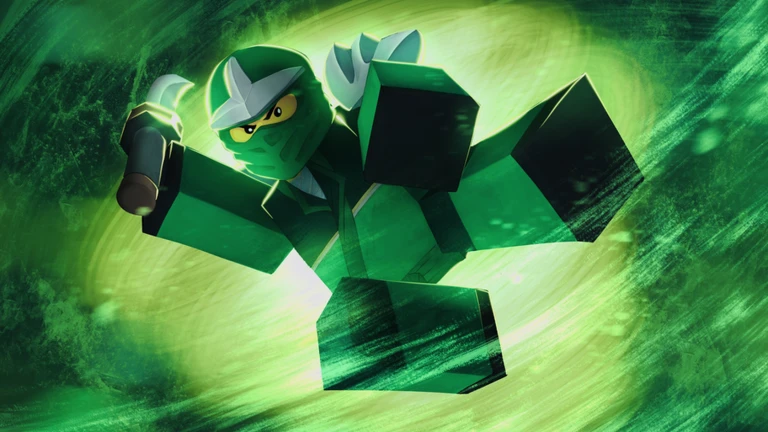
Quests give you clear goals and are the primary way to grow your character. Completing them unlocks elemental abilities and equipment.
- Find quests through NPCs or notice boards in the world.
- Finishing a quest can unlock new elemental abilities or pieces of equipment.
Staying alive in PvP
TipsPvP lets you test your element against real opponents in the same world.
- Press X to lock onto your opponent so you do not lose track of them when they move.
- Use F to block incoming hits.
- Dash with Q when you need space to reposition.
Getting the most out of roleplay
Tips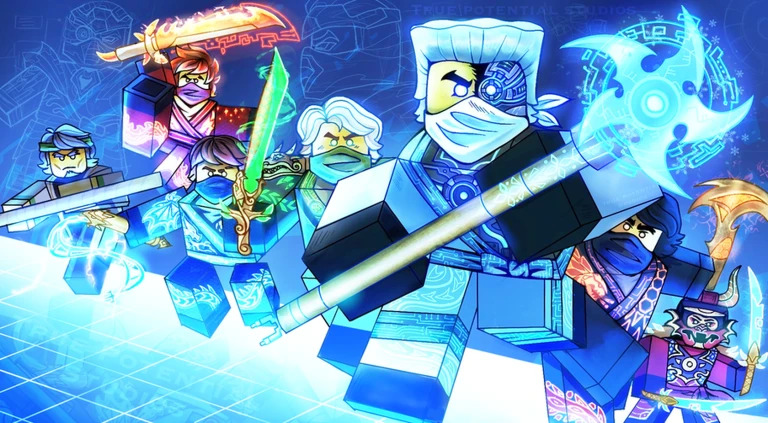
You can use chat and emotes to build stories with other players.
- Use B to pull up emotes and poses that help sell whatever scene you are playing out.
- Chat in character to bring your legendary ninja persona to life for the people around you.
- The world holds up to 20 players at once, which means there are always potential RP partners in the same space.
Game at a glance
SummaryThese figures were measured on October 14, 2026.
- Max players per server 20
- Core activities elemental PvP, quests, and character roleplay
- Total visits over 8.3 million as of October 14, 2026
- Player approval 94.34% positive votes as of October 14, 2026
Glossary
Glossary- Element
- The power type you choose at the start of the game, which determines all of your attacks and abilities.
- Lock-on
- Pressing X fixes your aim on a specific player so you can track them through a fight without losing them.
- Block
- Pressing F deflects an incoming attack.
- Dash
- Pressing Q moves you quickly in a short burst, useful for escaping, repositioning, or buying time against an opponent.
- Roleplay (RP)
- Playing as a character — using chat and emotes to act out scenes and stories with other players rather than just fighting.
- Shuriken
- A thrown projectile launched with R that lets you attack from a distance.
Common questions
FAQHow many players can be in the same world at once?
Up to 20 players share one server. That applies whether you are questing, fighting in PvP, or roleplaying together.
Do I have to do PvP, or can I just roleplay?
The game supports both completely. You can spend your entire time roleplaying with other players using chat and emotes without ever entering a PvP fight.
Game updates can change what is on this page. If you spot something, get in touch and let us know.
