
Fix My Phone Guide: Opening your shop and making your first repair
About
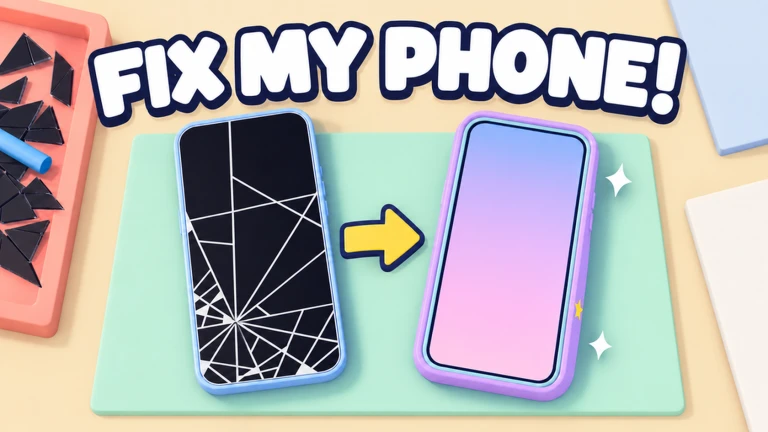
OverviewFix My Phone! is a Roblox game where you repair broken smartphones by hand, sell them for cash, and build up your own repair shop. This guide walks you through the repair steps, how to grow your shop, ways to earn more cash, and what the rarest phones are worth chasing.
What is on this page
Contents
Opening your shop and making your first repair
Step
When you first join, your job is to open your shop and take on your first customer. Working through that first repair teaches you the whole process before things get busier.
- Open your shop start the game and get your shop running to earn the Open For Business badge.
- Take in a phone accept your first broken phone from a customer.
- Unscrew the back remove all the screws from the rear panel.
- Swap the battery pull out the old battery and fit a new one.
- Peel off the glass carefully remove the cracked screen glass.
- Fit the new screen and clear the bubbles snap the new screen into place, then press out every air bubble to finish the job and earn the First Fix badge.
Growing your shop
Check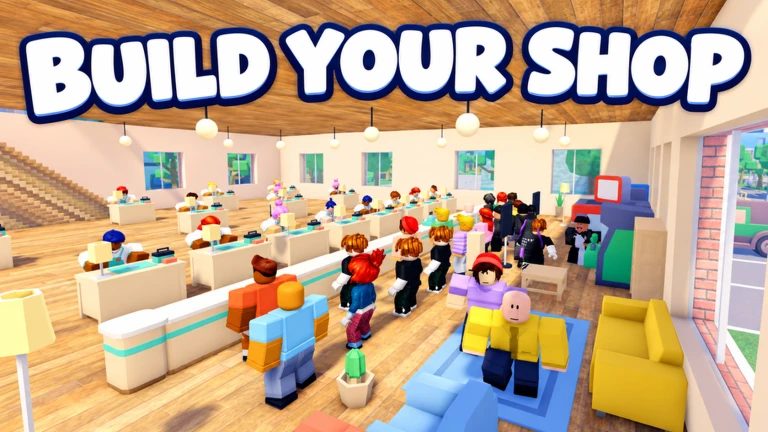
A bigger shop earns more without you having to do every repair yourself. Work through this list as you earn more cash from repairs and makeovers.
- Hire your first technician they work independently so repairs continue even when you are doing something else, and the first hire earns you the Now Hiring badge.
- Add more benches each bench lets the shop handle another repair at the same time.
- Unlock extra rooms a showroom, a makeover studio, and a refurb room each open up new ways to earn.
- Decorate the shop over 100 furniture pieces let you style the space however you want.
- Reach five stars keep customers happy to push your rating up to five stars and earn the Five Star Shop badge.
- Consider a grand reopening if you want a fresh start, reopening your shop earns the Grand Reopening badge.
Phone makeovers and haggling
SummaryOnce a phone is repaired, you can add one of three makeover types before putting it up for sale. You can also haggle when customers bring in trade-ins, fixing them up and selling them for more.
- Spray paint changes the phone's colour and finish.
- Laser engraving adds patterns or text to the surface.
- Gems decorates the phone with jewel-style accents.
- Trade-in haggling negotiate the price of incoming phones before you repair and resell them.
Rare phones and Job Lots
Tips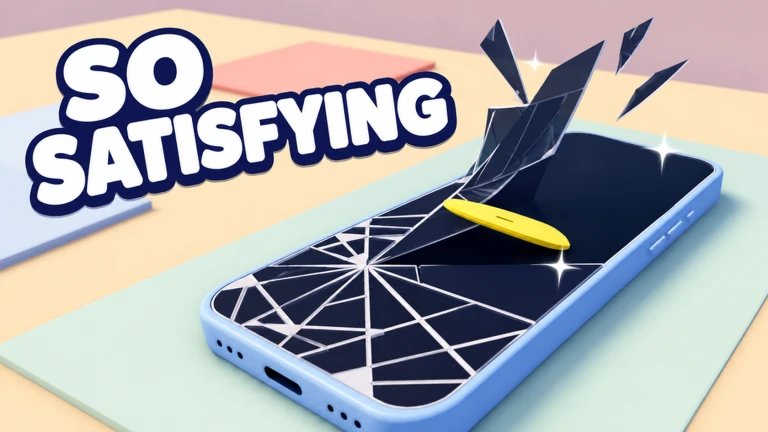
Not every phone that walks in is the same. Phones come in different rarities, and the rarest of all is genuinely hard to find. Job Lots add a separate collecting side to the game on top of the main repair loop.
- The rarest phone in the game is Mythic, and it appears at a one-in-ten-thousand chance — fix one to earn the Mythic Find badge.
- Opening a Job Lot gives you a batch of phones to fix, and anything you repair from one can be kept as a trophy.
- A new theme arrives every week, bringing cases that are only available during that week, so check in regularly if you want to collect them all.
Cash bonuses
TableThree separate bonuses can all apply at once, so combining them makes a real difference over a long session.
| Friends in your server | +10% per friend, up to four friends for a maximum of +40%. |
| Group membership | joining the official group adds +10%. |
| Roblox Plus | an active subscription adds +20%. |
Redeem codes
WarnThe game has active redeem codes that give you in-game rewards.
 FIXIT
A Loot Key [COPY]
NOBUBBLES
Bubble pop case (NEW) [COPY]
RELEASE
2x Cash for 15 min (NEW) [COPY]
FIXIT
A Loot Key [COPY]
NOBUBBLES
Bubble pop case (NEW) [COPY]
RELEASE
2x Cash for 15 min (NEW) [COPY]
Glossary
Glossary- Technician
- A staff member you hire to carry out repairs in your shop without you having to do them by hand.
- Job Lot
- A bundle of phones you open like a box; anything you repair from it can be displayed as a trophy.
- Mythic
- The rarest phone rarity in the game, appearing at a one-in-ten-thousand chance.
- Makeover
- An upgrade applied to a repaired phone — spray paint, laser engraving, or gems.
- Grand Reopening
- The act of closing and restarting your shop for a fresh beginning, which also unlocks its own badge.
- Bench
- A workstation in your shop; adding more benches lets you run more repairs at the same time.
Common questions
FAQWhat order do I follow when repairing a phone?
Remove the back screws first, then swap out the battery, peel off the broken glass, fit the new screen, and finally press out every air bubble. That five-step sequence is the same for every phone you repair by hand.
How do I get the weekly limited cases?
A new theme appears every week, and the cases tied to it are only available during that week. Log in and grab them while the theme is active, because they are gone once the week turns over.
What is the maximum cash bonus I can stack?
Having four friends in your server adds +40%, the official group adds +10%, and Roblox Plus adds +20%, for a combined maximum of +70% on top of your normal earnings.
Game updates can change what is on this page. If you spot something, get in touch and let us know.
