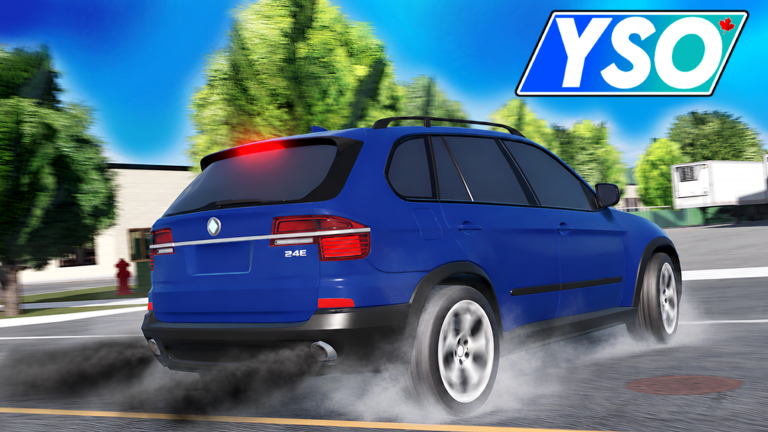
Young Street, Ontario (YSO) is an open-world driving and role-playing game on Roblox inspired by the real Yonge Street in Ontario, Canada. You can explore the map, customize vehicles, work jobs, race, and drift. This guide covers the controls, how to get around, what to do with your car, and what to keep in mind while the game is still in beta.
In shortCustomizing your car and then taking it into races or drift runs is one of the deepest loops the game offers.
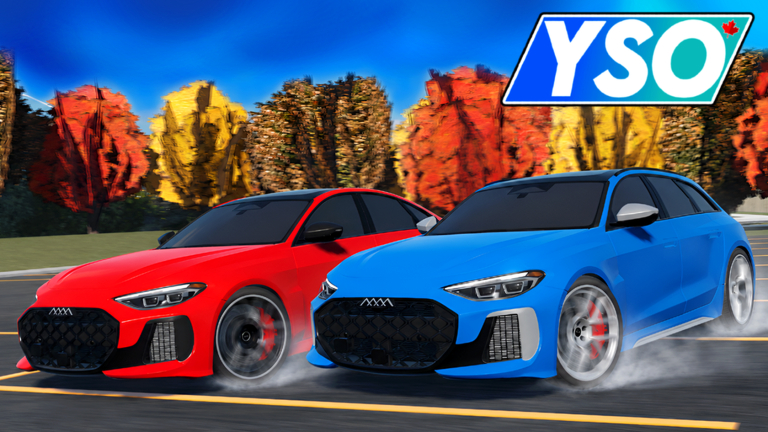
Once you are comfortable with the controls, the game opens up into customization and competition. You can shape how your car looks and performs, then take it up against other players.
Tips worth knowing
Try different vehicles to feel how each one handles.
After customizing, find a race or drift course and test your setup against other players.
Drifting — sliding the car sideways through turns — is its own skill worth practicing separately from straight racing.
03Live and upcoming eventsEvents
いま開催中・開催予定のイベントです。期間が決まっているので先に確認しておきましょう。
Live nowOct 10 – Oct 17
🟢 NEW CARS & TUNING!
🎉 New Young Street, Ontario Update! 🎉
In this update we added many new car customization features & tuning! 🎨
…
In shortCodes are one-time-use, so redeeming them as soon as they are available is always worth the few seconds it takes.
The game distributes codes that grant in-game rewards at no cost. Each code can only be used once, so do not sit on them. The community group and in-game announcements are where new codes appear.
Find the code entry screenopen the in-game menu and locate the redeem field.
Enter your codetype it exactly and confirm; it is consumed immediately.
Watch for new codescheck the community group and in-game announcements after updates, since the next code is tied to like milestones.
Act quicklycodes expire, and a code you miss is gone for good.
In shortThe game is unfinished by the developer's own description, so treat unexpected problems as normal rather than alarming.
YSO is in early development and the developer states openly that some features are still missing. More content is coming in future updates.
Worth watching out for
Some planned features are not in the game yetthis is expected at the current stage.
If you run into a bug or a problem, join the official community server and send the details.
Glossary
Glossary
Drive
The forward gear, selected with E or Q, that sends power to the wheels and moves the car ahead.
Neutral
A gear state between Drive and Reverse where the engine runs but no power reaches the wheels.
Reverse
The gear that moves the car backward, reached by cycling through gears with E or Q.
Drift
A driving technique where the rear of the car slides sideways through a turn at speed.
Open world
A game map you can travel across freely in any direction.
Beta
An early, unfinished version of a game released for players to try while development continues.
Common questions
FAQ
How do I start the car?
Sit inside any vehicle and press F on your keyboard. After that, press E to shift into Drive. Pressing Q moves you into Reverse.
What should I do if the game breaks or acts strangely?
Join the official community server and send them the details of what happened. The developer states the game is still in early development and asks players to report issues there.
Updated Sep 29, 2026
Game updates can change what is on this page. If you spot something, get in touch and let us know.

 80KLIKES