
Bridge Duel — First steps when you load in
About
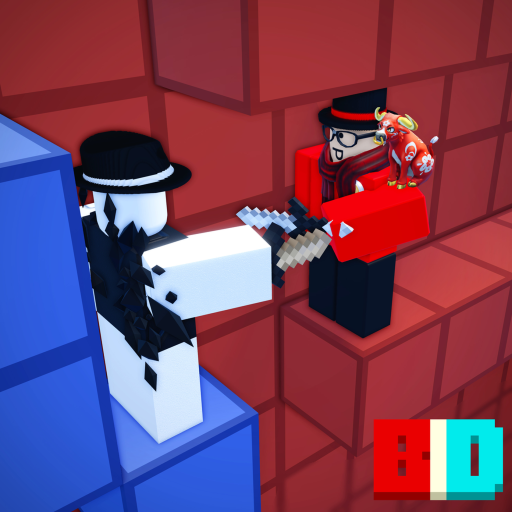
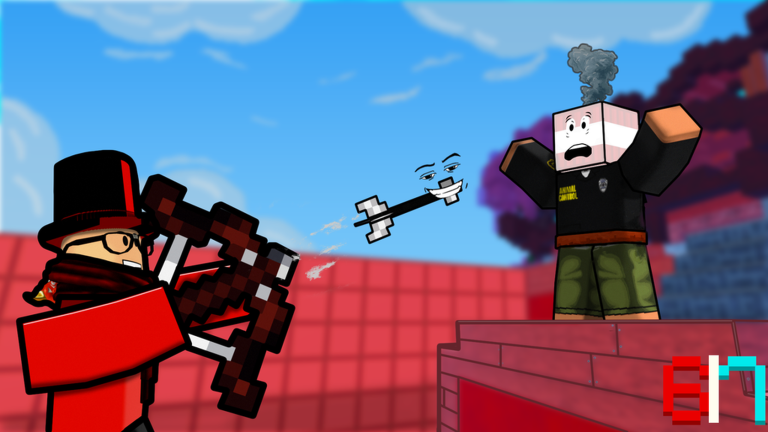
OverviewBridge Duel is a PvP game where you fight on bridges and in arenas across several modes, from solo duels to team battles and Bed Wars. There is no pay-to-win content, so every match comes down to your own skill. This guide walks you through getting started, picking the right mode, and winning more fights.
What is on this page
Contents
First steps when you load in
Step
Everything you need on your first session is inside the Menu — settings, texture packs, quests, and more. Start there before you touch a single game mode.
- Open the Menu go to Settings and check every keybind. Movement, attack, crouch, view change, and cursor unlock can all be remapped to whatever feels comfortable.
- Head to the Playground Boxing, Present Rush, and Chaos Bridge are available here. None of it affects your ranking, so it is a safe place to get used to how the controls feel.
- Try a solo Bridge match once the controls click, jump into Bridge Solo. One opponent makes it easier to focus on the basics without being overwhelmed.
Game modes and what each one asks of you
TableThe game offers eight modes split across competitive and Playground categories. Knowing what each one demands helps you pick the right one for your mood.
| Bridge Solo / Duos / Quads | the main PvP mode, fighting on a bridge in teams of one, two, or four |
| Basic Fight Solo / Duos | a different ruleset from Bridge, worth trying once you know the basics |
| Bed Wars Solo | protect your bed while destroying the opponent's |
| Bed Fight Solo | a standalone mode separate from Bed Wars, also played solo |
| Lucky Block Trios | a three-player team mode with Lucky Block rules |
| Boxing / Present Rush / Chaos Bridge | Playground-only modes, casual and ranking-free |
Controls to learn first
Check
The controls are simple, but some of them do very different things depending on which tool you are holding. Test each one in the Playground until it feels automatic.
- Left Click activates Tool Function 1 what this does changes with every weapon, so always check
- Right Click activates Tool Function 2 same rule applies; test it before a real fight
- Left Shift crouches you
- R switches your view
- E opens your inventory
- Q drops an item; Control unlocks your cursor when you need to click around the screen
The no-pay-to-win rule
SummaryThe developers have committed to never adding pay-to-win content. Every player starts a match on equal footing, and the result is decided purely by skill.
- Spending money gives no combat advantage of any kind
- Winning and losing determined entirely by your mechanics and decisions
What will get your account banned
WarnThe game's rules on this are clear and non-negotiable.
Glossary
Glossary- Bridge
- The main game mode where players fight on a bridge, available in Solo, Duos, and Quads formats.
- Playground
- A casual area where Boxing, Present Rush, and Chaos Bridge can be played without affecting your ranking.
- Tool Function 1 / 2
- The two actions tied to left click and right click, which change depending on the weapon or item you are holding.
- Crouch
- Pressing Left Shift to lower your character on the bridge.
- Bed Wars
- A solo mode where you defend your own bed while trying to destroy your opponent's.
- Lucky Block
- A Trios mode with Lucky Block rules, played in teams of three.
- Pay-to-win (P2W)
- A system where spending real money gives combat advantages — something this game does not have and has committed never to add.
- Macro
- A tool that automates key inputs; its use is strictly banned in this game.
Common questions
FAQWhich mode should I start with?
Head to the Playground first — Boxing, Present Rush, and Chaos Bridge let you practice without any pressure. Once the controls feel natural, move to Bridge Solo where you face one opponent at a time.
Do I need to spend money to compete?
No. The game has no pay-to-win content and the developers have said it will stay that way. Every player enters a match with the same conditions, and the winner is decided by skill alone.
Can I play with friends?
Yes. Bridge Duos and Quads support two and four players respectively, and Lucky Block is a Trios mode built for groups of three.
Where do I find settings, quests, and texture packs?
They are all inside the Menu. Open it when you load in and you will find Settings, Texture Packs, Quests, and more in one place.
Game updates can change what is on this page. If you spot something, get in touch and let us know.
