
Clone Ragdoll — First steps when you load in
About
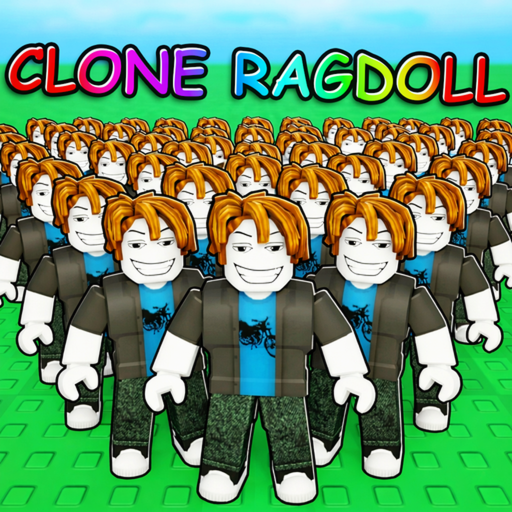
OverviewClone Ragdoll is a physics sandbox game where you spawn ragdoll clones, upgrade them, and experiment with contraptions, balloons, and sandbox tools. This guide covers the first steps, clone upgrades, the pool parkour course, and the sandbox tools.
What is on this page
Contents
First steps when you load in
Step
Two early badges act as a natural checklist: spawn one clone and collect five coins total. Once those are done, buy a morph from the shop to pick up a third badge, and find the pool parkour course for the fourth.
- Spawn a clone summon your first clone and grab the '1 Clone' badge.
- Collect coins explore the field and pick up coins until you reach five total, which unlocks the '5 Coins' badge.
- Visit the shop purchase a morph to earn the 'Morph Purchase' badge.
- Head to the pool find the pool area and complete the parkour course for the fourth badge.
Clone upgrades and what they change
Table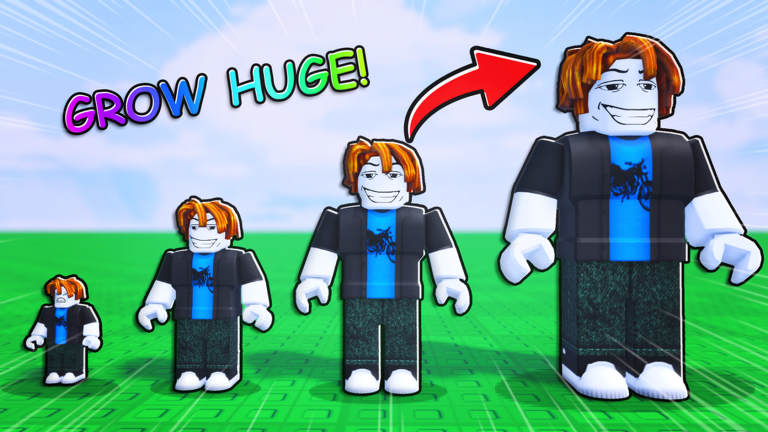
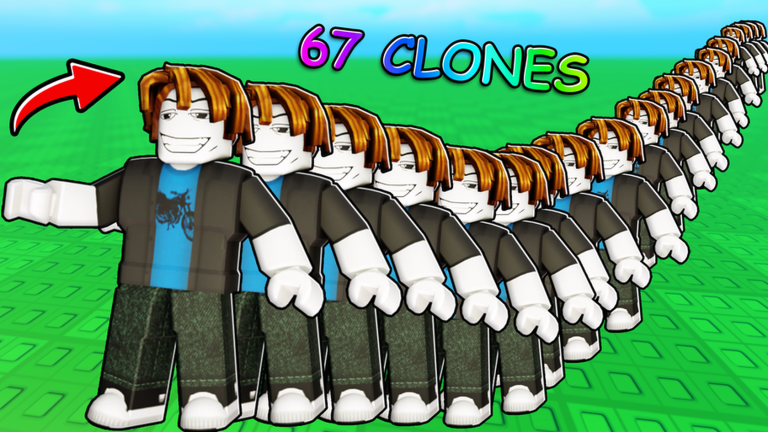
After spawning clones you can push them in three upgrade directions. Combining upgrades with the 67 available formation settings makes the behavior even more unpredictable.
| Speed | clones become faster. |
| Strength | clones become stronger. |
| Size | clones grow massive. |
| Formations | 67 settings control how clones are arranged and move. |
Getting through the pool parkour
Check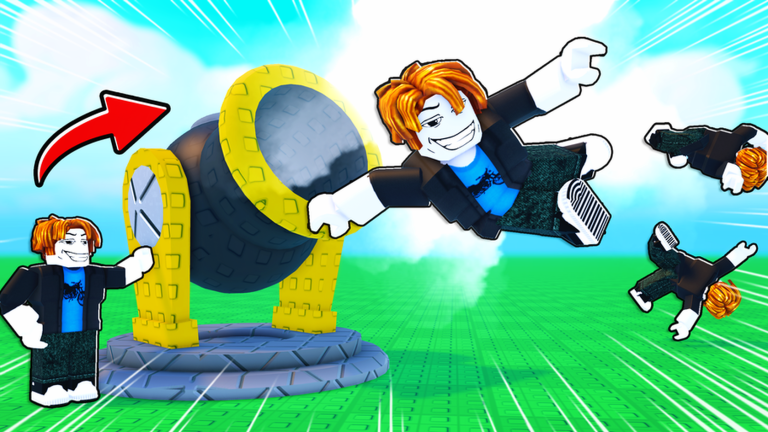
The pool parkour course sits inside the field and rewards a badge only when you reach the end.
- Locate the pool area on the map before you start.
- If you fall, restart reaching the goal is the requirement.
Sandbox tools — contraptions, balloons, and clone tricks
Tips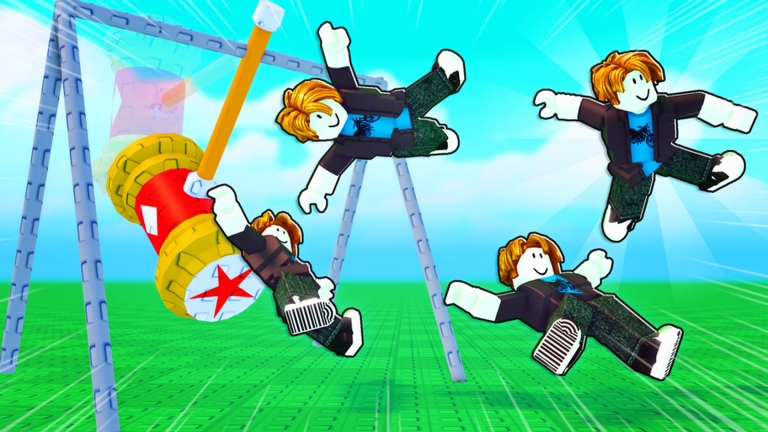
Beyond upgrades, the game gives you contraptions, balloons, and other sandbox tools to combine with your clones. You can also clone your friends' characters.
- Throw clones into contraptions and watch the chain reaction play out.
- Attach balloons to clones to get movement that fights against gravity.
- Clone a friend's character to change the look of your experiment.
All four badges at a glance
TableEach badge has a clear unlock condition.
| Badge | How to unlock |
|---|---|
| 1 Clone | Spawn one clone |
| 5 Coins | Collect a total of five coins |
| Pool Parkour | Complete the pool parkour course |
| Morph Purchase | Buy any morph from the shop |
Glossary
Glossary- Ragdoll physics
- A physics system where a character's limbs move independently based on forces, rather than following a fixed animation.
- Spawn
- To make a clone or object appear in the game world.
- Formation
- One of 67 pattern settings that controls how your clones are arranged and how they move.
- Morph
- A cosmetic item bought from the in-game shop that changes how your character looks.
- Sandbox
- A game style with no forced goal, where you experiment and create freely.
Common questions
FAQWhere do I find coins?
Coins are scattered around the open field. Move around the map and pick them up as you explore. You need five total to unlock the '5 Coins' badge.
How do I unlock the Morph Purchase badge?
Buy any morph from the in-game shop and the badge unlocks automatically.
Does the pool parkour reset if I fall?
You need to reach the end of the course, so falling means starting the attempt again. The badge is awarded only on a successful full run.
Game updates can change what is on this page. If you spot something, get in touch and let us know.
