Games listed 43,122
Game guide

Obakyu Electric Railway: Train Simulator Guide: First steps when you join

Obakyu Electric Railway: Train Simulator
Obakyu Electric Railway official community, Playing 14, Rating 83.8%
Creator Obakyu Electric Railway official community
Playing 14
Rating 83.8%
Is this game fun?1 votes
Fun 100%1Average 0%0Not fun 0%0

About

Overview

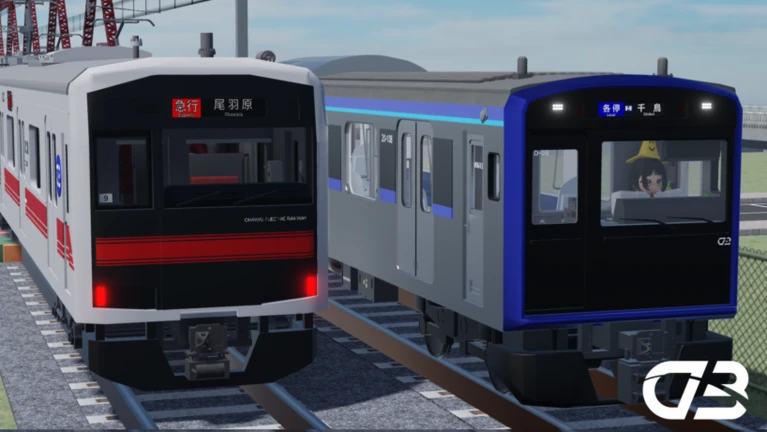
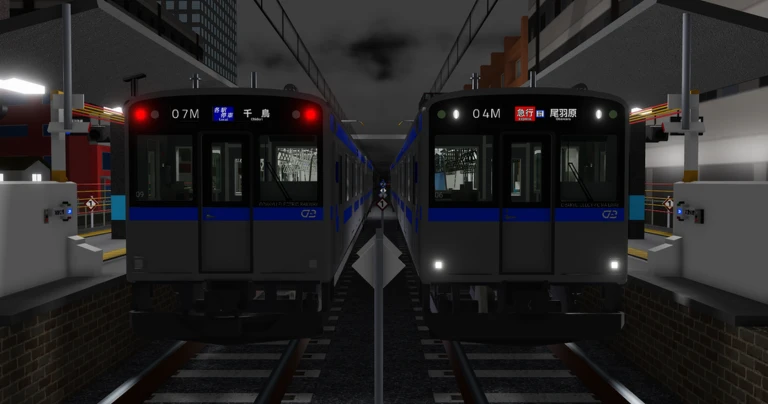
Obakyu Electric Railway: Train Simulator puts you in the cab of a train on the Obakyu Electric Railway, where you drive routes with realistic controls. Up to 15 players can share one session, and solo play is fully supported. This guide covers the basics of getting started, staying out of trouble, and catching the game's annual April Fools events.

What is on this page

Contents
01

First steps when you join

Step
In short Getting your bearings with the free camera before you pick a train makes the whole experience click faster.

The moment you load in, the world can look overwhelming. Take a minute to look around before you touch any train controls.

  1. Activate free camera press Left Shift and P at the same time to enter Freecam mode, which lets you swing the view to any angle.
  2. Pick a train once you have a feel for the track, choose a train and start driving.
Ask on the board
02

Train passes from the old game

Summary
In short If you bought a train pass before, it still works — you do not need to spend again.

Players who purchased train passes in the previous version of the game have their purchases carried over automatically.

  • Old game purchases train passes transfer automatically to the current version.
  • Re-buying not required under any circumstance.
03 Live and upcoming events Events

Events running now or coming soon. They have fixed dates, so check them first.

Live now –

001系 一部リモデル置き換え

<<更新車両>> ・尾羽急001系0番台 ・尾羽急001系0番台 機器更新 001系0番台2種は新モデルに置き換えられます。 慣れない見…

See the whole schedule
04

April Fools events

Tips
In short Each April 1st brings a completely different limited event with its own badge, so logging in that day is worth it every year.

Every year around April 1st the developers drop a themed event. Each one is different, and each awards a badge you can only earn during that window. Three events have run so far, each with its own distinct concept.

Tips worth knowing
  • The 2024 event sent players to a sky island — visiting it earned the badge.
  • The 2025 event was themed around non-electrified railways, framed as an ancient style of simulation.
  • The 2026 event placed a throne in the darkness; sitting on it unlocked the badge.

Community strategy ideas

Community

These ideas and tips come from people playing the game. Share your discoveries too!

No strategy ideas yet. Share a tip you discovered.

Glossary

Glossary
Freecam
A camera mode activated by pressing Left Shift and P together, letting you look around the line from any angle.
Train pass
A purchasable item that unlocks the right to drive a specific train, and one that carries over from the old version of the game.
Obakyu Electric Railway
The railway that forms the setting of this simulator.

Common questions

FAQ

Can I play alone?

Yes, solo play is fully supported. Sessions hold up to 15 players, but you are not required to have anyone else in the room with you.

How do I turn on the free camera?

Hold Left Shift and press P at the same time. The camera will switch to a mode where you can move it freely around the world.

Do I need to buy my train pass again after the game updated?

No. Passes bought in the old version carry over to the current one automatically. There is nothing you need to do.

When do the April Fools events run?

They appear around April 1st each year and are available for a limited time. The theme and badge are different every year, so check in annually.

Updated Oct 13, 2026
Game updates can change what is on this page. If you spot something, get in touch and let us know.
Obakyu Electric Railway: Train Simulator Obakyu Electric Railway official community, Playing 14, Rating 83.8%
See the game pageAsk on the board
Add it to your home screen and it works like an app. One tap to open, and it loads faster after that.