
 Upcoming
–
Upcoming
–
???
[ DATE BEING DECIDED ] ❓ Unknown update, SIGN UP RIGHT NOW! 💯

Untitled gubby game lets you play as a bunny called Gubby, exploring a map full of hidden arenas, dancing with over 100 emotes, and building stories with more than 250 skins. This guide covers how to move, how to earn skins through badges and the group, and where to find every arena.
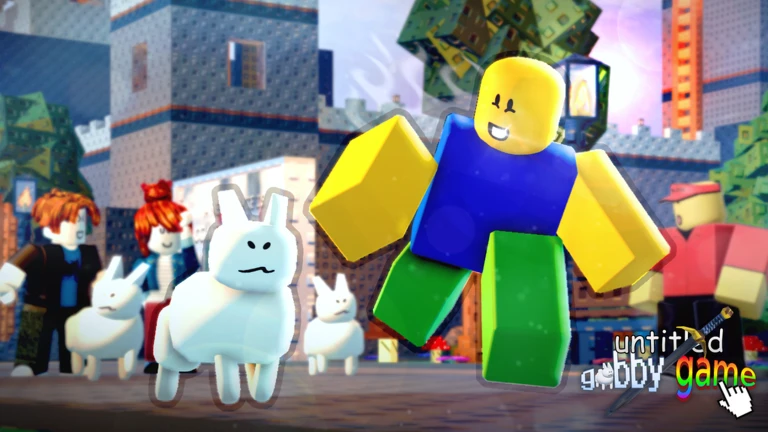
You move Gubby by clicking or tapping and dragging him anywhere on the map. If that feels awkward, you can turn drag-and-drop off in the settings. Once you are comfortable moving around, the map opens up for free exploration, dancing with emotes, and making your own stories with different characters.
The next survey is being prepared.
The game rewards players who join its official Roblox group with more than 30 cat skins and a badge, all for free. Joining the group is enough.
Events running now or coming soon. They have fixed dates, so check them first.
Upcoming
–
[ DATE BEING DECIDED ] ❓ Unknown update, SIGN UP RIGHT NOW! 💯
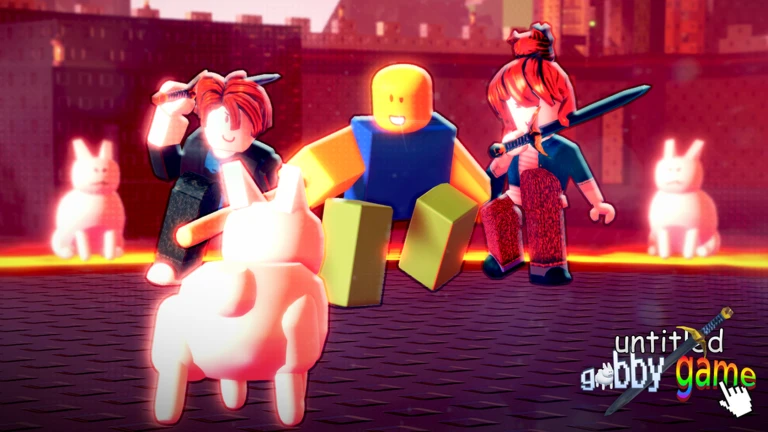
The map hides multiple arenas. Walk into one for the first time and you earn a badge plus a skin named after that arena. Green Hill goes further than the rest — inside it there is a secret room, and finding that room earns you the Secret skin on top of the Green Hill skin.
| Bowling arena | Bowling Ball skin |
| PVP arena | Fighter skin |
| Hospital arena | Sick skin |
| Groceries arena | Groceries skin |
| HQ arena | HQ skin |
| Green Hill arena | Green Hill skin, plus Secret skin from the hidden room inside |
| Black Hill arena | Castle skin |
| Construction Zone arena | Construction skin |
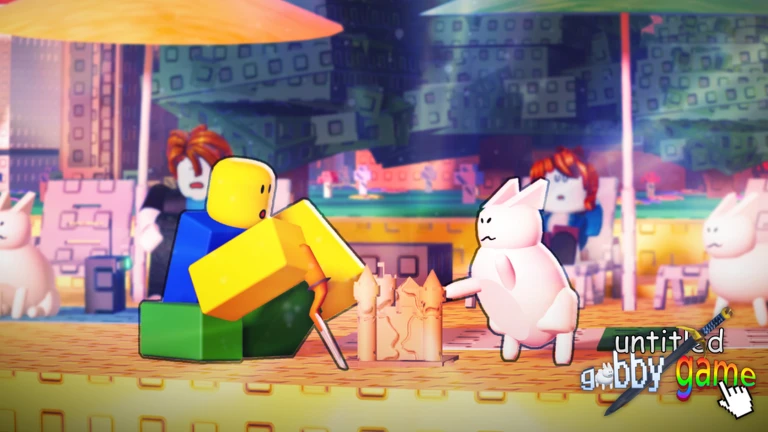
Beyond the arena badges, two more badges are out there. Each one comes with its own skin.
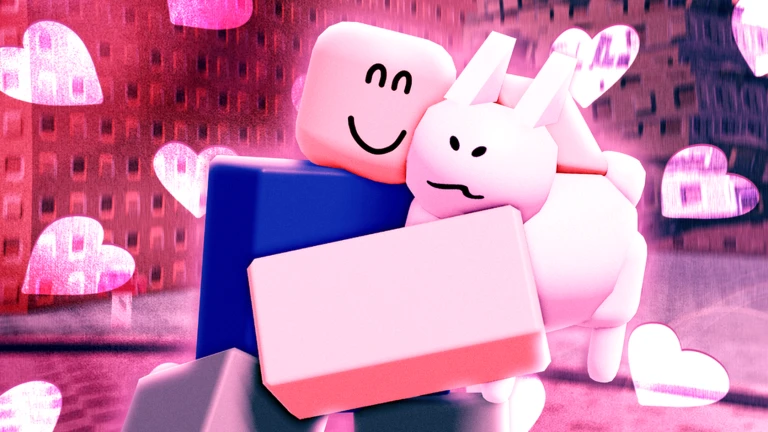
If you happen to be on the same server as the developer, you can earn the RetroBuilderman skin. Being on the same server as the owner can get you the OhNoesBuilderman skin. Neither badge is handed out automatically.
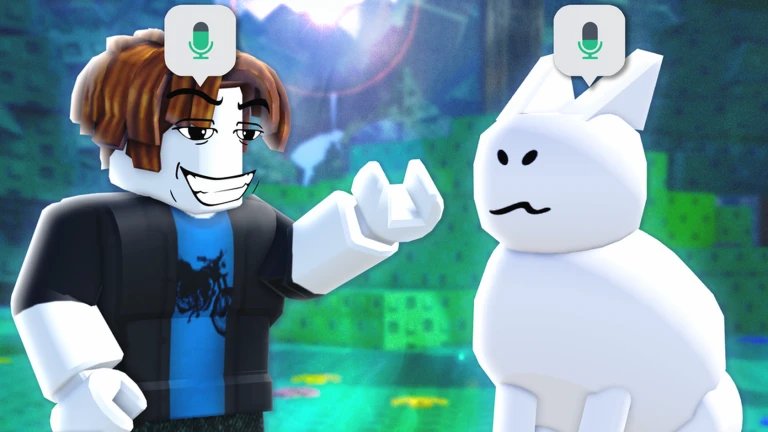
The developers are actively moderating the game and working through bugs as they appear. Use the support server the team provides to report issues.
These ideas and tips come from people playing the game. Share your discoveries too!
No strategy ideas yet. Share a tip you discovered.
untitled gubby game
Open the in-game settings and turn drag-and-drop off.
Explore every part of the Green Hill arena. The secret room is inside the arena.
Yes. The drag-and-drop control is designed for both mouse and finger. You can also turn drag-and-drop off in settings.
Before you start
Please check the following before using MetaNew.
* You can change your email preference any time from your profile.
