
Pumpkin Playground Guide: Controls to learn before you start
About
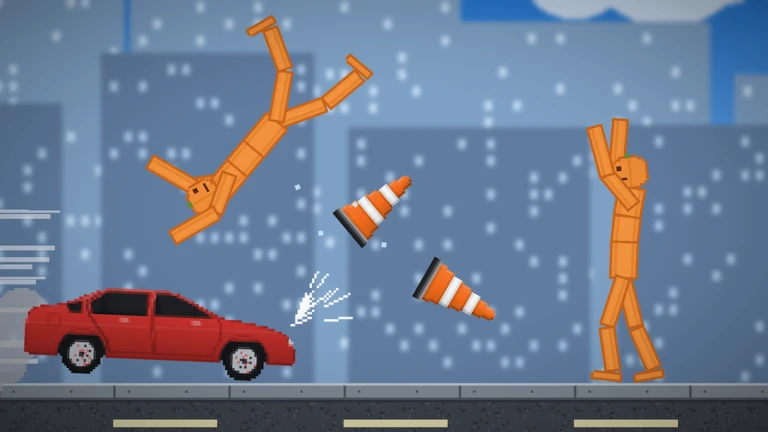
OverviewPumpkin Playground is a 2D physics sandbox developed by Shiny Burger where you spawn pumpkin people and put them through all kinds of chaos using over 300 items and 11 powers. This guide covers the controls, the catalog, maps, building, badges, and everything else you need to get the most out of the game.
What is on this page
Contents
Player notes and tips
Found a useful trick? Share it with everyone! Notes with screenshots are welcome!
Write a guide note
Pumpkin Playground
Controls to learn before you start
Check
Most of what you do in Pumpkin Playground runs through a handful of keys.
- Left click grab any item or pumpkin person and fling it
- F use whatever item you are holding
- Tab open the catalog to pick from 300-plus items
- Space pause the game
- G switch to slow motion so you can watch exactly what happens
- Z undo your last action if something goes wrong
MetaNew Player Survey

The next survey is being prepared.
Advanced controls worth knowing
Tips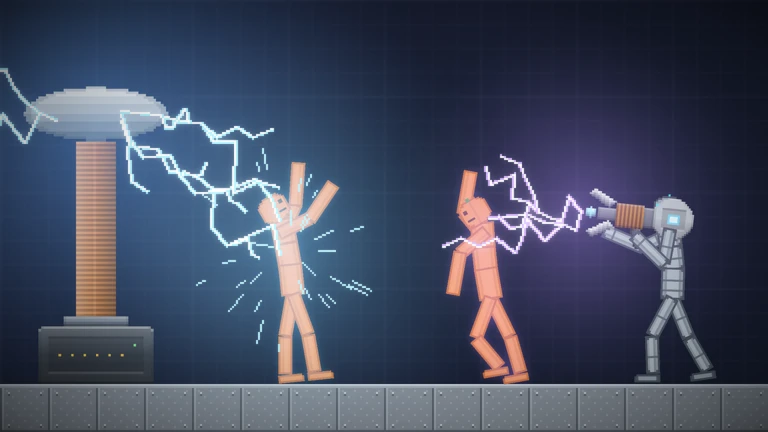
Once the basics feel natural, three extra controls open up a lot of creative possibilities.
- Press T to switch on heat view, which lets you see fire and electricity affecting your pumpkin people in real time.
- Use C to copy an item and V to paste it, so you can duplicate a whole setup without placing everything again from scratch.
- Tap G mid-explosion to watch limbs react in slow motion
it is the clearest way to see how the physics engine works.
What you can do to a pumpkin person
Summary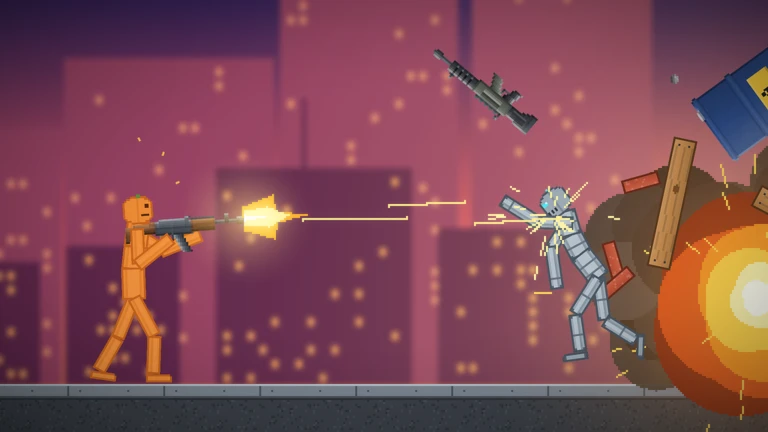
Pumpkin people have separate physics for each body part. Shoot one in the leg and it limps; hit it with an explosion and it comes apart. Beyond raw damage, elements like fire, water, acid, and electricity each produce their own distinct effects. You can also bring a pumpkin person back after they go lifeless, or push them in a completely different direction by turning them into a zombie.
- Shoot or blast
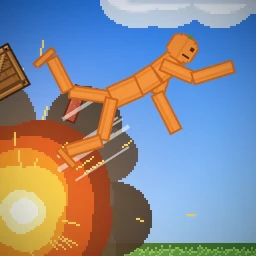
limbs fly or break depending on where the hit lands
- Fire, acid, electricity
each element produces a visually different reaction
- Revive
bring a lifeless pumpkin person back to earn the Back to Life badge
- Zombie
infect a pumpkin person to earn the Outbreak badge
Maps and saving your builds
Step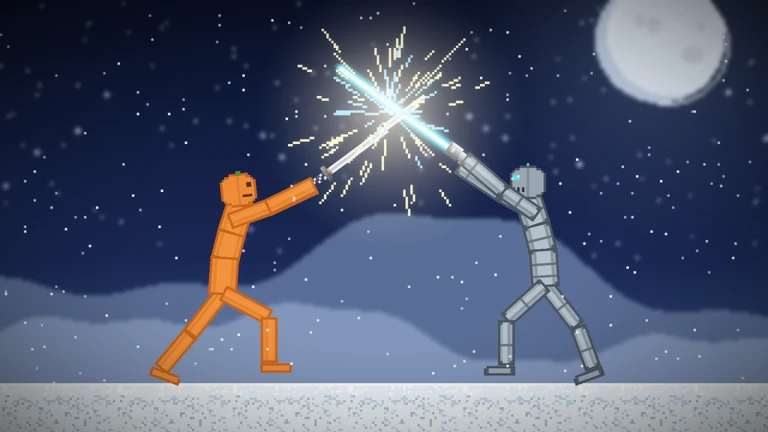
There are 19 maps available, ranging from a quiet workshop to environments like lava, the sea, and the Moon. Ready-made houses, towers, and bunkers give you something to work with immediately, and the save feature means no careful arrangement is ever lost.
- Switch maps
visit five different maps to earn the World Traveler badge
- Use ready-made buildings
drop into a house, tower, or bunker and start experimenting straight away without building from scratch
- Save your work
use the save feature after any build you are proud of, and your first save earns you the Master Builder badge
Powers, wires, and team battles
Tips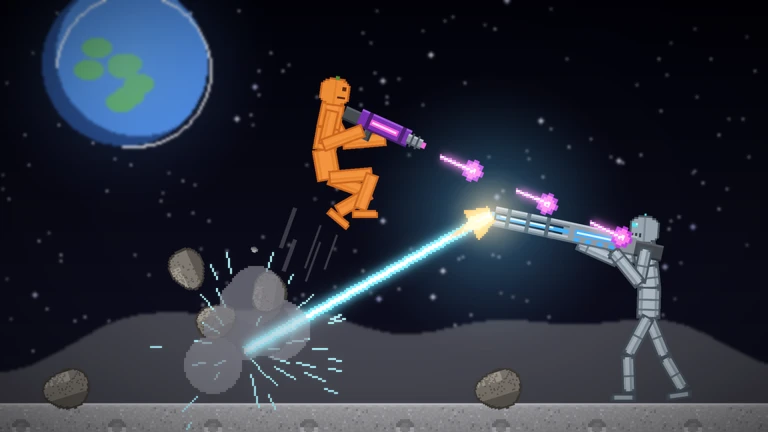
Pumpkin Playground gives you 11 large-scale powers and a wiring system to build your own machines.
- The 11 powers include a tornado, meteor shower, earthquake, time stop, gravity flip, and UFO
try mixing more than one at a time.
- Wire a battery to a motor and lights to build a machine that actually moves and responds.
- Spawn multiple pumpkin people, split them into two teams, and set them against each other to earn the Team Battle badge.
- Place 50 different items across any session to earn the Collector badge
the catalog has well over 300 to choose from.
Daily rewards and redeem codes
WarnPumpkin Playground has a daily reward system. Claiming it seven days in a row earns you the Week Streak badge. The game also has redeem codes you can enter in the in-game code field for extra rewards.
 WELCOME
EARLYBIRD
TUNEDIN
Multiplayer and platform support
TableWhether you are on a phone or a PC, the game runs the same way.
| Max players per room | 6 |
| Platforms supported | PC, Mobile, Tablet, Console |
Glossary
Glossary- Sandbox
- A game format with no fixed goal, where you experiment and build however you like.
- Pumpkin person
- The pumpkin-headed characters you spawn in the game, each with independently simulated limbs.
- Wire
- An item that connects batteries, motors, and lights so you can build machines that actually function.
- Spawn
- Placing an item or character into the game world from the catalog.
- Heat view
- A visual mode toggled with T that shows how fire and electricity are affecting objects in the scene.
- Daily reward
- A reward you can claim once per day, with a special badge unlocked after seven days in a row.
Common questions
FAQHow do I find items to use?
Press Tab to open the catalog. It holds over 300 items including guns, swords, katanas, bombs, cars, and tanks.
Can I play with friends?
Yes — up to six players can join the same room.
How do I save a build?
Use the in-game save feature after arranging items the way you want. The first time you save anything, you earn the Master Builder badge.
Where do I enter a redeem code?
There is a code input field inside the game. Type your code there and confirm it. Each code can only be used once and expires after a set time, so use them as soon as you get them.
Game updates can change what is on this page. If you spot something, get in touch and let us know.
