
Starving Pianists Guide: Basic controls
About
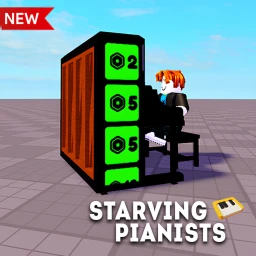
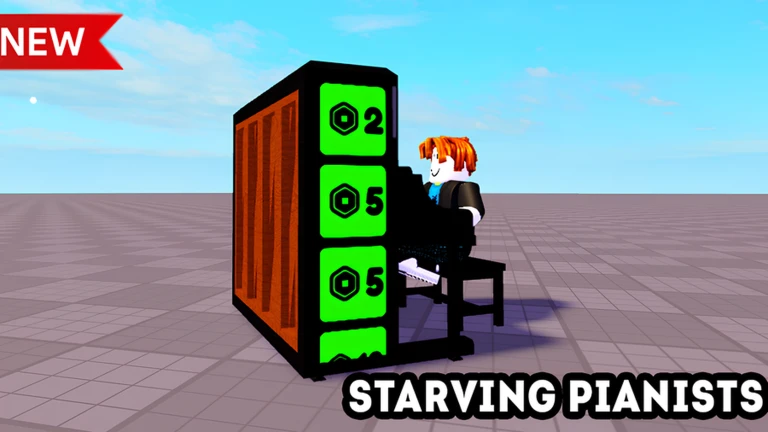
OverviewStarving Pianists is a Roblox game where you play a piano, record your performance, and earn in-game income from the recording. Rooms hold up to 28 players, so you can listen to others play while you wait for your turn. This guide covers the controls, the income loop, and how to earn every badge.
What is on this page
Contents
Basic controls
Check
The game is optimized for PC, where keyboard controls work best. Other devices can run the game, but the key-based controls are harder to use on them.
- Space bar toggles the sustain pedal, which lets notes ring out longer after you release a key.
- Up arrow transposes your entire playing range one step higher.
- Down arrow transposes your entire playing range one step lower.
MetaNew Player Survey
The next survey is being prepared.
The record-and-earn loop
Step
Everything in Starving Pianists flows from one simple cycle. You do not need any real piano skill — just press keys and see what happens.
- Sit at the piano press keys on your keyboard to produce notes.
- Record your session the game saves what you play.
- Earn income your recorded performance pays out currency.
Donation effects and badges
Table
There are three donation thresholds, each triggering a visible effect. Simply being present in the room when someone hits one of these thresholds is enough to unlock the matching badge.
| Donation amount | Effect | Badge earned |
|---|---|---|
| 1,000 | Effect triggers in the room | Witness 1,000 Donation |
| 10,000 | Effect triggers in the room | Witness 10k Donation |
| 100,000 | Nuclear explosion effect | Witness 100k Donation |
Playing with others
Tips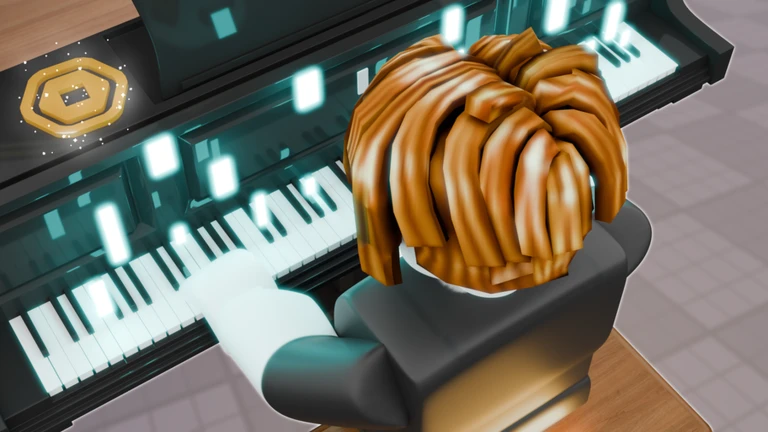
Up to 28 players can be in one room at the same time, which gives you plenty of chances to see donations happen naturally.
- You can listen to other players' recorded performances.
- You do not have to donate anything yourself to unlock any of the three donation badges.
- All core features — playing, recording, earning income, and collecting badges — are free to use.
Community strategy ideas
CommunityThese ideas and tips come from people playing the game. Share your discoveries too!
No strategy ideas yet. Share a tip you discovered.
Share a strategy idea
Starving Pianists 🎹
Glossary
Glossary- Sustain pedal
- A toggle (Space bar) that makes notes continue to ring after you lift the key, adding a longer, blended sound.
- Transpose
- Shifting your whole playing range up or down using the arrow keys so the notes sit in a more comfortable position for you.
- Donation effect
- A visual event that fires in the room when a player donates 1,000, 10,000, or 100,000 in-game currency.
Common questions
FAQDo I need to know how to play piano?
No. The game lets you press any keys freely, so you can make sounds and record them without any musical background.
Can I play on a phone or tablet?
The game does run on devices other than PC. However, because the controls rely on a keyboard, a PC gives you a noticeably smoother experience.
How do I get the donation badges without spending anything?
You only need to be in the room when another player makes a qualifying donation — 1,000, 10,000, or 100,000. The badge pops up automatically the moment you witness each effect, and you need to catch all three separately to collect the full set.
Game updates can change what is on this page. If you spot something, get in touch and let us know.
