
Puppy Game Guide: Choosing your role

About
OverviewPuppy Game is a Roblox roleplay where you can be either a cute puppy or a human who looks after one. There are no quests or objectives — you and your friends invent the story as you go.

What is on this page
Contents
Choosing your role
Table
Every session starts with a choice: play as a puppy or play as a human. Neither role has an advantage over the other, because there is nothing to win. The fun comes from the interaction between the two sides, so the roles work best when your group has a mix.
| Puppy | run around, use emotes to act like a dog, and wait for a human to play with you |
| Human | talk to puppy players, act out feeding and walks, and set up a home space for your pet |
MetaNew Player Survey
The next survey is being prepared.
Getting started in your first session
Step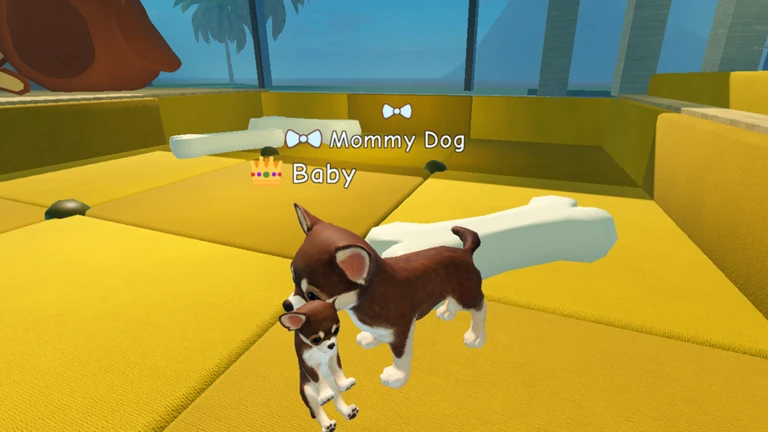
When you load in, head straight to the customisation screen and shape your character — choose your puppy's look or your human's outfit. After that, take a moment in the field to practice running, jumping, and sitting before you approach anyone. Once you feel comfortable, walk up to another player and start chatting.
- Open the customise screen pick puppy or human and adjust the look you want
- Find the spawn point that is where you appear when the game starts
- Try the basic moves run, jump, and sit so you know what your buttons do
- Explore the field check out the different areas like houses and parks
- Talk to someone use the text chat or an emote to break the ice with another player
Tips for playing as a puppy
Tips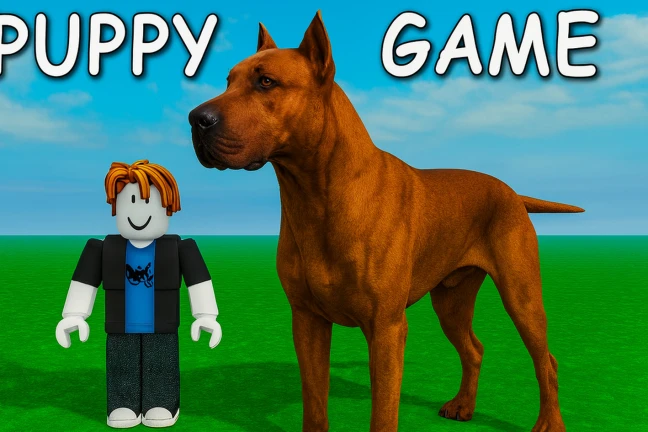
The puppy role is all about acting like a dog and reacting to the humans around you.
- Hit the emote button regularly to do puppy-like actions such as sitting or spinning
- Approach a human player and act out wanting attention to kick off a roleplay scene
- Explore every area of the field — houses, parks, and other spots all give you new places to play
- Bring a friend and play as two puppies together for a different kind of scene
- Pretend to eat food objects you find in the field to add detail to the roleplay
Tips for playing as a human
TipsAs a human, you are the one driving the scene. Think of yourself as a pet owner and let that shape every action you take.
- Use chat and gestures to communicate with puppy players
- Act out feeding, walks, and sleep scenes to build a full pet-owner story
- Invite a puppy player into your home area and decorate it to feel like a real space
- Start a mini roleplay game like fetch to give the puppy player something to react to
Playing with friends
Check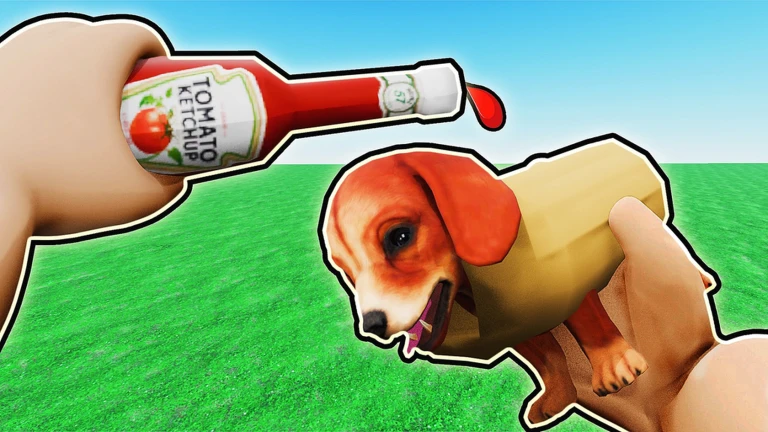
Puppy Game is built around playing with other people, and a quick bit of coordination before you start goes a long way. If your group is large enough, you can even split into separate family scenes running at the same time.
- Agree on roles before loading in decide who is a puppy and who is a human
- Use Roblox text chat or emotes if you do not have a voice option
- Try Discord or another voice app alongside the game if you want to talk while you play
- Split large groups into smaller family units and run separate scenes at the same time
The Easter event
Warn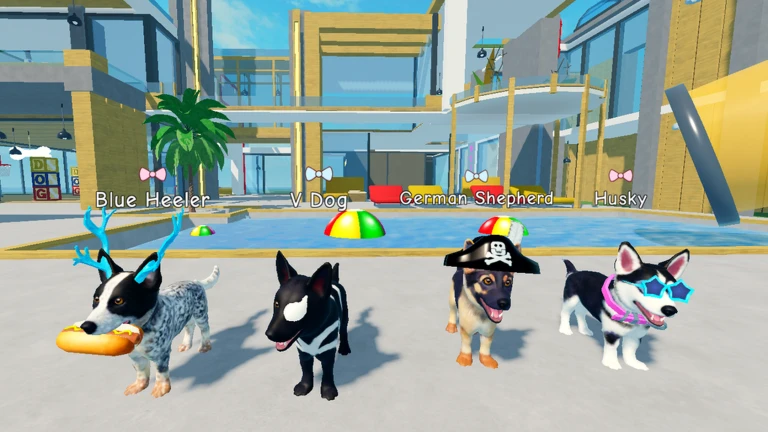
An Easter event is currently running in the game. Special decorations and event areas appear on top of the normal roleplay space. Check the game's Roblox page for end-date information, because the event will not last forever.
Free-to-play access
SummaryAll the core roleplay features are available at no cost. The basic puppy and human roles, movement, emotes, and all areas of the field are open to everyone from the start.
- Free full roleplay access including both roles, all basic emotes, and all base areas
- Paid additional avatar appearances and items beyond the defaults
Glossary
Glossary- Roleplay
- Playing a character and acting out scenes with other players rather than chasing a fixed goal.
- Emote
- A built-in animation your character performs, such as sitting, spinning, or waving, used to express actions without typing.
- Avatar
- Your character's appearance in the game, which you can customise at the start of a session.
- Spawn point
- The spot in the game world where your character appears when you first load in.
- Field
- The open playable area of the game, which includes different zones like houses and parks.
Common questions
FAQCan I play alone?
The game is designed around playing with other people. Solo, you can still explore the field and practice emotes, but the roleplay side of things needs other players to really come alive.
What if I do not have Roblox voice chat?
Text chat and emotes inside the game are enough to run a full session. If you want to talk while playing, apps like Discord let you voice call your friends at the same time.
How do I make my character look the way I want?
Open the customisation screen at the start of the session and adjust the colours and design until you are happy.
Game updates can change what is on this page. If you spot something, get in touch and let us know.
