
Rogue Ninja Guide: Getting started before your first fight
About
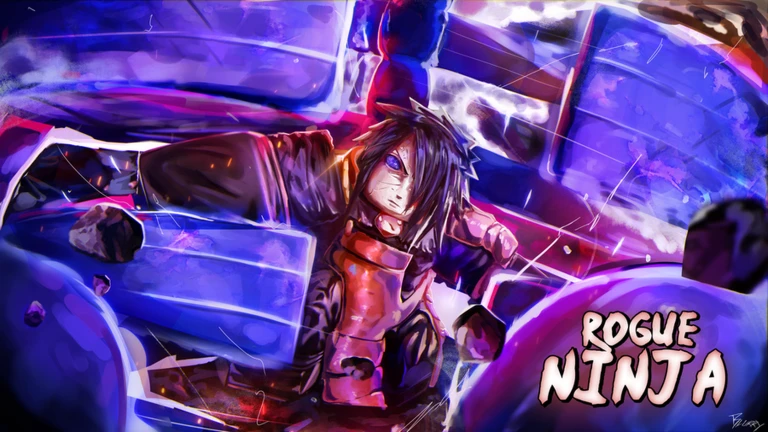
OverviewRogue Ninja is an anime-style ninja battle game inspired by Naruto, where up to 20 players fight each other in the same server. This guide covers how to get started, how to build up kills and kill streaks, and how to climb the ranked leaderboard.
What is on this page
Contents
Player notes and tips
Found a useful trick? Share it with everyone! Notes with screenshots are welcome!
Write a guide note
[THUNDER NINJA] Rogue Ninja
Getting started before your first fight
Step
Two in-game menus have everything you need before your first fight. The keybind guide in the bottom-right corner of the screen shows every control for both keyboard and controller. The information button in the top-left corner holds the full combat guide and the update log.
- Check the keybinds
open the guide in the bottom-right corner and go through every control before entering a fight.
- Read the combat guide
press the information button in the top-left corner to understand the rules and see recent updates.
- Redeem a code
press the coins button in-game to open the code entry screen and claim any available rewards.
MetaNew Player Survey

The next survey is being prepared.
Kill count milestones worth chasing
Table
Total kills and kill streaks are tracked separately.
| Badge | What you need | Type |
|---|---|---|
| Fighter | 100 total kills | Total kills |
| Elite | 1,000 total kills | Total kills |
| Menace | 5 kills in a row | Kill streak |
| Boss Raid | 20 kills in a row | Kill streak |
| King | 50 kills in a row | Kill streak |
Climbing the ranked 1v1 leaderboard
StepThe game has a separate ranked 1v1 mode with its own leaderboard. Getting into the top 50, top 10, and top 3 each unlock a different badge.
- Aim for top 50
reaching this earns the Silver Rank badge.
- Push for top 10
reaching this earns the Gold Rank badge.
- Target top 3
reaching this earns the Diamond Rank badge.
 NEXTUPDATENEXTYEAR
HELLOAGAIN
Glossary
Glossary- Kill streak
- The number of players you defeat in a row without being defeated yourself.
- 1v1
- A one-on-one ranked match format with its own leaderboard separate from the main game.
- Leaderboard
- A ranked list showing which players have the highest positions in 1v1 mode.
- Badge
- A Roblox achievement awarded automatically when you meet a specific condition inside the game.
Common questions
FAQWhere do I find the controls?
The keybind guide is displayed in the bottom-right corner of the screen and covers both keyboard and controller inputs. You can also press the information button in the top-left corner to find the full combat guide.
How do I enter a code?
Press the coins button inside the game to open the code entry screen.
Is this game connected to Naruto?
The game is inspired by Naruto.
Game updates can change what is on this page. If you spot something, get in touch and let us know.
