
Realistic Street Soccer Guide: Controls you need to know
About
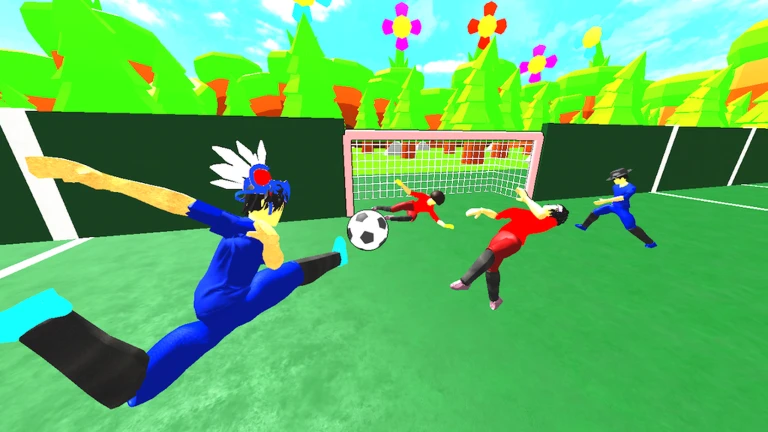
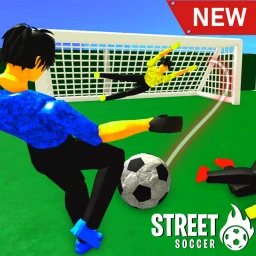
OverviewRealistic Street Soccer drops you into fast-paced matches on a futsal-sized court with realistic characters and animations. You can shoot, pass, dribble, tackle, and head the ball across two modes — 4v4 and 7v7 — while an AI goalkeeper covers the net if no one else does. This guide walks you through the controls, match tactics, and the things to check when you keep losing.
What is on this page
Contents
Controls you need to know
CheckOn PC, holding left click handles both shooting and passing, with the duration of the hold affecting the result. The remaining keys each cover one action. Mobile players use on-screen buttons that the game lays out for you — if a video shows different button positions, trust what is on your screen right now, not the video.
- Hold Left Click shoot or pass
- E tackle
- Q dribble skill move
- Shift sprint
- Ctrl mouse lock
- Spacebar header
MetaNew Player Survey
The next survey is being prepared.
Starting out: your first few matches
Step
Once you join a public game, keep your focus on three things: pass quickly, only shoot when the path to goal is clear, and get back into position after a missed tackle. Your progress saves automatically, so you can quit and return any time without losing ground.
- Check the in-game control guide on arrival it always shows the current layout
- Start with 4v4 fewer players means more time on the ball and faster learning
- Receive the ball look around before touching it so you know where your teammates are
- Pass back if an opponent is close, return the ball to a teammate rather than forcing a move forward
- Shoot only when the route to goal is open
- After a missed tackle turn and recover toward your own goal before pressing again
Fixing common problems in matches
Tips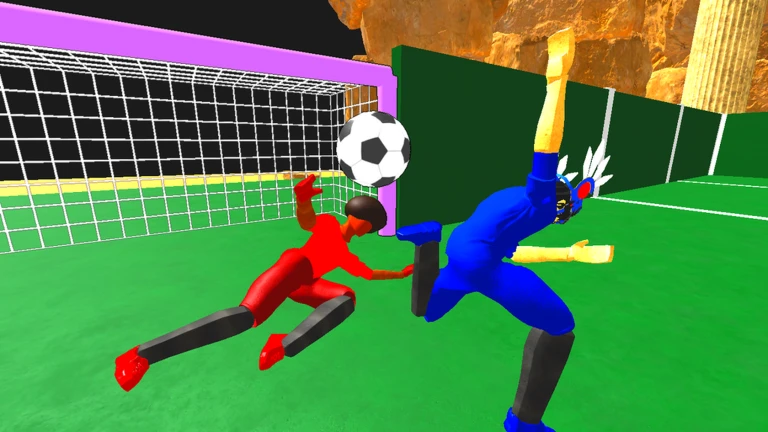
When you keep conceding, trace the goal backward: where was the space that let the shot happen? When you cannot score, the answer is usually a combination of shooting too early and aiming at the centre of the goalkeeper.
- If everyone piles onto the ball, one of you should peel off to cover the space behind or wait for a pass
- If you keep losing the ball after a tackle attempt, you are probably pressing too early — wait for the opponent to commit to a direction
- If your shots get blocked, you are likely holding left click to maximum — a shorter hold releases the ball before a tackler can reach you
- If your passes get intercepted, aim behind you and rebuild rather than forcing the ball through a crowded channel
- If you keep shooting straight at the keeper, aim toward either post instead of the centre of the goal
- If you get tackled immediately after receiving, scan your surroundings before the ball reaches you, not after
4v4 versus 7v7
TableBoth modes run on the same futsal-sized court with AI goalkeepers ready to fill in.
| Team size | 4 players per side in the main mode, 7 per side in the alternate mode |
Dribble skills and goalkeeper positioning
Tips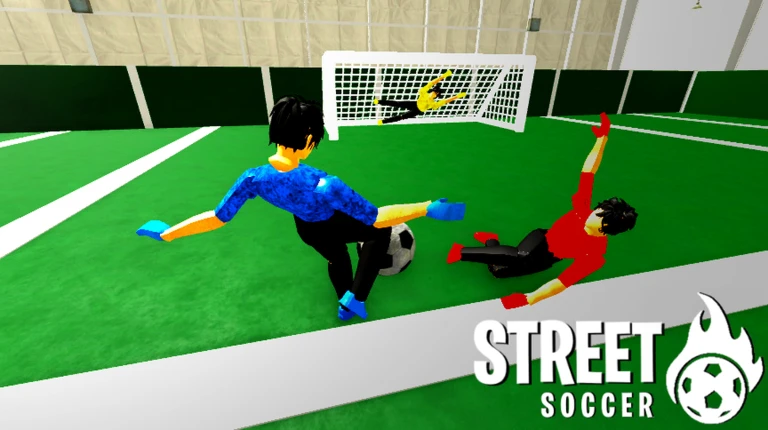
The dribble skill (Q on PC, on-screen button on mobile) works best in a genuine one-on-one with open ground ahead. Chaining the skill repeatedly gives defenders time to recover, so switch to a shot or pass the moment you are through. When you play goalkeeper, stand on the line between the ball and the centre of your goal, and avoid diving early — committing before the shot is struck leaves a gap the attacker can aim for.
- Trigger the dribble skill only in a one-on-one
- After a successful skill move, immediately shoot, sprint, or pass — do not repeat the skill
- Teammates shooting at goal should have one player positioned slightly behind the shot for rebounds
- Goalkeepers position themselves between the ball and the centre of the goal, adjusting as the ball moves
- AI goalkeepers handle the position automatically, so beginners do not need to stay back every match
Free-to-play and private servers
Summary
Private servers are free to create, and the server owner gets access to the full admin panel. Matches are balanced the same way for every player regardless of spending. Items available for Robux change your appearance; if a description does not mention a stat increase, the item is cosmetic only.
- All match modes free to play
- Private servers free to create; owner receives full admin panel at no extra cost
- Match balance identical for all players regardless of spending
- Robux items cosmetic unless the item description specifically states a stat change
Redeem codes
StepThe game distributes gift codes that you enter into a text field inside the game menu. Each code can only be redeemed once on your account, and many codes carry an expiry date.
- Open the game menu find the code entry field
- Copy the code and paste it directly rather than typing it to avoid errors
- A one-time-use code that has already been used on your account will return an error
 100MVISITS
Elastico Dribble
200MVISITS
150 Coins
100MVISITS
Elastico Dribble
200MVISITS
150 Coins
Account safety and fair play
WarnThe game warns that exploiting on alternate accounts results in an automatic ban on every account linked to you.
Glossary
Glossary- Futsal
- A version of football played on a smaller indoor court, which is the size used in this game.
- 4v4
- The main match mode with four players on each side.
- 7v7
- The alternate mode with seven players per team.
- Dribble skill
- A special move triggered with Q (PC) or the on-screen button (mobile) to get past an opponent in a one-on-one.
- Tackle
- The action used to take the ball from an opponent, triggered with E on PC.
- Header
- Striking an airborne ball with your character's head, assigned to Spacebar on PC.
- Mouse lock
- A camera control mode on PC activated with Ctrl.
- AI Goalkeeper
- A computer-controlled keeper that fills the goal when no human player takes that role.
- Private server
- A server only you and your invited players can join; in this game it is free and comes with a full admin panel for the owner.
- Gift code
- A code released by the developer that you enter in the game menu to receive a reward item.
- Admin panel
- A set of server management tools available to private server owners at no cost in this game.
Common questions
FAQCan I play this game for free without missing out on anything important?
Yes — every match mode and private server is free, and the admin panel comes with the free private server. Items sold for Robux are cosmetic as long as their description does not mention a stat increase.
Does the game work on mobile?
The game is designed for mobile with on-screen buttons laid out for touch play. If a video tutorial shows different button positions, go by what is displayed on your own screen, since the layout can change with updates.
Can I play alone without other people?
Yes — balanced AI goalkeepers are built into the game, so you always have a keeper even in a solo session. You can also create a free private server to practise controls before jumping into a public match.
Which mode should a beginner start with, 4v4 or 7v7?
Start with 4v4. The smaller team size means you touch the ball more often, which lets you test passing, shooting, and tackling quickly.
Will my progress be lost if I close the game?
No — the game saves your progress automatically, so you can stop at any point and pick up where you left off next time.
Where do I find working gift codes?
Codes expire and can only be used once, so redeem anything you find as soon as possible.
Game updates can change what is on this page. If you spot something, get in touch and let us know.
