
Zombie game — First steps when you load in
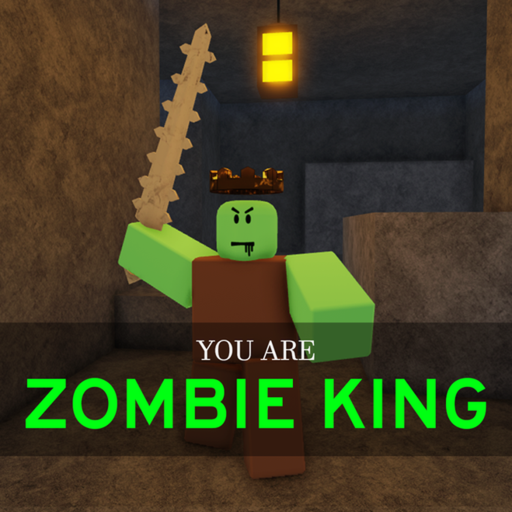
About
OverviewZombie game [upd3] is a survival game where you fight off waves of zombies, collect weapons, buy gear from the zombie shop, and hunt for hidden secrets. This guide covers everything from your first steps to spending your coins wisely and taking on tougher enemies.
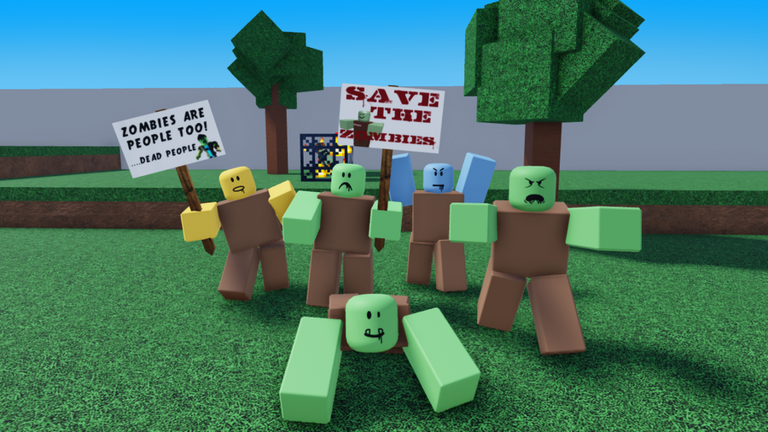
What is on this page
Contents
First steps when you load in
Step
The moment you spawn, zombies can already be nearby, so there is no time to waste. Check the on-screen control guide before you move anywhere, then go find a weapon as fast as you can.
- Read the controls look at the on-screen guide immediately so you know how to move, jump, and switch weapons before anything attacks you.
- Scan your surroundings turn the camera to spot any zombies close to your spawn point before you commit to a direction.
- Grab a weapon pick up the nearest weapon or item you can find; having something in your hands matters more than finding the best weapon.
- Start in a safer area stick to the edges of the map while you get comfortable rather than walking into a crowd of enemies.
How to spend your money in the zombie shop
CheckThe zombie shop sells weapons, armor, and healing items. Buying in a smart order means you stay healthy enough to keep earning coins and push further into the game.
- Healing items first stock up on potions and recovery items before anything else; running out of health with great weapons still gets you killed.
- Armor second once you have healing covered, buy armor to cut down the damage zombies deal to you.
- Better weapons last only upgrade your weapons after your survivability is sorted; a powerful gun means little if one hit finishes you.
Choosing and switching weapons
Table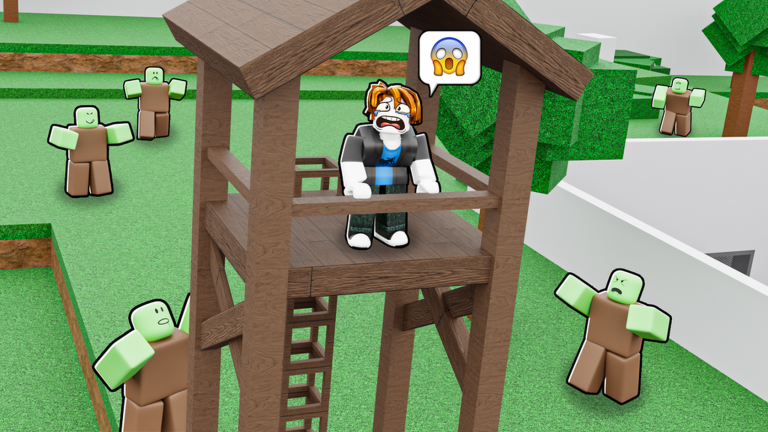
Different weapons suit different situations. The key habit is switching rather than sticking with whatever you found first.
| Fast, light weapons | best for crowds of weaker zombies where you need to cycle through targets quickly. |
| Heavy, high-damage weapons | best against strong or boss-type zombies where raw power matters more than speed. |
| Fast reload | better for long fights where you cannot afford a gap in your fire. |
| Long range | better when you want to pick off zombies before they reach you rather than fighting up close. |
Staying alive as the game gets harder
TipsSurviving the later parts of the game is about discipline as much as gear. The players who last longest are the ones who never let a bad habit slide.
- Fight weaker zombies first to build up resources before taking on stronger ones.
- Team up with other players when a zombie is too strong to handle alone; group play lowers the difficulty noticeably.
Finding the hidden secrets
Tips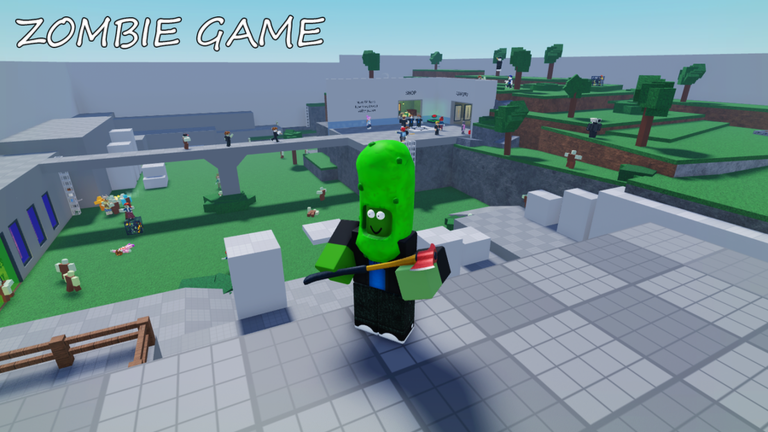
The game includes hidden secrets beyond the main zombie fights. Exploring thoroughly is part of the experience.
- Look for objects that glow or stand out in color from everything around them.
- Check behind walls and on top of high platforms, not just at ground level.
When you keep dying — a quick diagnosis
WarnBefore trying something drastic, check these common reasons players get stuck.
Glossary
Glossary- Zombie shop
- The in-game store where you spend coins on weapons, armor, and healing items.
- Armor
- Equipment you wear to reduce the damage zombies deal to you.
- Reload
- The action of refilling your weapon's ammo; a faster reload speed gives you less downtime in a fight.
- Firepower
- How much damage a weapon deals per hit — higher firepower means zombies go down faster.
Common questions
FAQWhat should I buy first in the zombie shop?
Start with healing items so you can recover health during fights. Once you have a solid supply of those, move on to armor, and only then think about upgrading your weapons.
How do I beat a zombie that keeps killing me?
First check that your weapon has enough firepower for that enemy and that you have healing items in stock. If it still feels impossible, find another player to fight alongside you — some of the stronger zombies are designed for groups.
Where do I find the hidden secrets?
Secrets are spread throughout the map in spots most players walk past without looking. Slow down near the map edges, check high-up areas, and pay close attention to anything that glows or looks different from its surroundings.
Can I get far without spending real money?
Yes — the shop items are bought with in-game currency, so free players can fully gear up without spending anything real.
Game updates can change what is on this page. If you spot something, get in touch and let us know.
