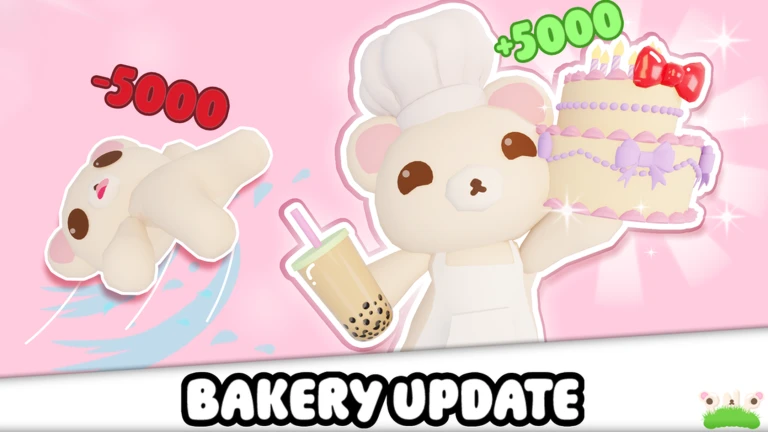
Picnics n Plushies is a relaxed building game where you collect boxes, bake cakes, and use the rewards to decorate your own cottage. This guide walks you through the core loop, the shop, seasonal leaderboards, and a few things that are easy to miss when you start out.
In shortEverything in the game grows from one repeating cycle: collect boxes, make cakes, spend what you earn.
The whole game runs on a single loop that you repeat at your own pace. Boxes are the raw material; cakes are what you make with them; cash and plushies are what you get back. Cash goes into the shop, and plushies build your collection.
Find boxessearch the game world and pick up every box you spot.
Bake a cakeuse your boxes to make a cake and complete it.
Collect the rewardsfinished cakes pay out cash and plushies.
Visit the shopspend your cash on items for your cottage or blanket.
Repeathead back out and gather more boxes to keep the cycle going.
In shortThe shop and the Blanket Settings menu are the two tools you use to personalise your space.
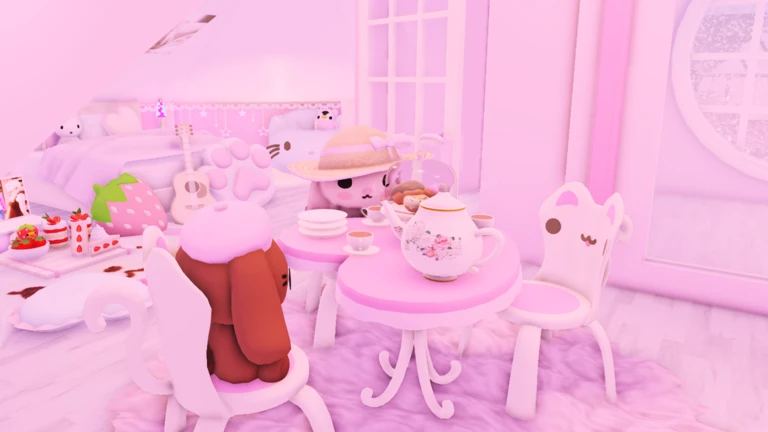
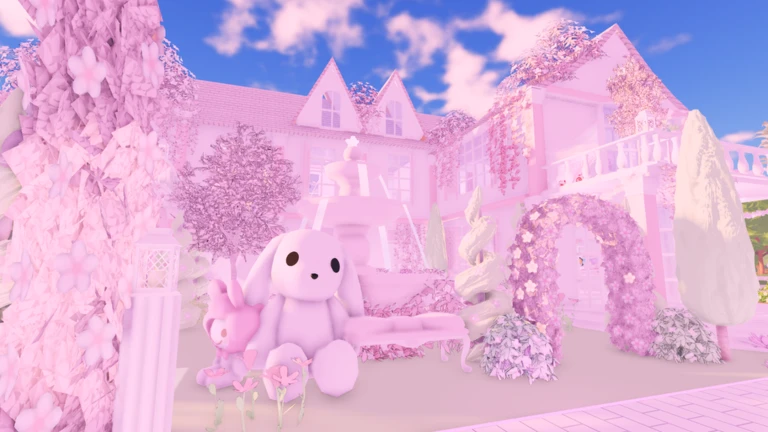
Once you have cash from baking, the shop is where you put it to work. Your cottage fills up with items you buy there. Your blanket has its own separate customisation option that lets you swap the decal pattern without spending cash.
Tips worth knowing
Buy decoration items from the shop to fill out your cottage interior.
Open Blanket Settings to change the decal on your blanket independently from the shop.
Plushies you earn are also part of your collection — finding a rare one for the first time earns you a badge.
03Live and upcoming eventsEvents
Events running now or coming soon. They have fixed dates, so check them first.
Live now –
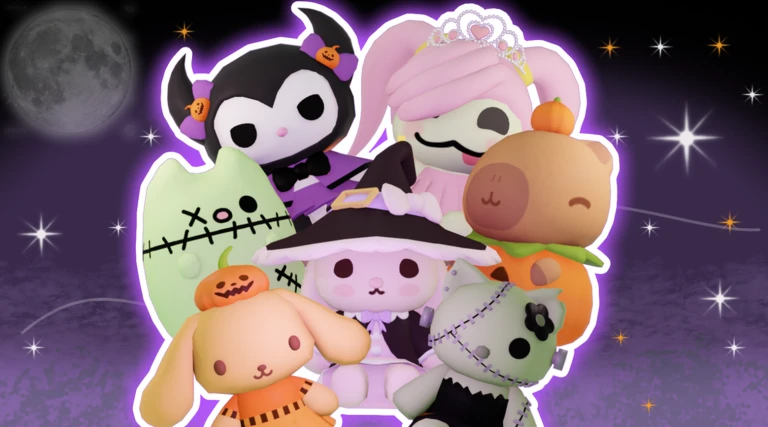
HALLOWEEN 🎃
35 NEW + Returning plushies!
Slay monsters and trick or treat to gather candy to get prizes at the candy shop in town…
In shortTriggering a Box Rush from the shop floods the game with boxes.
The shop sells an item that starts a Box Rush. Starting one also unlocks the Bringer of Boxes badge.
Worth watching out for
You have to buy the Box Rush item from the shop before you can trigger one.
The Bringer of Boxes badge is tied to starting a Box Rush.
05
Free Leaves from liking and joining the group
Check
In shortCompleting both steps earns you 75,000 Leaves with no gameplay required.
You need to do both things — liking alone or joining alone is not enough.
Like the game on its Roblox page.
Join the official group linked from the game.
Collect your 75,000 Leaves bonus once both steps are done.
06
Seasonal leaderboards and top-3 rewards
Summary
In shortEach season runs its own leaderboard, and the top three players walk away with a badge, a trophy, and a wish.
The game runs leaderboard competitions tied to real-world seasons. Placing in the top three during any active season earns exclusive rewards. There are two leaderboards per season.
Seasons Spring, Summer, Fall, and Winter each have their own leaderboard period.
Reward a season-specific badge, a trophy, and a wish go to each top-three finisher.
Leaderboards two leaderboards run simultaneously each season.
Glossary
Glossary
Box
The item you collect around the game world and use as the ingredient for baking cakes.
Cake
What you make from boxes; completing one pays out cash and plushies.
Cash
The in-game currency earned from cakes, used to buy items in the shop.
Plushie
A reward item earned alongside cash when you finish a cake; finding a rare one for the first time gives a badge.
Leaves
A reward currency you receive for liking the game and joining the official group.
Box Rush
A shop-triggered event that causes a large number of boxes to appear at once.
Blanket Settings
An in-game menu that lets you change the decal pattern on your blanket without visiting the shop.
Cottage
Your personal space that you decorate with items bought from the shop.
Wish
A reward granted alongside a badge and trophy to players who finish in the top three on a seasonal leaderboard.
Common questions
FAQ
How do I change my blanket's pattern?
Open the Blanket Settings menu inside the game and pick a different decal from there.
Can I still earn season badges for past seasons?
No. Season badges for Fall, Winter, and Spring were tied to those seasons while they were running.
What does a Box Rush actually do?
It causes a large wave of boxes to appear across the game. You start one by using the Box Rush item from the shop.
Updated Oct 26, 2026
Game updates can change what is on this page. If you spot something, get in touch and let us know.
 Live now
–