
Eat Same Color Food Challenge — Getting started
About
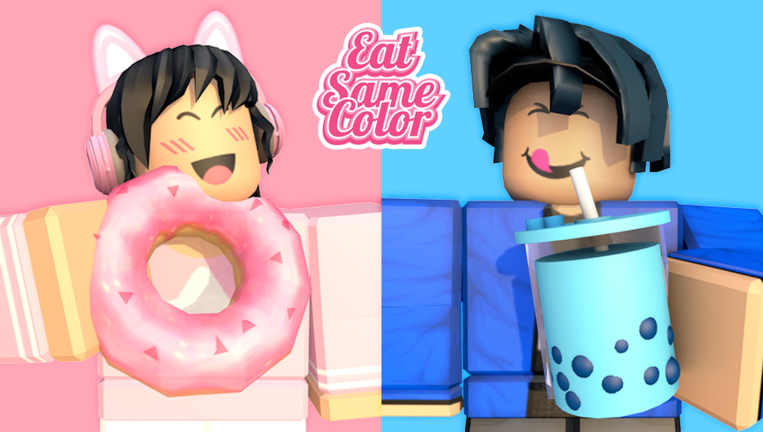
OverviewEat Same Color Food Challenge is a team party game where you pick a color, hunt down food that matches it, and race to eat more than the other teams.
What is on this page
Contents
Getting started — teams and your first round
Step
When you load in, the first thing you do is choose a team — each team is assigned a different color, such as red, blue, or green. Once you are on a team, your only job is to find food that matches your team's color and eat it. Every piece of same-color food you eat adds to your team's score, and the team with the highest count when time runs out wins.
- Pick a team choose one of the color-coded teams.
- Search the stage food of every color is scattered around the map.
- Eat your color tap or click same-color food to consume it and add to your score.
- The team with the most eats when time ends takes the win.
When your score stops climbing
CheckIf your team's count feels stuck, run through these checks before assuming something is broken.
- Confirm your team color is still displayed on screen.
- Watch the color of the food you are actually eating.
- Sweep the edges and high points of the stage for food that never got picked up.
- If clicking or tapping food produces no response, restart Roblox and rejoin.
Free reward codes
StepThe game distributes codes that you enter inside Roblox to collect free rewards. Each code can only be redeemed once per account, so type carefully. As of October 4, 2026, this site tracks five working codes for this game — check the live codes section of this page for the current list.
- Open the code screen find the input field in-game.
- Type the code exactly capitalization and spelling both matter.
- Confirm the entry the game will tell you whether the code worked.
- Each code is separate, so redeem them one at a time.
- Codes tied to events can expire when the event ends.
 season
free reward
billy
free reward
rainbow
free reward
farm
free reward
season
free reward
billy
free reward
rainbow
free reward
farm
free reward
Paid items vs. free play
Tips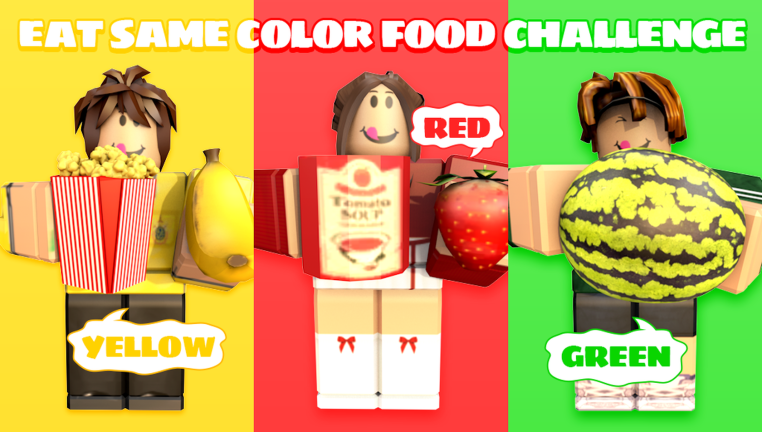
The core game — choosing a team, finding food, and racing to eat the most — is fully available without spending anything. Paid items change how your character looks, not how well it performs.
- Core gameplay — free for every player, no restrictions.
- Paid items — cosmetics like skins and emotes only.
- No paid advantage exists over free players.
- Free codes provide a way to collect rewards without spending anything.
Glossary
Glossary- Team
- A color-coded group of players who share a score — red, blue, green, and other colors are each their own team.
- Score
- The count of same-color food your team has eaten; whichever team has the highest count at the end wins.
- Code
- A short text string you type into the in-game input screen to claim a free reward, usable once per account.
- Event
- A limited-time update that adds themed stages and special rewards — the current one is a summer shopping cart event.
Common questions
FAQDoes eating the wrong color hurt my team?
No penalty is applied for eating a different color, but it does not add any points either.
Where do I find the current codes?
The game's own page announces codes, particularly during active events like the summer one running now. As of October 4, 2026, this site also tracks five working codes — check the live codes section of this page.
What does the summer event actually change?
The event brings a shopping cart theme to the stage decoration and is tied to the codes currently being distributed. The core color-eating rules stay the same.
Game updates can change what is on this page. If you spot something, get in touch and let us know.
