
Destroy Cars with Nitro — Getting started on your first run
About
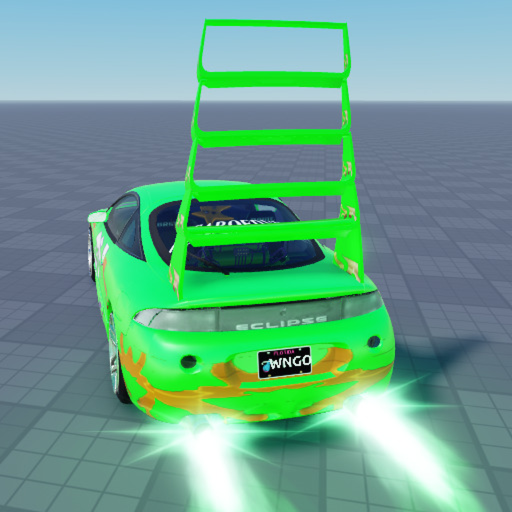
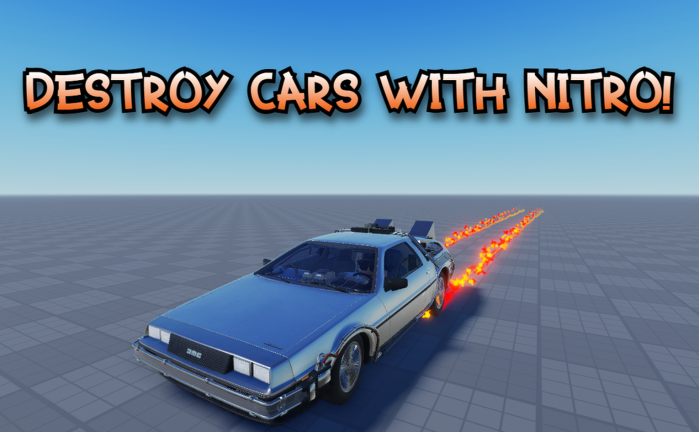
OverviewDestroy Cars with Nitro is a Roblox game where you blast your car across mega ramps, giant loops, and insane jumps while parts fly off on impact. Up to 15 players can share a stage at once, and the goal is simply to cause as much spectacular destruction as possible. This guide covers how to use your nitro boost effectively, how to rack up Stunt Points, and what the chat commands do.
What is on this page
Contents
Getting started on your first run
Step
When you join, a car is already waiting for you. The stage is open from the start, so you can drive anywhere and get a feel for the layout before committing to a big jump.
- Explore the stage drive around the whole area so you know where the mega ramps and loops are before you hit them at full speed.
- Try the nitro boost in open space fire it on flat ground first to understand how much it accelerates you.
- Hit a ramp without boosting see how high you go normally so you have a baseline to compare against.
- Crash into something deliberately watch the parts scatter so you know what full destruction looks like.
- Reset if you get stuck type :normal or :refresh in chat to refresh your character and get back in action.
Using nitro boost to cause maximum destruction
Tips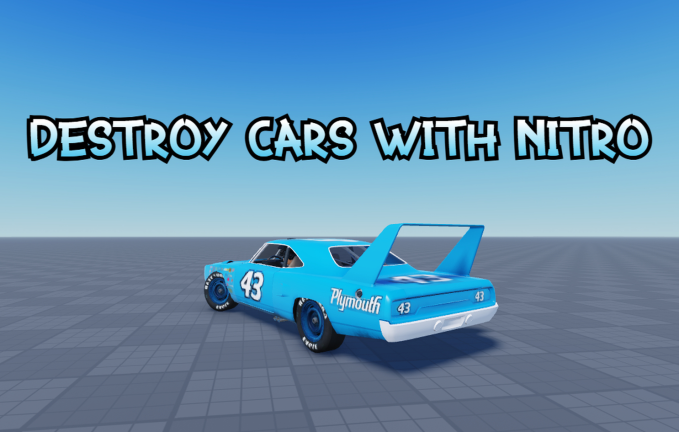
The nitro boost raises your speed sharply, which translates directly into higher jumps, faster loop exits, and harder impacts when you land.
- Trigger the boost just before a ramp and you will travel significantly farther than without it.
- Boost inside a loop to spin through it more violently and hit the ground with more force on the other side.
- Hold the boost while going downhill to arrive at the bottom at much higher speed, making the crash at the end far more dramatic.
- Stack a boost right before you leave the mega ramp to get the most extreme launches the stage can offer.
Chat commands worth knowing
Check
Type these directly into the chat window during a session.
- Type :normal or :refresh to reset your character if it gets stuck or you just want a fresh start.
- Type yeet to trigger a goofy in-game event that livens up the session.
Earning Stunt Points and the 100K badge
Tips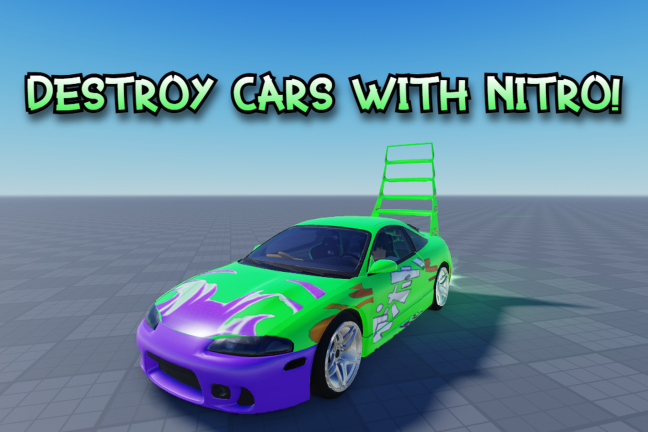
Stunt Points accumulate as you pull off jumps, collisions, and other stunts. The game has a badge called Santa's Sleigh that requires you to reach 100,000 Stunt Points.
- Repeat big jumps and hard collisions since impacts are what push your point total up.
- The mega ramp and loop sections produce the most dramatic stunts in one pass.
Free play versus paid options
Table
Two paid options exist alongside the free experience. Neither locks you out of any stage or core feature.
| Free play | full access to all stages, ramps, loops, and chat commands. |
| Roblox Premium | gives you double the in-game time compared to the standard session. |
| Tuner Pass (gamepass) | unlocks car tuning so you can adjust your vehicle beyond its default setup. |
Glossary
Glossary- Nitro Boost
- A speed burst that makes your car go much faster, letting you jump higher and crash harder.
- Stunt Points
- The score you earn by doing jumps, flips, and crashes — reaching 100,000 of them unlocks a badge.
- Mega Ramp
- A large launch ramp on the stage that sends your car far into the air, especially when combined with nitro.
- Tuner Pass
- A paid gamepass that unlocks car tuning options for players who want to customise their vehicle.
Common questions
FAQWhat happens when my car gets completely destroyed?
The game keeps going no matter how badly your car breaks apart. You can watch the pieces scatter and then keep driving whatever is left, or type :normal or :refresh in chat to reset and start fresh.
Can I play every stage without paying?
Yes, all stages are open to everyone for free. The only things paying changes are your session time length with Roblox Premium and access to car tuning with the Tuner Pass.
How do I hit 100,000 Stunt Points?
Focus on the mega ramps and loops and keep repeating big jumps and collisions. The badge threshold is 100,000 Stunt Points.
Game updates can change what is on this page. If you spot something, get in touch and let us know.
