
 Live now
–
Live now
–
Game guide
Realistic Vehicle Simulator Guide: Basic driving controls
Is this game fun?
No votes yet. Cast the first one.
About
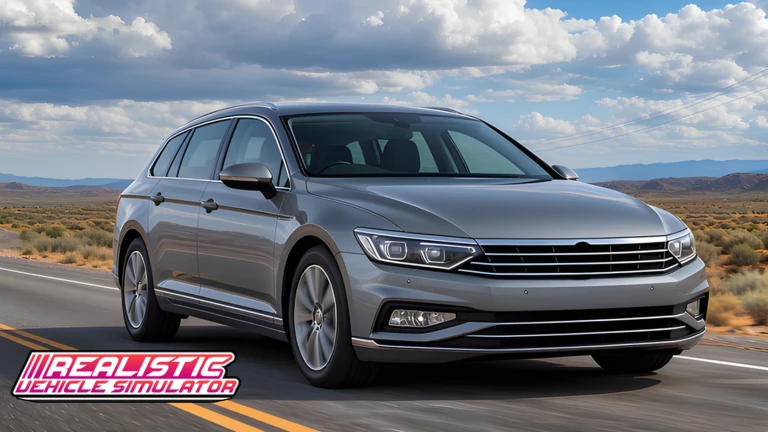
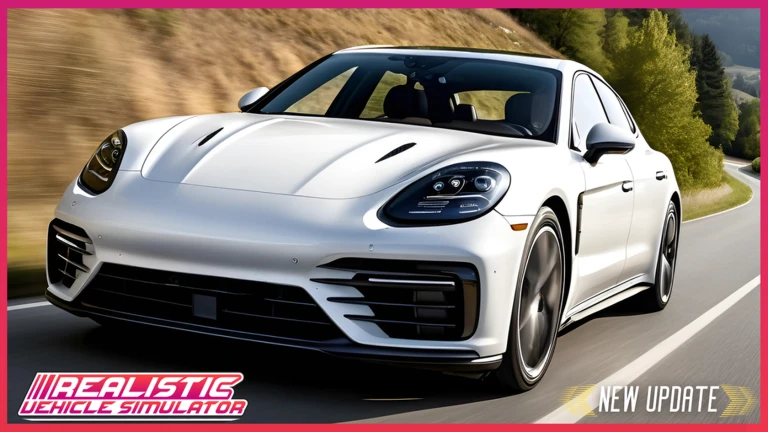
OverviewRealistic Vehicle Simulator puts you behind the wheel of cars, trains, and planes across detailed open landscapes. This guide covers the controls, camera options, and settings you need to get moving and stay comfortable while playing.
What is on this page
Contents
01
Basic driving controls
Check
In short
Get these keys down before you pull away from the start.
The game uses your keyboard for nearly everything. Movement, gear changes, and lights all have dedicated keys.
- W moves you forward; S puts you in reverse.
- A and D steer left and right.
- E shifts the gear up; Q shifts it down.
- L turns the headlights on or off.
- K triggers a flash; X switches on hazard lights.
- Z and C control left and right indicators; N turns on parking lights.
MetaNew Player Survey
The next survey is being prepared.
02
Camera modes and how to use them
StepIn short
Switching between views makes driving and sightseeing far more enjoyable.
Multiple camera options are available. Interior view gives you an in-car perspective, and Free Cam lets you look around freely.
- Interior view press V to shift to the cockpit perspective and see the world from inside the vehicle.
- Camera stabilization hold V and B together to steady the camera.
- Free Cam press Shift+C to detach the camera and angle it anywhere you like.
- Mouse control press R to let your mouse move the camera instead of locking it in place.
03 Live and upcoming events
Events
Events running now or coming soon. They have fixed dates, so check them first.
Live now
–
04
Transmission and emote settings
Tips
In short
Two extra keys unlock deeper simulation options and social actions.
These settings let you go further with the experience.
Tips worth knowing
- Press M to open the transmission settings and fine-tune how your gears behave.
- Press F7 to open the emote system, which lets your character perform various actions around other players.
05
Performance and server tips
Warn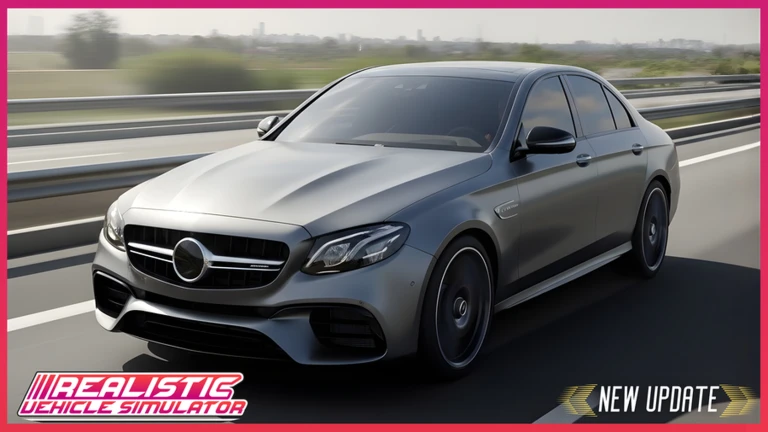
In short
A slow connection or weak PC will cause lag that makes precise driving difficult.
The game is highly detailed, which puts real demand on your hardware and internet.
Worth watching out for
A fast internet connection is required for the game to run smoothly.
A powerful PC handles the detailed visuals without stuttering.
Joining a private server cuts down on lag compared to a full public room.
Glossary
Glossary- Gear shift
- The transmission step that controls your speed range and direction, changed with E and Q.
- Interior view
- A camera perspective from inside the vehicle, toggled with the V key.
- Free Cam
- A detached camera mode activated with Shift+C that lets you look around at any angle independently of the vehicle.
- Emote system
- A menu opened with F7 that lets your character perform social actions and animations.
- Hazard lights
- Flashing warning lights on all sides of the vehicle, switched on with X.
Common questions
FAQWhat vehicles can I drive?
Cars, trains, and planes are all available to pilot. New vehicles are added to the game regularly.
How many players fit in one room?
A single room holds up to 25 players. If you are playing with a larger group, you will need to split across more than one room.
How do I reduce lag?
Make sure you have a fast internet connection and are on a reasonably powerful PC. Playing on a private server rather than a public one helps cut down on lag.
Updated Oct 24, 2026
Game updates can change what is on this page. If you spot something, get in touch and let us know.
Game updates can change what is on this page. If you spot something, get in touch and let us know.
