
TV Defense Guide: How a match works
About
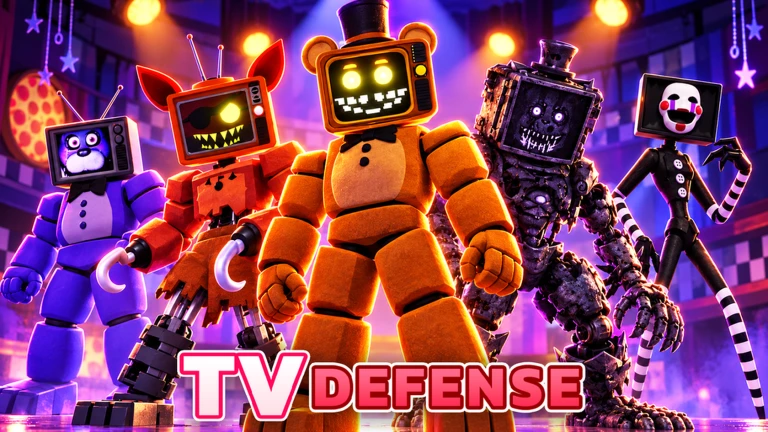
OverviewTV Defense is a tower defense game where you place towers to stop waves of enemies from breaking through your map. This guide covers how to get started, how to earn towers through the gacha system, how to redeem codes for free rewards, and what changed in the latest update.
What is on this page
Contents
Player notes and tips
Found a useful trick? Share it with everyone! Notes with screenshots are welcome!
Write a guide note
TV Defense [EP.80 🔊]
How a match works
Step
Enemies arrive in waves, and your towers attack them on their own once placed. Every round the enemies get tougher, so you will need more towers or better ones as you progress. Clear the round to collect coins and gems, then use those to pull more towers from the gacha before the next wave.
- Place towers set them along the enemy path so they start attacking automatically.
- Survive the wave hold out until every enemy in the round is destroyed.
- Collect rewards grab the coins and gems that drop after a clear.
MetaNew Player Survey

The next survey is being prepared.
Building your tower collection without spending Robux
Tips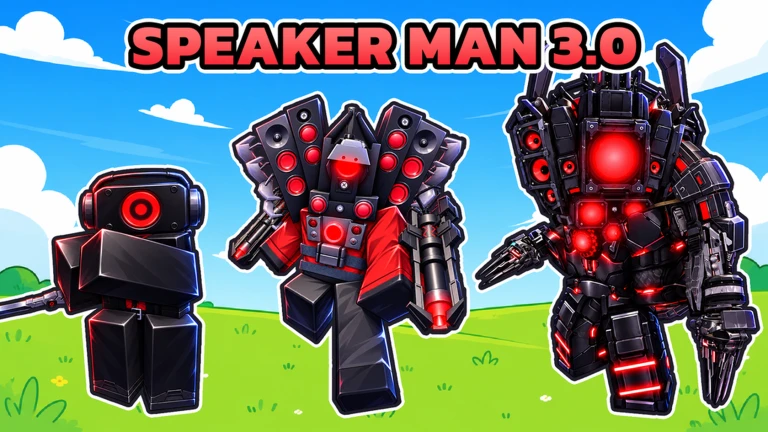
You earn coins and gems just by playing through stages, and gift codes hand out extra resources on top of that. Keep clearing stages consistently and redeem every code you spot while it is still active.
- Clear stages to earn coins and gems — these are your main gacha currency.
- Redeem gift codes the moment you see them, because they expire and can only be used once.
Redeeming gift codes
StepGift codes are time-limited and each code works only once per account. Open the code menu from the settings or shop area in-game, paste the code in, and your rewards appear immediately.
- Open the code menu find it through the in-game settings or shop.
- Paste the code type or paste the code exactly as written into the input field.
- Confirm the reward coins, gems, or Red Crystals are added to your account right away.
- Move on quickly codes expire, so never save them for later.
 EP80
20 Red Crystals
CLASSIC
10 Red Crystals
MEOWDEV
1900 Coins
10MVISITS
10 Red Crystals
What changed in the latest update
Summary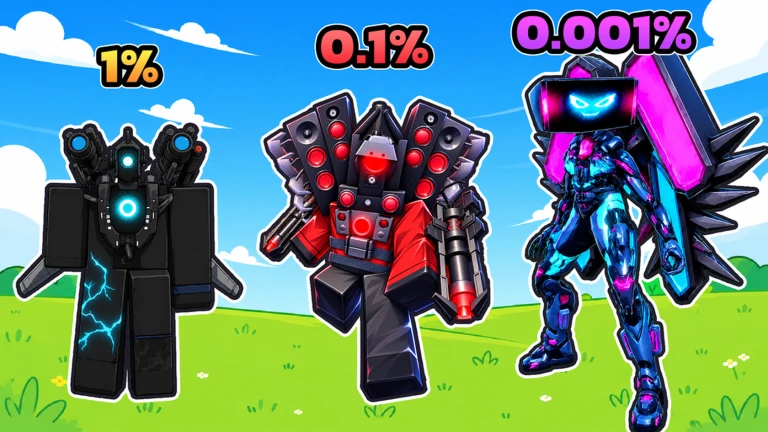
Several quality-of-life improvements arrived alongside the new tower. The settings menu was rebuilt to be easier to navigate, and you can now read a tower's skill description before committing to placing it.
- New tower Titan Computer Woman is now available through the Exclusive Summon at 0.03%.
- Settings redesign the settings GUI was rebuilt and gained a search bar.
- Skill descriptions tower skill details now show up on the selection screen.
- Audio controls separate sliders for music volume and sound effect volume were added.
- Inventory fix a bug that made tower images appear oversized in the Inventory GUI was corrected.
Glossary
Glossary- Gacha
- A system where you spend coins or gems for a random tower from the available pool.
- Round
- One wave of enemies; clearing every enemy in it counts as completing the round.
- Gift code
- A string of characters you enter in-game to receive free coins, gems, or Red Crystals.
- Exclusive Summon
- A special gacha banner where limited towers like Titan Computer Woman can appear.
- Red Crystals
- A currency rewarded by certain gift codes, separate from coins and gems.
Common questions
FAQWhat should I do first when I start the game?
Play through the opening stage to earn your first coins, then use them to pull the gacha and get a few towers. Check each tower's skill description on the selection screen before placing it so you understand what it does.
Where do I find gift codes?
The developer publishes codes through announcements. Redeem them as soon as you spot one, because they are time-limited and stop working once they expire.
My towers are not keeping up with the enemy waves. What should I do?
Keep pulling the gacha to widen your roster. Clearing stages consistently is the way to earn the resources you need.
Game updates can change what is on this page. If you spot something, get in touch and let us know.
