
Slayer Battlegrounds Guide: First steps when you load in
About
OverviewSound Slayer Battlegrounds is a Roblox action game where you fight other players, master a breathing skill system, and grow your character stronger over time. This guide covers the controls, breathing moves, how to win more fights, and how to keep making progress.
What is on this page
Contents
Player notes and tips
Found a useful trick? Share it with everyone! Notes with screenshots are welcome!
Write a guide note
[Sound]Slayer Battlegrounds
First steps when you load in
Step
The in-game chat is where codes and tutorials are shared, so joining it early saves you time.
- Test the controls
press M1 to attack, F to block, Q to dash, Space to jump, and Shift to lock your camera onto a target.
- Join the chat
open the in-game chat to find the current codes and any tutorial information posted there.
MetaNew Player Survey

The next survey is being prepared.
Core controls and what they do
Table
There are more inputs than a typical Roblox game, but you only need a handful to compete at first.
| M1 | basic attack |
| F | block |
| Q | dash |
| Shift | locks the camera so it tracks your target automatically |
| Space | jump |
| 1 / 2 / 3 / 4 | fire your Common Move skills |
| 5 or G | activate your Ultimate move |
The breathing system
Tips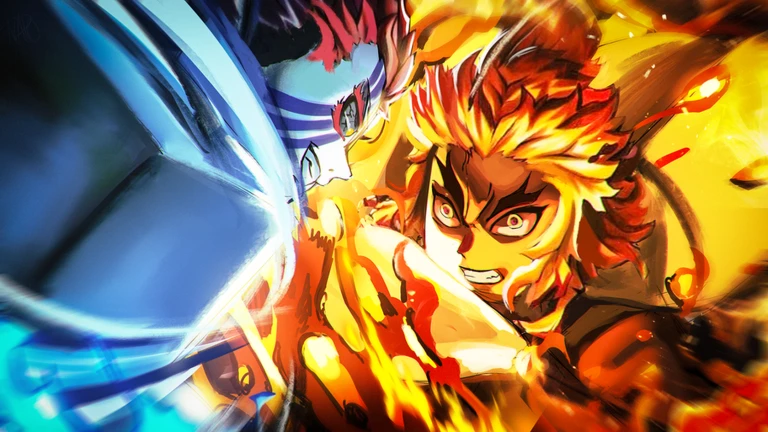
Breathing is the skill system at the centre of this game. Sound Release is the newest breathing available.
- Unlock Sound Release to get access to its moves.
- Slots 1 through 4 are your Common Moves.
- Slot 5 or G fires your Ultimate.
Redeeming codes
Step
Codes can expire, and each code can only be used once per account.
- Check the chat
join the in-game chat where code announcements are posted.
- Check the Social Link
the game's Social Link is also listed as a place codes are published.
Glossary
Glossary- Breathing
- The skill system in this game — each breathing you unlock gives your character a set of moves.
- Sound Release
- The newest breathing added to the game, available to unlock and use in combat.
- Common Move
- A skill fired with keys 1 through 4.
- Ultimate
- The most powerful move you can use, activated with 5 or G.
- Camera Lock
- Pressing Shift makes the camera follow your target automatically so you never lose sight of them.
- Dash
- Pressing Q moves you quickly in a direction.
- Block
- Pressing F puts up a defence.
- PvP
- Player versus player — fighting against other real players, which is the main mode in this game.
Common questions
FAQWhere do I find codes?
Codes are shared in the in-game chat and through the game's Social Link. Codes expire and can only be used once.
Game updates can change what is on this page. If you spot something, get in touch and let us know.
