
Lucky Avatars — The basic loop
About
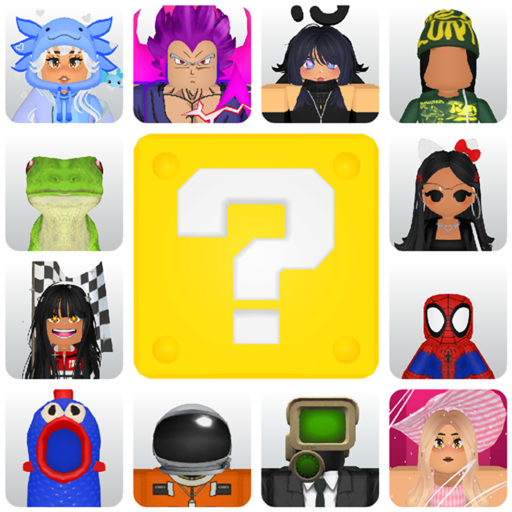
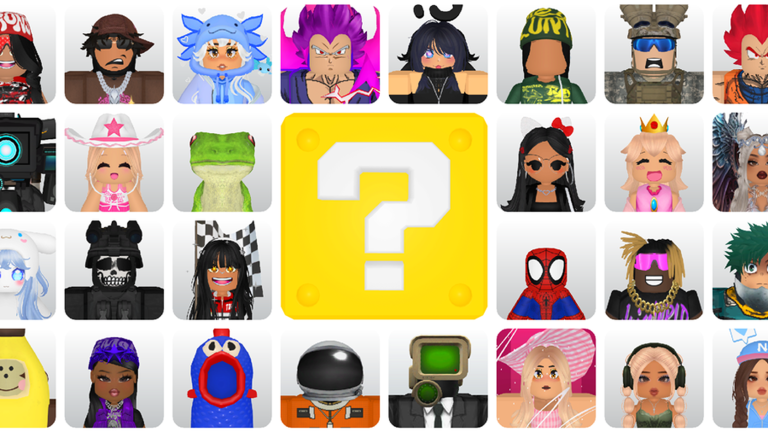
OverviewLucky Avatars! is a Roblox game where you open lucky blocks to collect randomly generated outfits, then wear them on your avatar. This guide covers how to get started, build your collection, trade duplicates, and fix common problems.
What is on this page
Contents
The basic loop
Step
When you first load in, your job is simple: find a lucky block, open it, and see what outfit comes out. The outfit lands in your collection, and from there you can wear it or trade it away. New blocks appear every day, so the loop repeats each time you come back.
- Find a lucky block explore the game area until you spot one.
- Open it tap or click the block to receive a random outfit.
- Check your collection the outfit is saved there immediately.
- Equip what you like apply any outfit from your collection to your avatar.
- Come back tomorrow a fresh set of blocks appears every day.
Growing your collection
Tips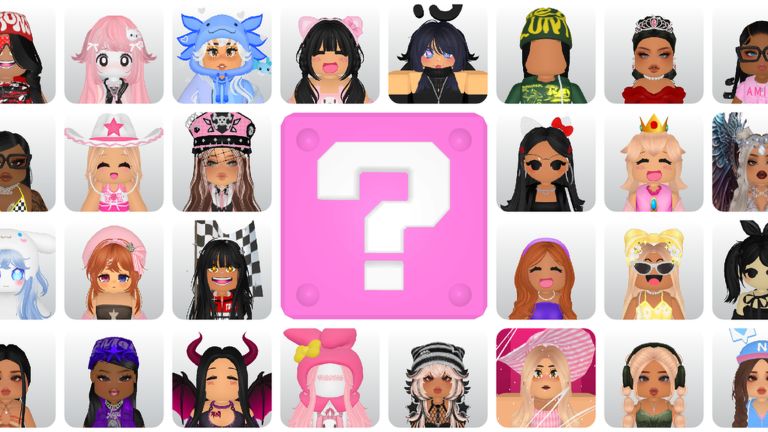
The game is designed around returning every day, so missing a day means missing blocks. On top of that, the favorite and save features help you keep track of rare finds without losing them in a growing list.
- Log in every day — new blocks spawn daily.
- Mark outfits you love with the favorite feature so they stay easy to find.
- Use 'top finds' saves to hold onto the most unusual outfits you pull.
- Swap out individual items using personalized recommendations to refine any outfit.
- Trade duplicate outfits to other players rather than letting them sit unused.
Managing and customizing outfits
Check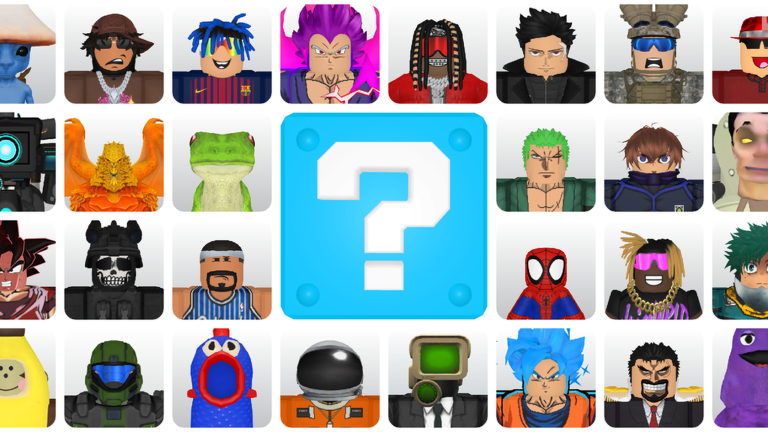
Every outfit you pull goes into your collection, where you can sort through it, customize pieces, and line up trades. Because the game connects directly to your Roblox inventory, anything you equip here is available in other Roblox experiences too.
- Open your collection and sort through your outfits.
- Use the personalize feature to adjust colors and details on any outfit.
- Check your Roblox inventory to confirm that newly acquired outfits are showing up there.
Common problems and fixes
StepIf something stops working, run through these checks before assuming the game is broken.
- Can't find a lucky block scroll and explore the whole game area rather than waiting in one spot.
- Outfit won't equip tap it again, and if that fails, restart the game.
- Collection not showing clear your app or browser cache, then reload.
- Gacha result didn't appear check your connection and reopen the game to see if it saved.
- Problem still there message the developer directly, since the game is still in beta and they are actively fixing bugs.
Glossary
Glossary- Lucky Block
- An object in the game world that you tap or click to receive a randomly generated outfit.
- Collection
- The screen where every outfit you have pulled is stored, and from which you equip or trade them.
- Personalize
- A feature that lets you change colors and swap individual items on an outfit to make it your own.
- Trade
- A system for exchanging duplicate or unwanted outfits with other players.
- Roblox Inventory
- The shared item storage that runs across all Roblox games, so outfits you collect here are usable everywhere.
Common questions
FAQHow often do new lucky blocks appear?
New blocks show up every day. Logging in daily gives you the best chance of pulling outfits you haven't seen before.
Can I use outfits from this game in other Roblox games?
Yes. Outfits go straight into your Roblox inventory the moment you acquire them, so you can wear them in any Roblox experience.
What should I do with duplicate outfits?
Use the trade feature to offer them to other players in exchange for outfits you don't have yet.
Is this game playable without spending any Robux?
Yes. The daily lucky blocks, collection, and trade features are all free.
Game updates can change what is on this page. If you spot something, get in touch and let us know.
